Does Grand Theft Auto 6 Have Photomode? How to Use Photo Studio, Explained
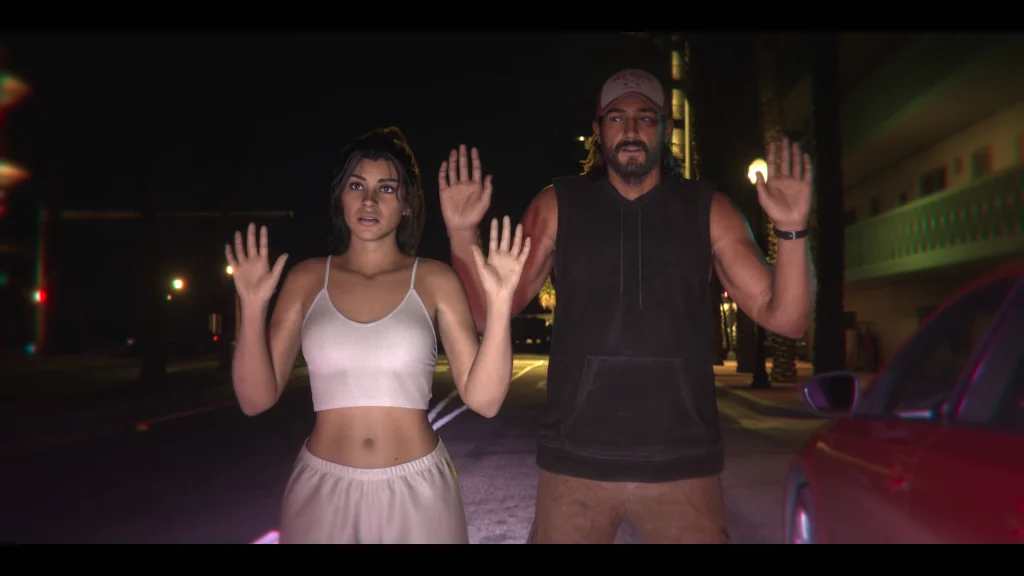
Grand Theft Auto 6 is a stunning game; that much has been made clear from pre-release trailers and screenshots. It stands to reason that many of you out there will want to lean on a photomode to snap as many beautiful pictures as possible. Or perhaps you want to wreak havoc and take pictures of your devastation; that’s entirely up to you.
In this guide, we’re taking a look at that very question: Does GTA 6 have photomode? And if it does, how do you enable it and make the most of it? After all, Red Dead Redemption 2 had a photomode, and that made for some gorgeous screenshots.
How to Enable Photomode in GTA 6
Enabling photomode, otherwise known as Photo Studio, is extremely easy in Grand Theft Auto 6.
All you need to do is pause the game and either scroll down in the menu until you hit ‘Photo Studio’, or press X on an XBOX controller or SQUARE on a PlayStation controller, and you’re in!
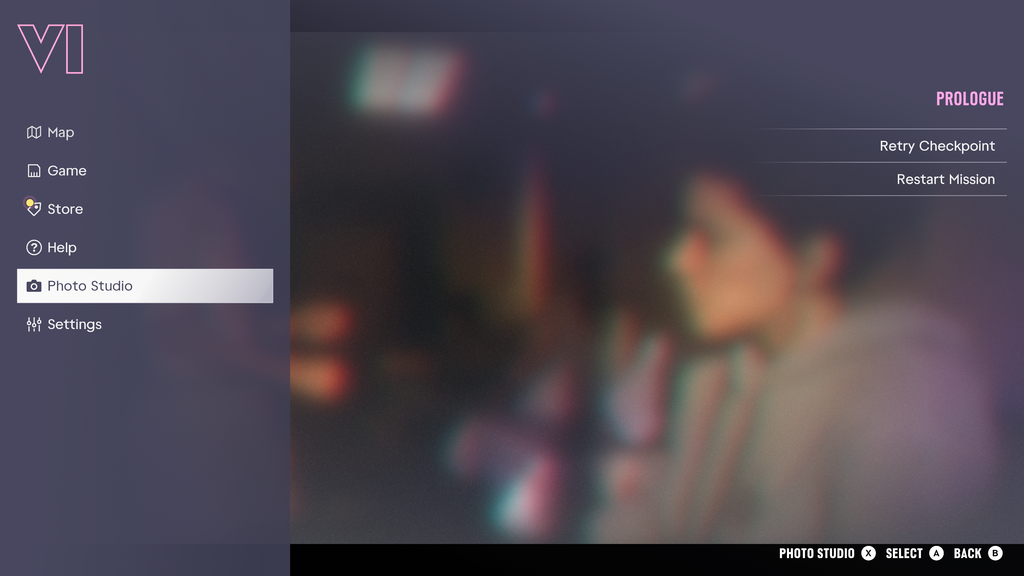
You can use Photo Studio during cutscenes too, but you can’t alter as many effects.
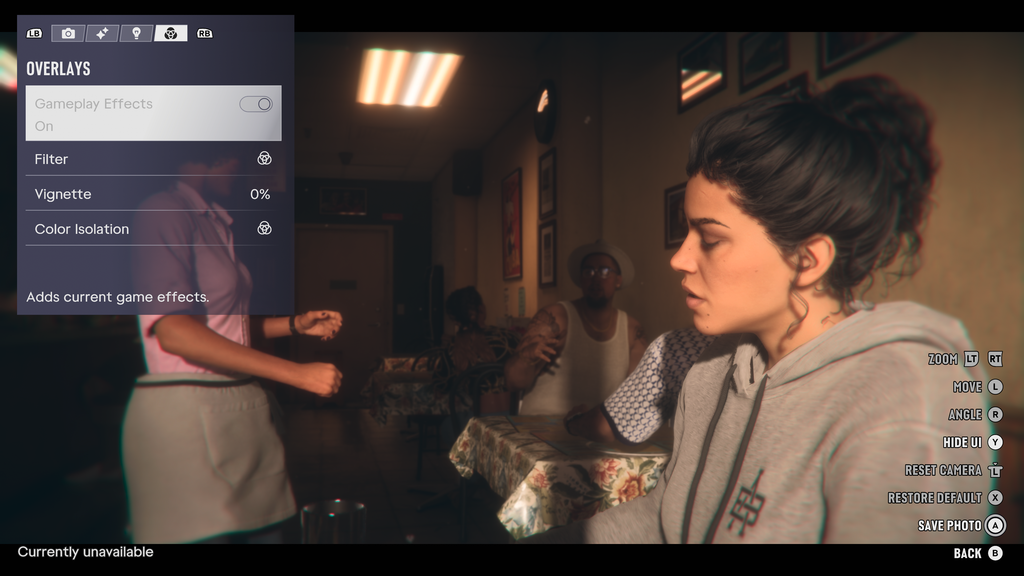
Photo Studio seems pretty expansive, offering ways to manipulate the player character, the colour palette, depth of field, and all the other elements you’d associate with a decent photomode offering.
Also, you can buy Grand Theft Auto 6 here, if you haven’t already!
Let us know on the Insider Gaming Discord server if you’re excited to take advantage of GTA 6’s photomode.
This guide only covers confirmed information. Unconfirmed community findings are labelled as speculation where they appear.