GTA 6: How to Make Your Car Drive Itself (Cinematic Mode)
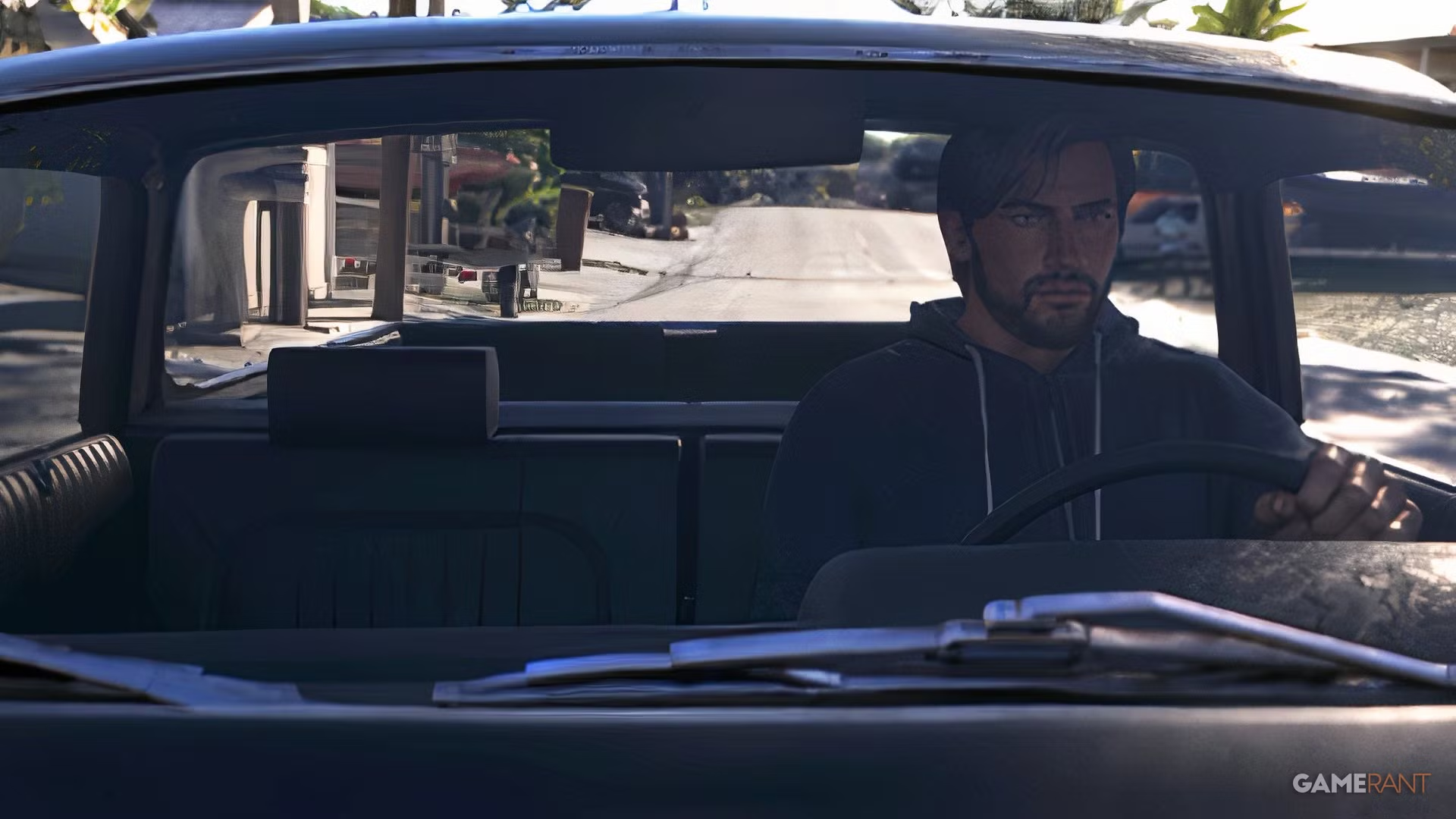
If you have a long drive and don't feel like actually taking control of the wheel in GTA 6 , there's an auto-drive mode that lets the game handle the pathing. You don't need to worry about getting into accidents or taking a wrong turn.
Here's how to turn on the cinematic auto-drive mode in GTA 6.
Bigfoot (or the Skunk Ape) makes a terrifying appearance in Grand Theft Auto 6. Here's how you can find and hunt him.
How to Enable Auto-Drive Mode in GTA 6 (Cinematic Mode)
You can let your car drive itself and follow traffic in GTA 6 by turning on the auto-drive mode. To turn it on, follow these steps:
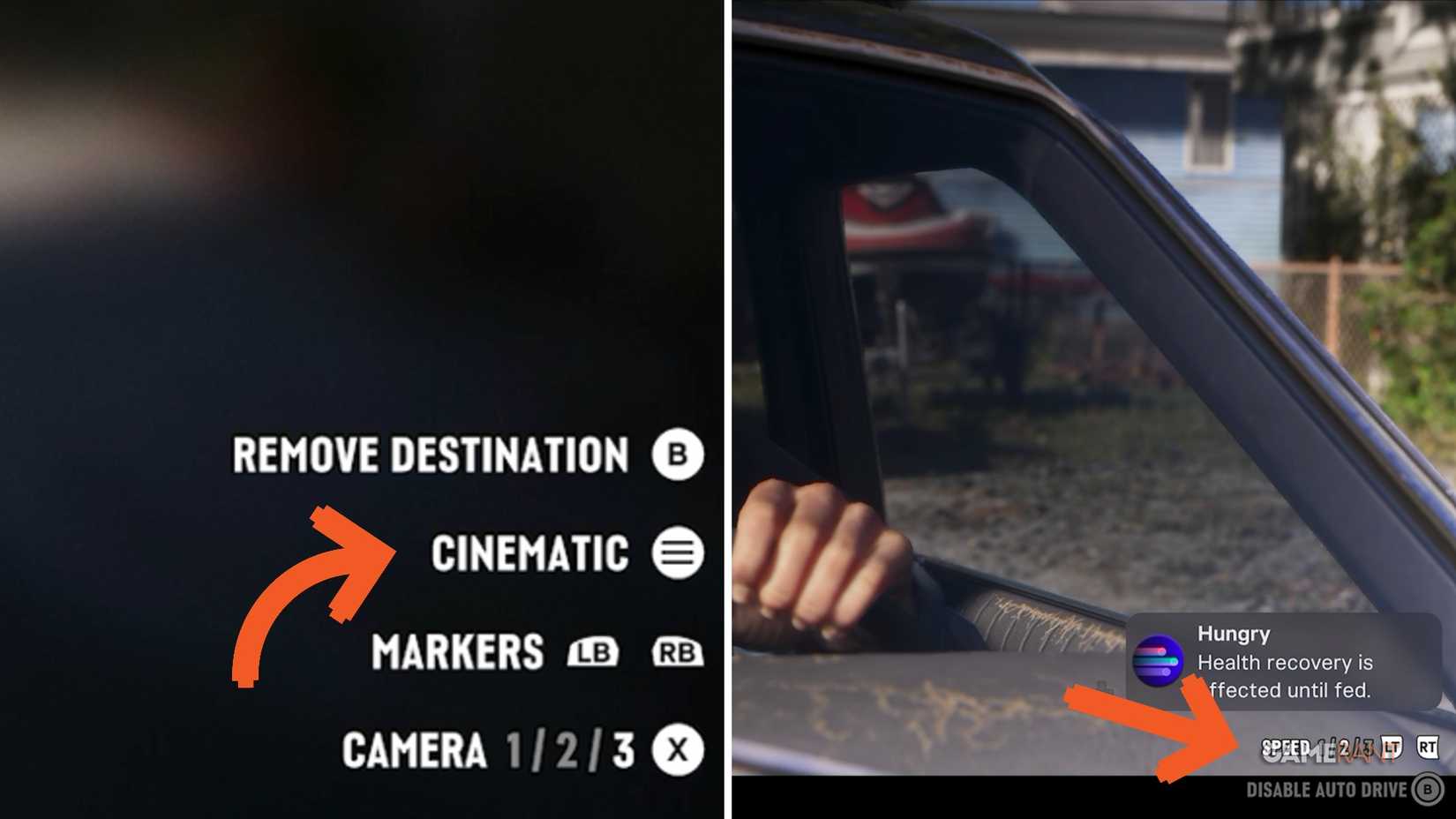
Image: Rockstar Games via Game Rant Get in your car by opening the door with the Y button (Xbox) or Triangle (PS5). Once your car is moving, hold the down button on the directional pad. While holding it, press the Options/Menu button to enter Cinematic mode. Cinematic mode will only work if you have a destination marked on the map, so choose a point to travel to. In Cinematic mode, the camera will shift to different angles, and if you accelerate a little, you'll see an option at the bottom-right to enable Auto Drive. You can also change the auto-drive speed with LT and RT (L2 and R2). To exit Cinematic mode, hold the down button on the directional pad. INSTANT GAMING SPONSORED Great games. Better prices. Find your next game on Instant Gaming. Trustpilot CHECK DEALS If you're looking for more GTA 6 guides, check out our post on where to find Bigfoot, another on how to fix your car for free, and another on how to find a shoe store for fresh kicks. You can also learn how to change your aiming reticle, use photo mode to take selfies, and play in first-person.
This guide only covers confirmed information. Unconfirmed community findings are labelled as speculation where they appear.