GTA 6 Send More Money to Lorena Walkthrough
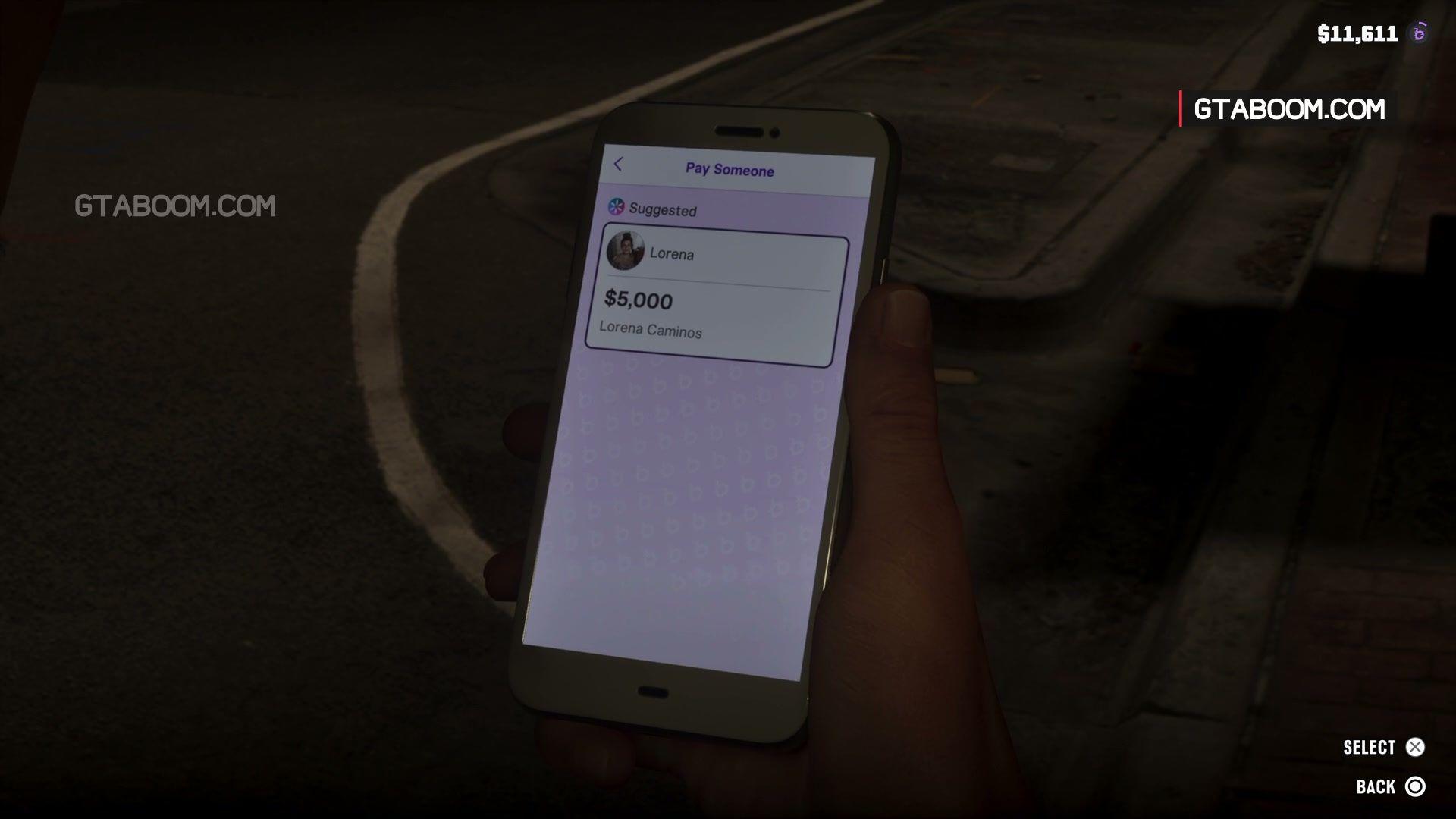
Send More Money to Lorena is a Chapter 3 story mission where you help Lucia's aunt again with a second $5,000 transfer. You can finish the mission without driving to a marker and make the payment as Jason.
Send the Second Payment
Lorena's text with photos of Tommy triggers the second payment mission. Look for it a few in-game days after Send Money to Lorena. Once the follow-up appears under Story, you can send the money. It doesn't place a destination on the map. The Story entry shows a $5,000 goal, not a timer, and there are no optional pickups to make during the transfer.
Open BuckMe with at least $5,000 in checking. Open Checking Account, choose Pay Someone and select Lorena's suggested payment. Check the $5,000 amount and select Buck 'Em. The $5,000 transfer notification on the right confirms you've finished. There's no pickup or meetup afterward.
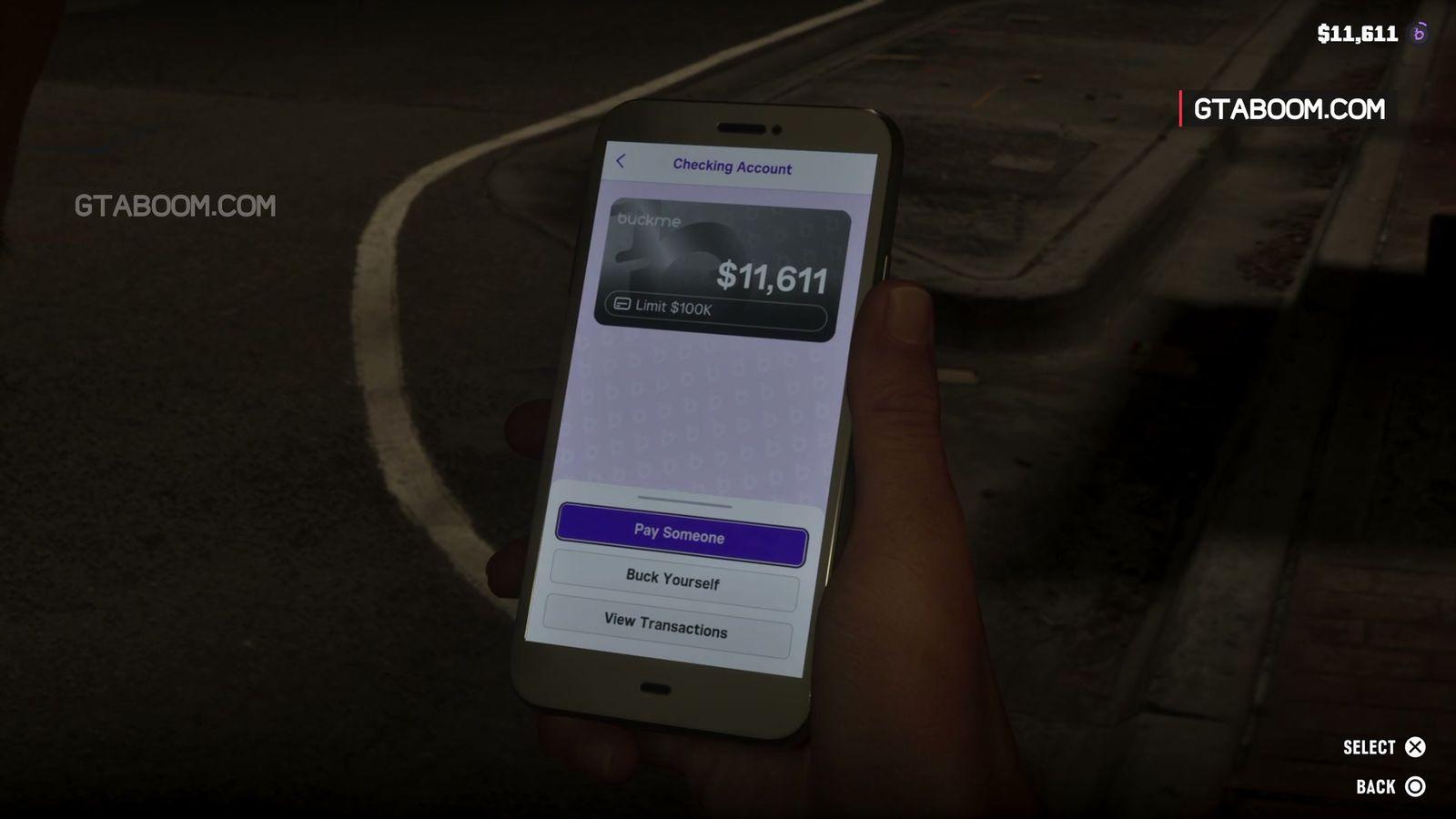
Zoom image: BuckMe checking account screen with the balance and Pay Someone option. Use Pay Someone from the checking account screen. More Chapter 3 Walkthroughs Browse the other Chapter 3 story missions.
This guide only covers confirmed information. Unconfirmed community findings are labelled as speculation where they appear.