GTA 6 Skunk Ape Walkthrough: Speak with the Drone Operator & Find Mr. Mangrove
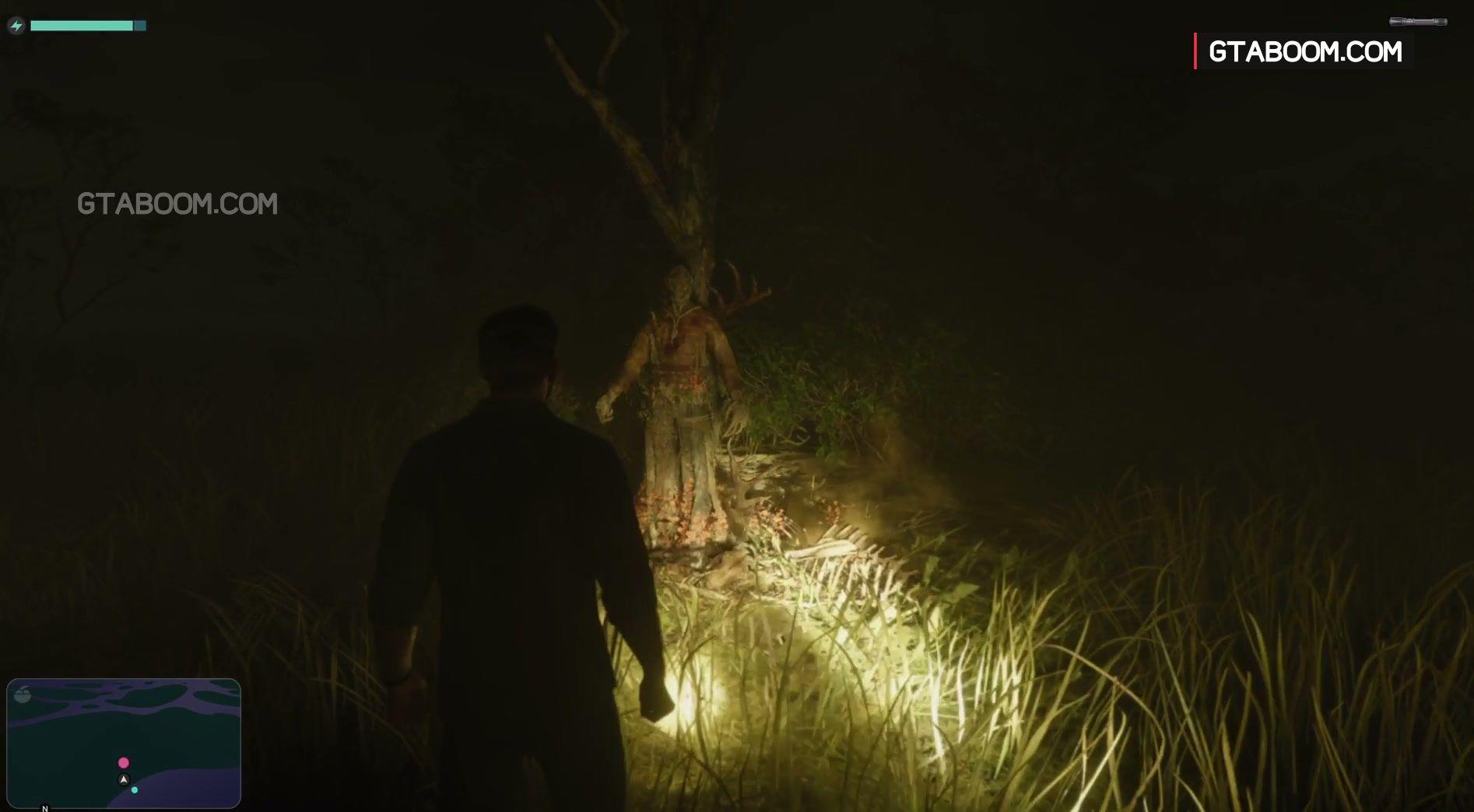
Finish Kirk's drone encounter in GTA 6 to add him as a phone contact and get a $500 BuckMe transfer. To find Mr. Mangrove in the dark, use Focus when the pink search area gives you no clear direction.
Find Kirk near Pelican River
As Jason, look for the pink question mark labeled Speak with the Drone Operator in the swamp near Pelican River. It appeared after an earlier Skunk Ape sighting in our run. The marker points to a dirt road through the swamp; Kirk is the man in the red hoodie beside the pickup.
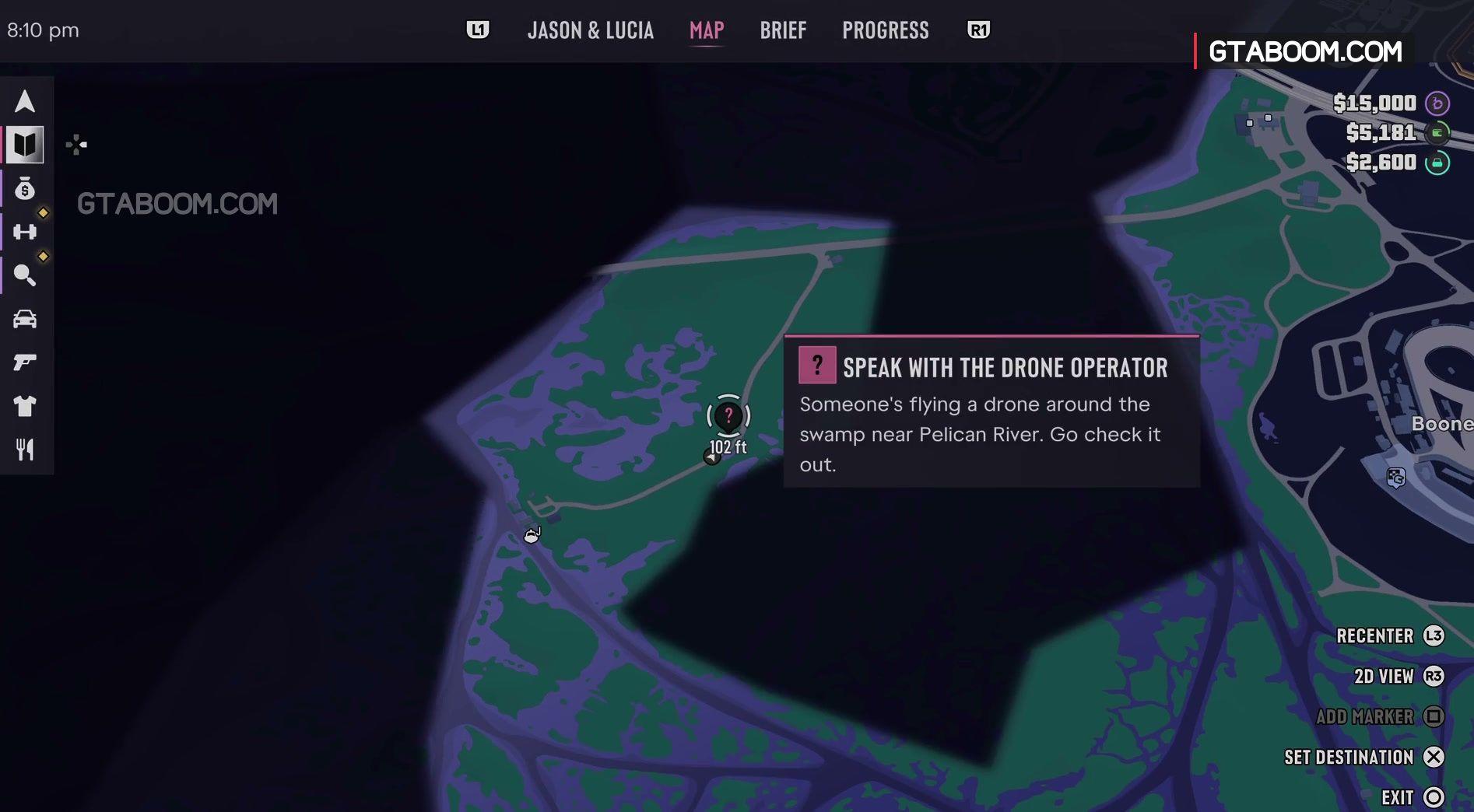
Zoom image: The GTA 6 map marks Speak with the Drone Operator on a road in the swamp near Pelican River. Look for Speak with the Drone Operator beside Pelican River. Talk to Kirk and take the stick when he offers it. Hit the side of his pickup with Square on PlayStation or X on Xbox when the Hit prompt appears. Once the objective changes to Follow the drone , go on foot and keep the drone in sight as it leads you off the road.
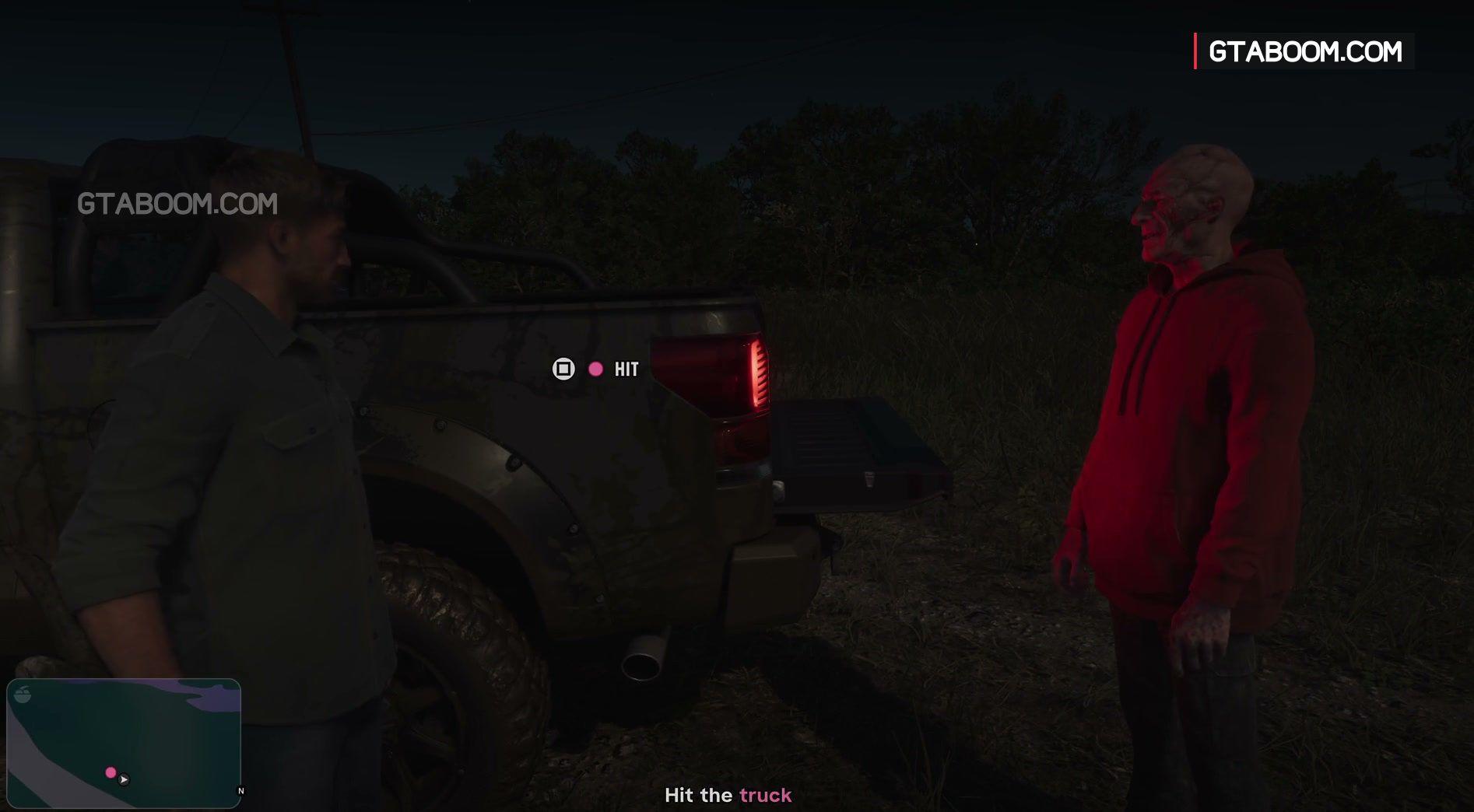
Zoom image: Jason faces the rear of Kirk's pickup with the PlayStation Square Hit prompt visible. Use the Hit prompt at the rear of Kirk's pickup after taking the stick. Follow the sound and find Mr. Mangrove At the first stop, stay with Kirk and finish the conversation. When the objective changes to Investigate the sound , open the weapon wheel and look in the equipment slot at the lower right. Cycle to Flashlight with L2 or R2 on PlayStation, or LT or RT on Xbox. Then follow the pink area on the minimap into the trees.
If you're already inside the search area and can't see Mr. Mangrove, press both sticks in together to enter Focus. Turn toward the pulsing rings and walk in that direction. When the objective changes to Chase Mr. Mangrove , follow him through the trees until you reach the figure tied to a trunk.
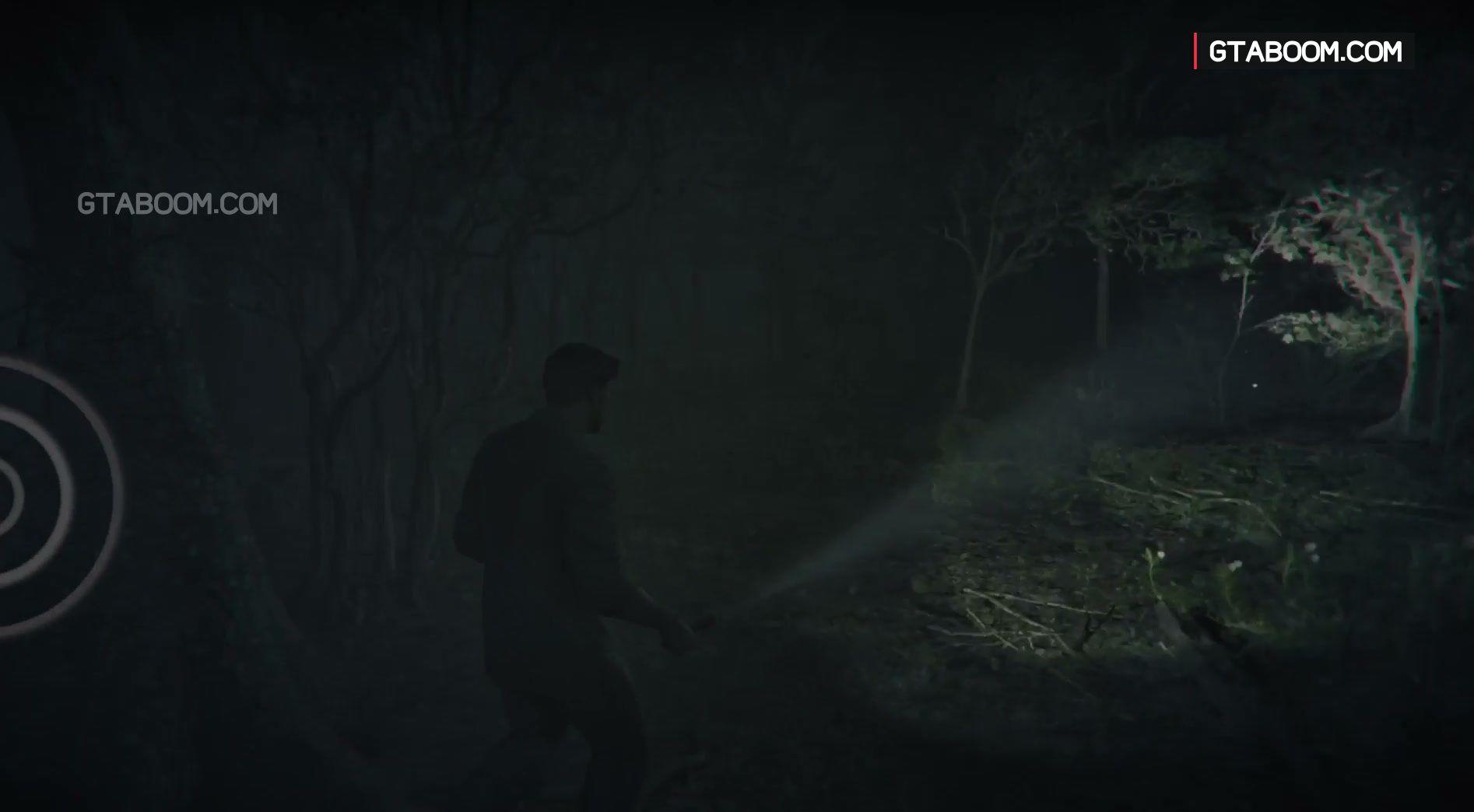
Zoom image: Pulsing Focus rings appear at the left of Jason as he searches the dark woods with a flashlight. Turn toward the Focus rings to locate the sound instead of searching the whole circle. Inspect the tree and get back to the pickup Look at the figure with L2 on PlayStation or LT on Xbox. Use the Zoom prompt with R2 on PlayStation or RT on Xbox for a closer look.
When the boar rushes in and the objective changes to Return to the truck , turn back and follow the pink marker. If it catches Jason, don't assume you failed: our run continued into the scene at the truck. Let that scene with Kirk finish before leaving.
Check Kirk's BuckMe payment
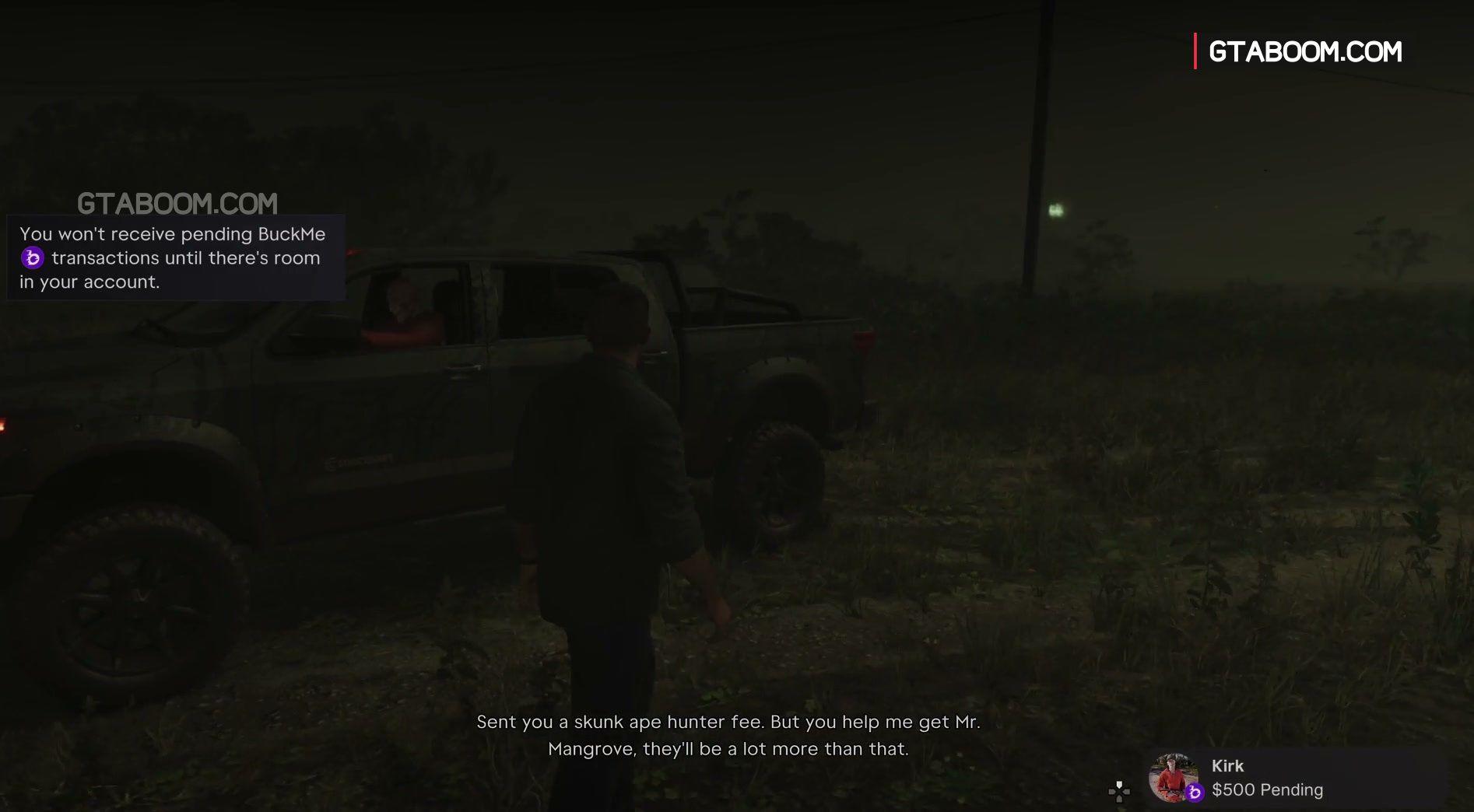
Look for the new contact notification and Kirk's $500 BuckMe transfer. If you see $500 Pending alongside the account-full warning, the money hasn't arrived yet. BuckMe can't accept the transfer until there's room in your account.
This guide only covers confirmed information. Unconfirmed community findings are labelled as speculation where they appear.