How to Change Phone Ringtone in GTA 6

Similar to the last entries of the series, GTA 6 also allows the main character to use a smartphone, and the functions have been significantly improved compared to predecessors, as you can now visit social media, like posts, and read comments!
While using your phone is crucial, the game also allows you to customize it the way you like. In GTA 6, you can change the ringtone of your phone as well as its wallpaper.
You won't be able to make many purchases unless you have a bank account in GTA 6. Here's how to get one, and how to upgrade your limit.
How to Change Your Phone's Ringtone in GTA 6
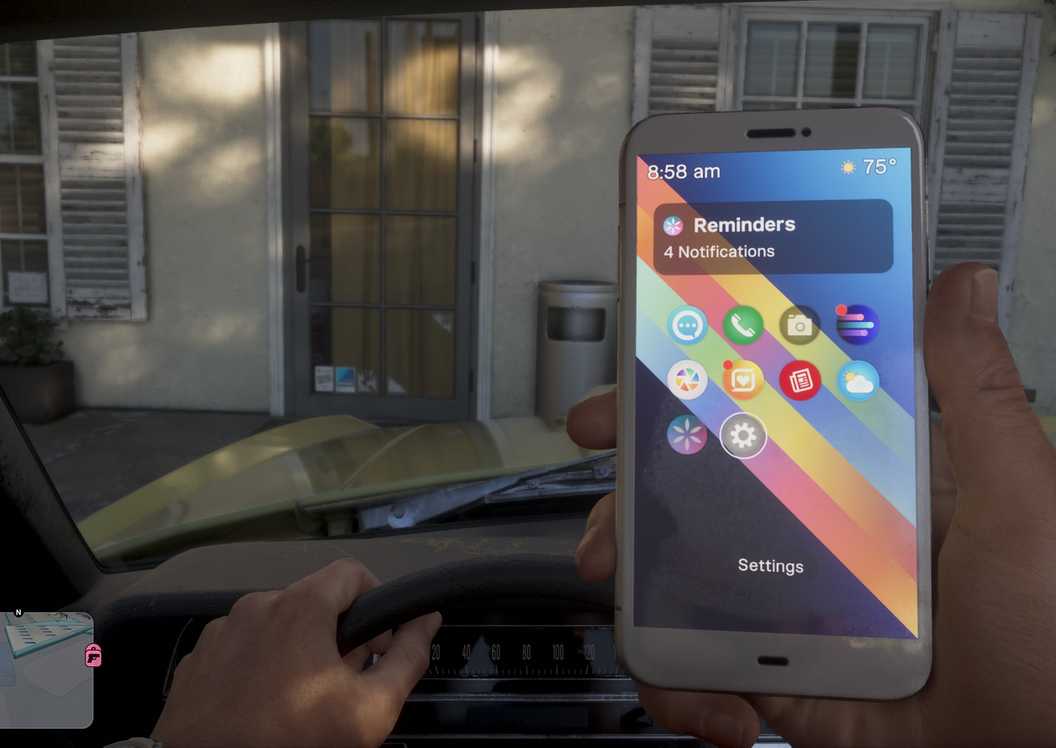
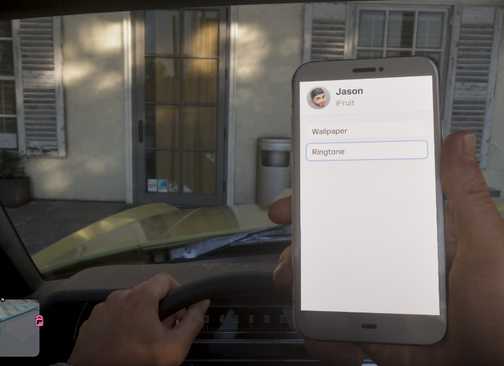
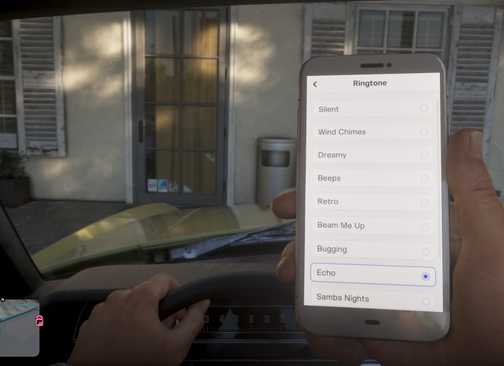
Close Image: GameRant via Rockstar Games Image: GameRant via Rockstar Games Image: GameRant via Rockstar Games Press the up button on the D-pad to bring up the phone. Now, navigate to the gear icon , which leads you to the phone settings. Choose Ringtone here , and then you will see a list of ringtones available. Whichever option you choose, the phone will play the ringtone once.
The options aren't many, but they're more diverse than the ringtones you had in GTA 5 . After all, your phone is going to ring a lot in GTA 6 , especially while you are not done with the story and side missions yet. So, it's worth it to set a ringtone that you like.
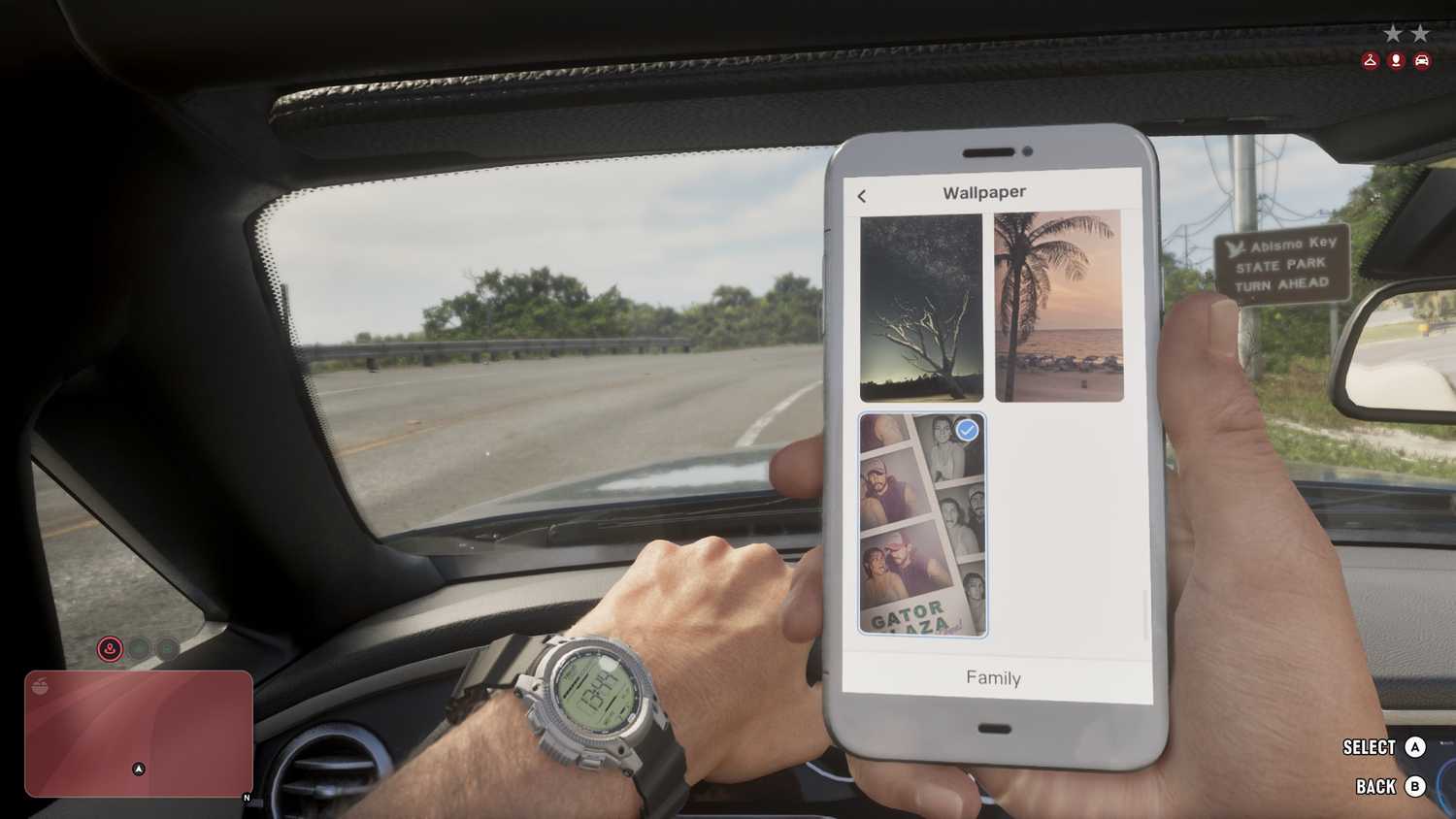
While you are in the settings menu, you can also change the wallpaper. Most of the options are default phone wallpapers like real life, but if you scroll all the way down, you will find some beautiful landscape shots, and even an image of Jason and Lucia together.
Currently, there is no feature to let you set the shots you take with your phone as a wallpaper.
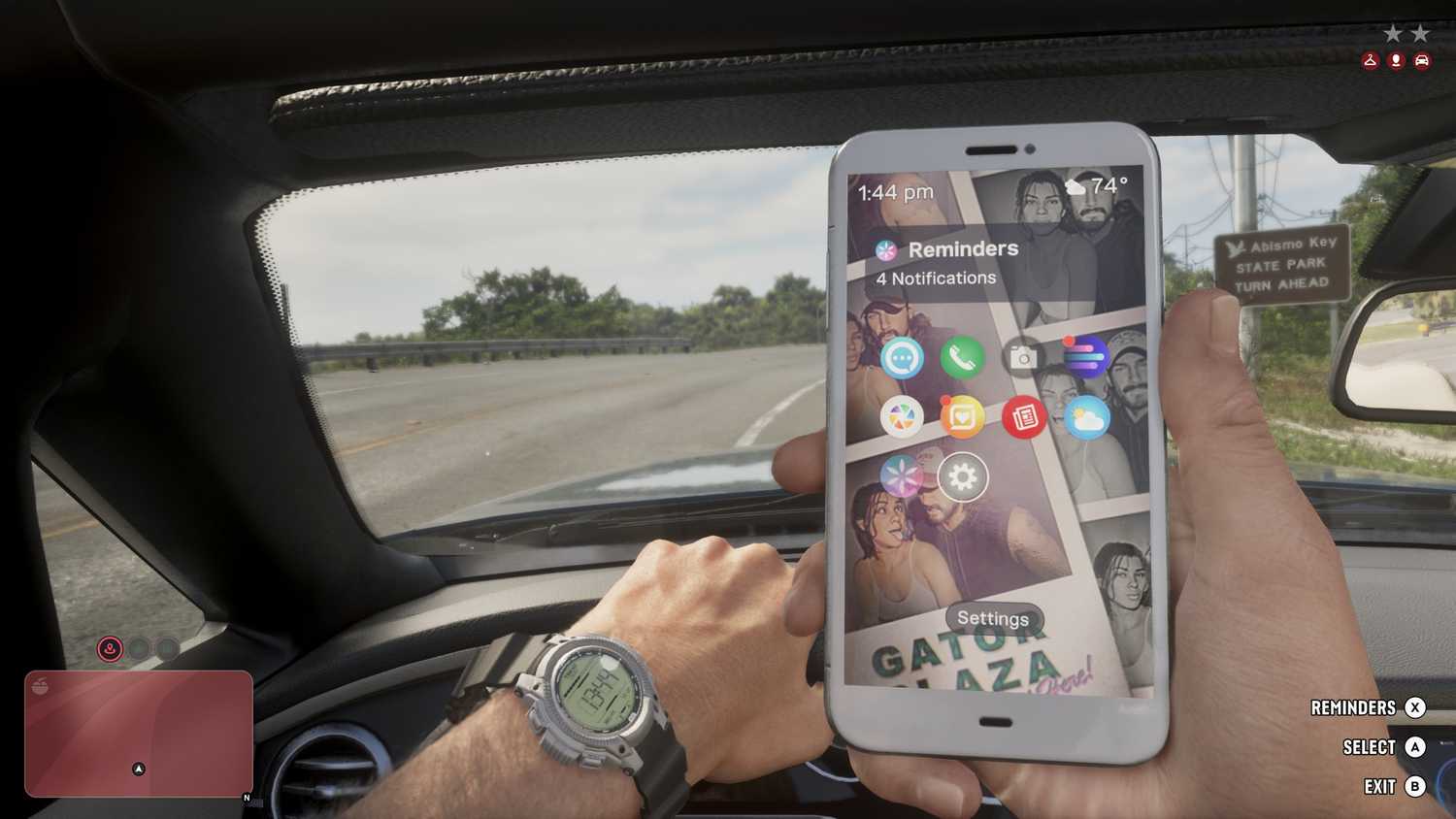
Image: GameRant via Rockstar Games
Using your phone in GTA 6, you can find new points of interest on the map. If you check out the posts on Snapmatic, some of them feature a location that you can mark on your map to visit. For example, if you see someone fishing in an image on Snapmatic, you can open the options menu on the post and tap the location option to have a new fishing spot marked on your map.
Moreover, your phone monitors your health parameters and gives you a solid workout program, by following which you can improve the physical stats of Jason or Lucia.
This guide only covers confirmed information. Unconfirmed community findings are labelled as speculation where they appear.