How to Check Vehicle Stats in GTA 6
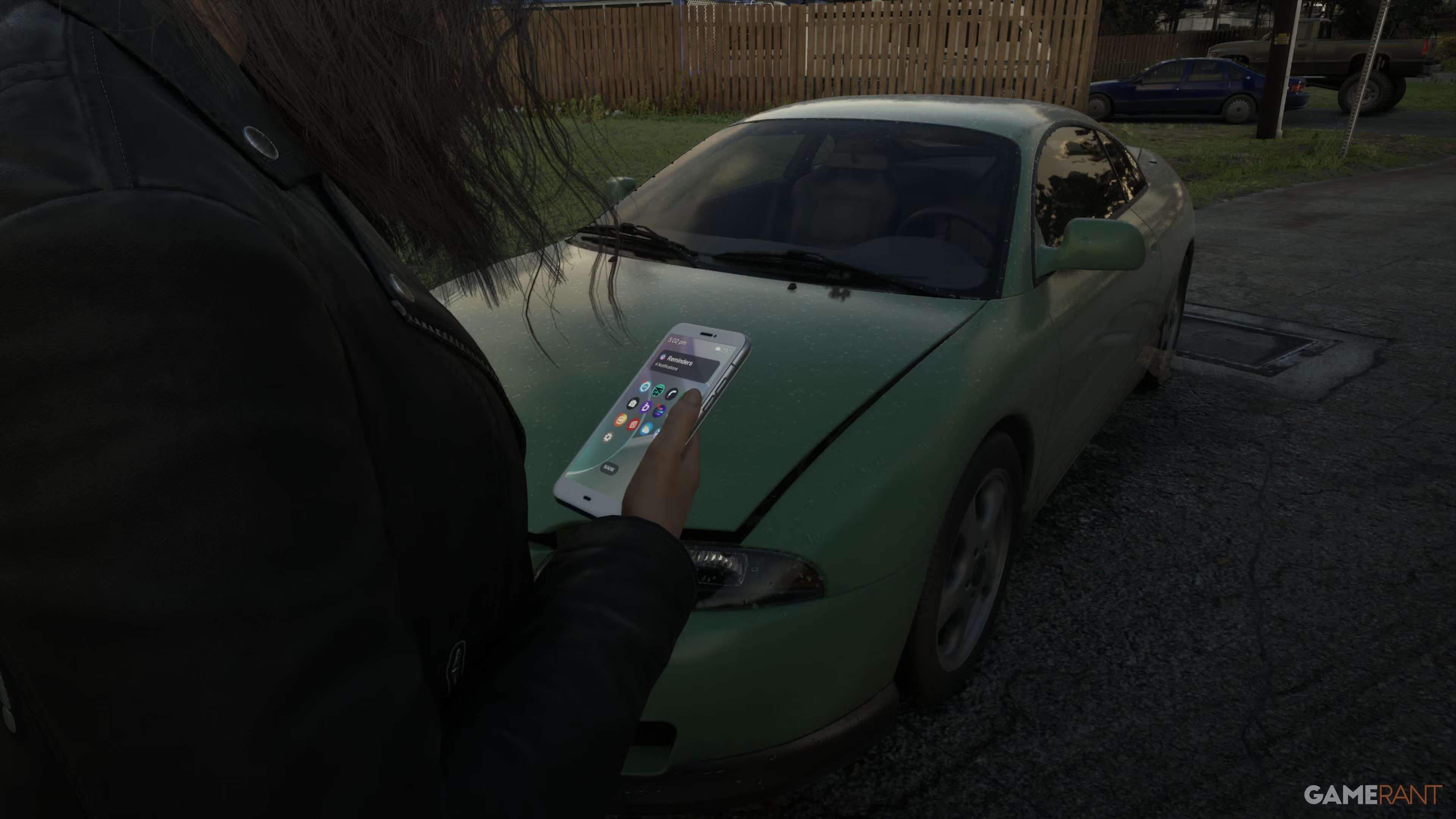
If you want a new personal vehicle, or you're curious about the stats of another vehicle to see what it's worth, then you might be interested in the WAiNK app. The WAiNK app in GTA 6 can be used to view a vehicle's stats, the security measures featured, and, of course, how much it will cost to register or sell the vehicle. We'll show you how to use this app below.
Stealing a vehicle in GTA 6 doesn't mean it's yours. You will first need to register them as a personal vehicle. Here's what you need to do.
How to Check Vehicle Stats in GTA 6
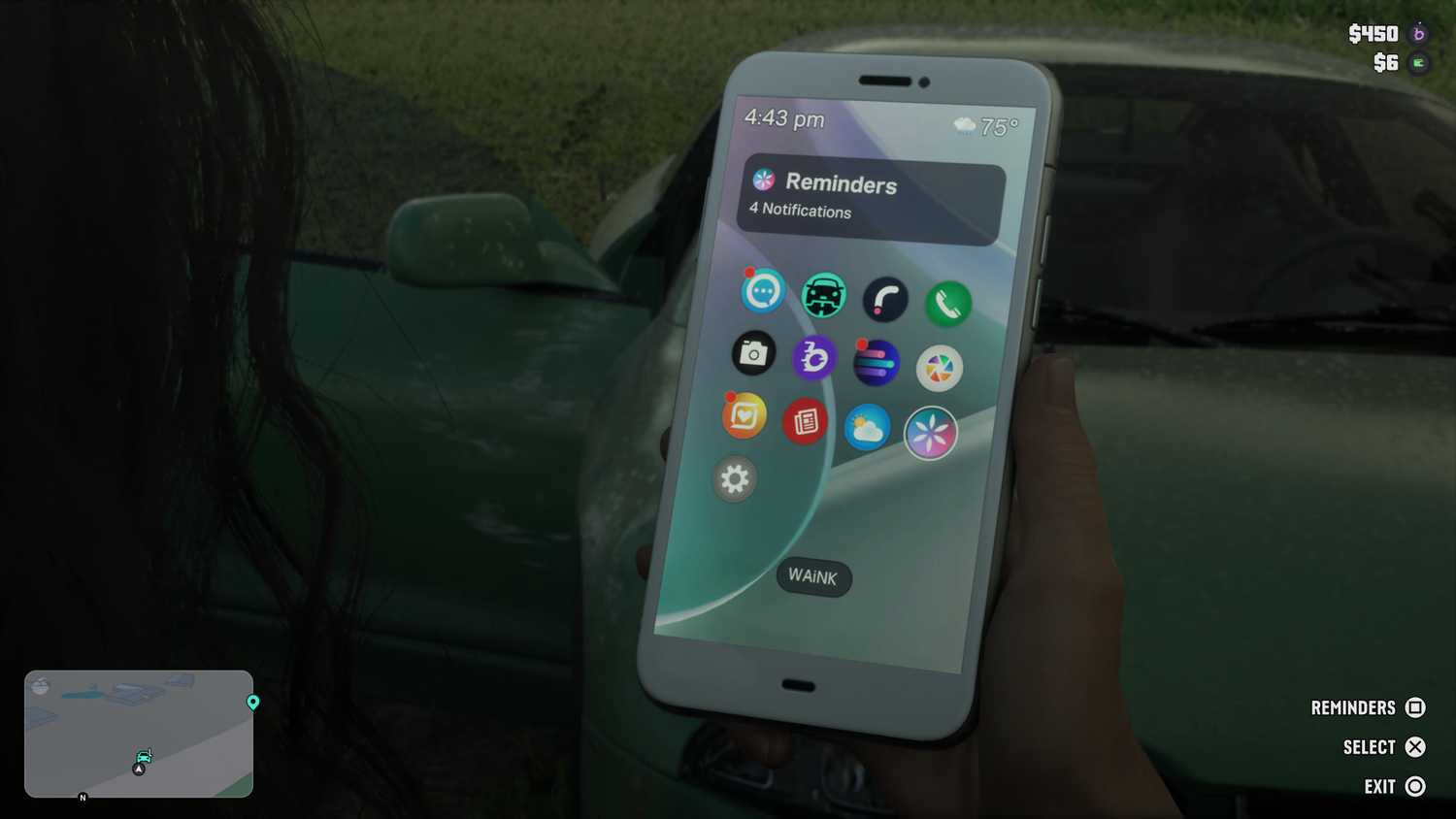
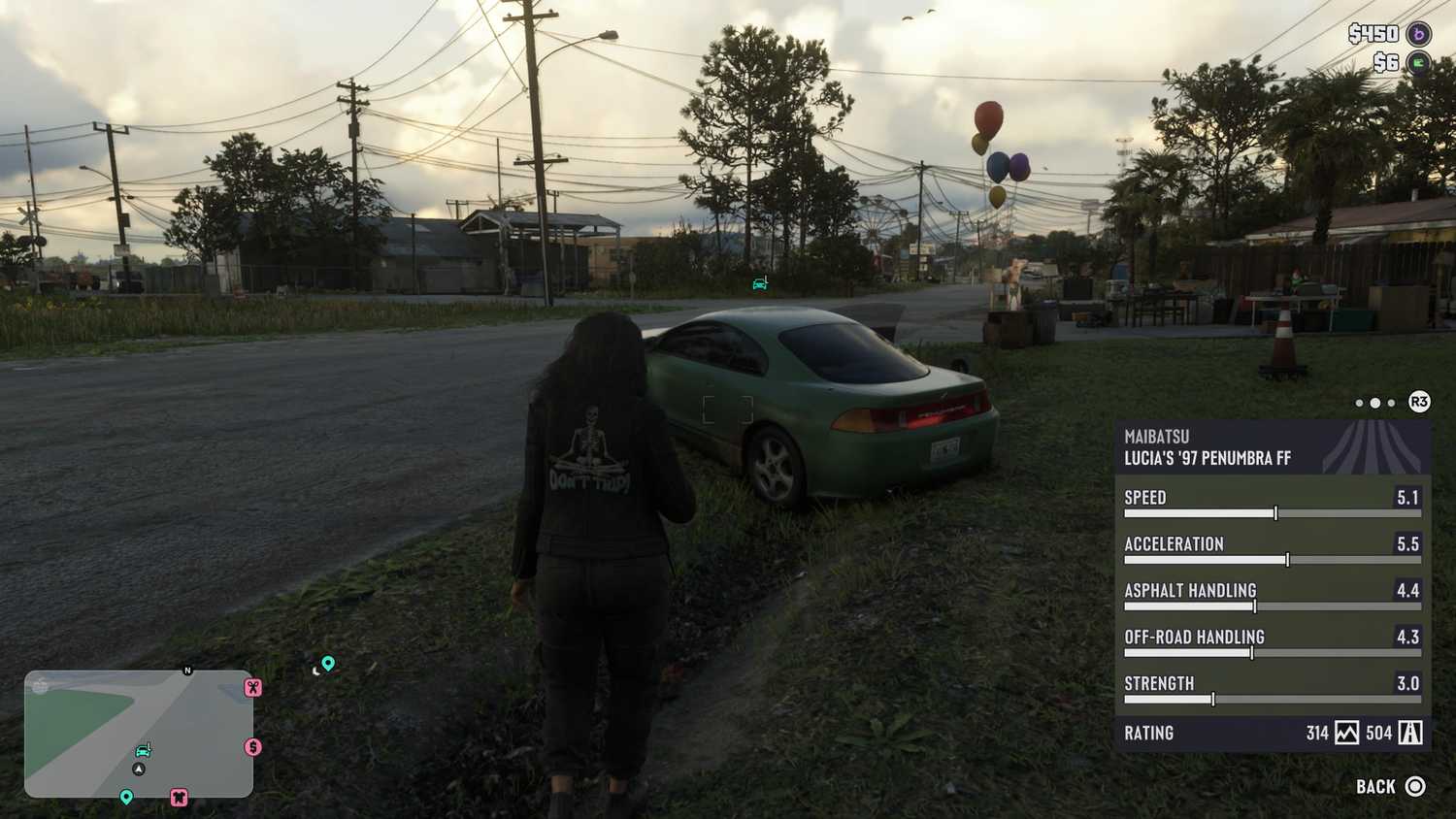
You can check vehicle stats with the WAiNK app on your phone . Select the app, then highlight a vehicle by holding R1/RB. This will show you three categories of stats that you can filter between with R3:
Protection & Price | Further Details | Vehicle Stats
Access (locked or unlocked) | Vehicle Type | Speed
Security ( alarmed or not alarmed ) | Era | Acceleration
Tracker | Seats | Asphalt Handling
Sell Value | Storage | Off-Road Handling
Cost to Register | Body Condition | Strength
Specialist
You won't be able to see the third stat (the vehicle stats) until you break into the car and turn on the engine. Otherwise, you will only be able to see the first set of stats, but you'll still get a good idea based on its sale value, cost to register, and vehicle type.
This guide only covers confirmed information. Unconfirmed community findings are labelled as speculation where they appear.