How to Complete Jason's House Repairs in GTA 6
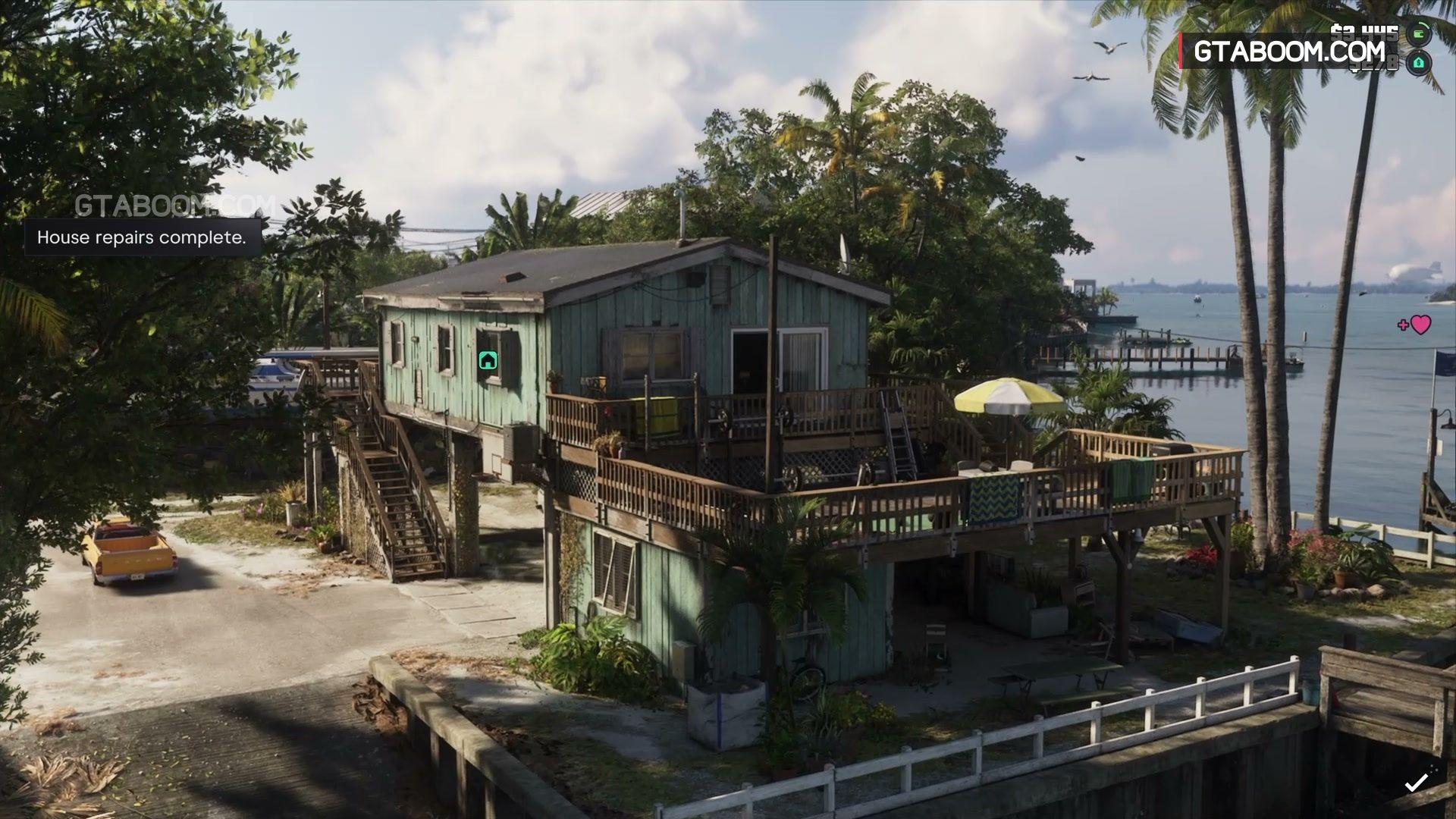
When Lucia's Release appears on the Story map, look for Jason's House under Optional. Its checklist shows which jobs are left. If you're doing all four, start at the outside stairs, then take the ladder up to the roof before heading around to the back porch.
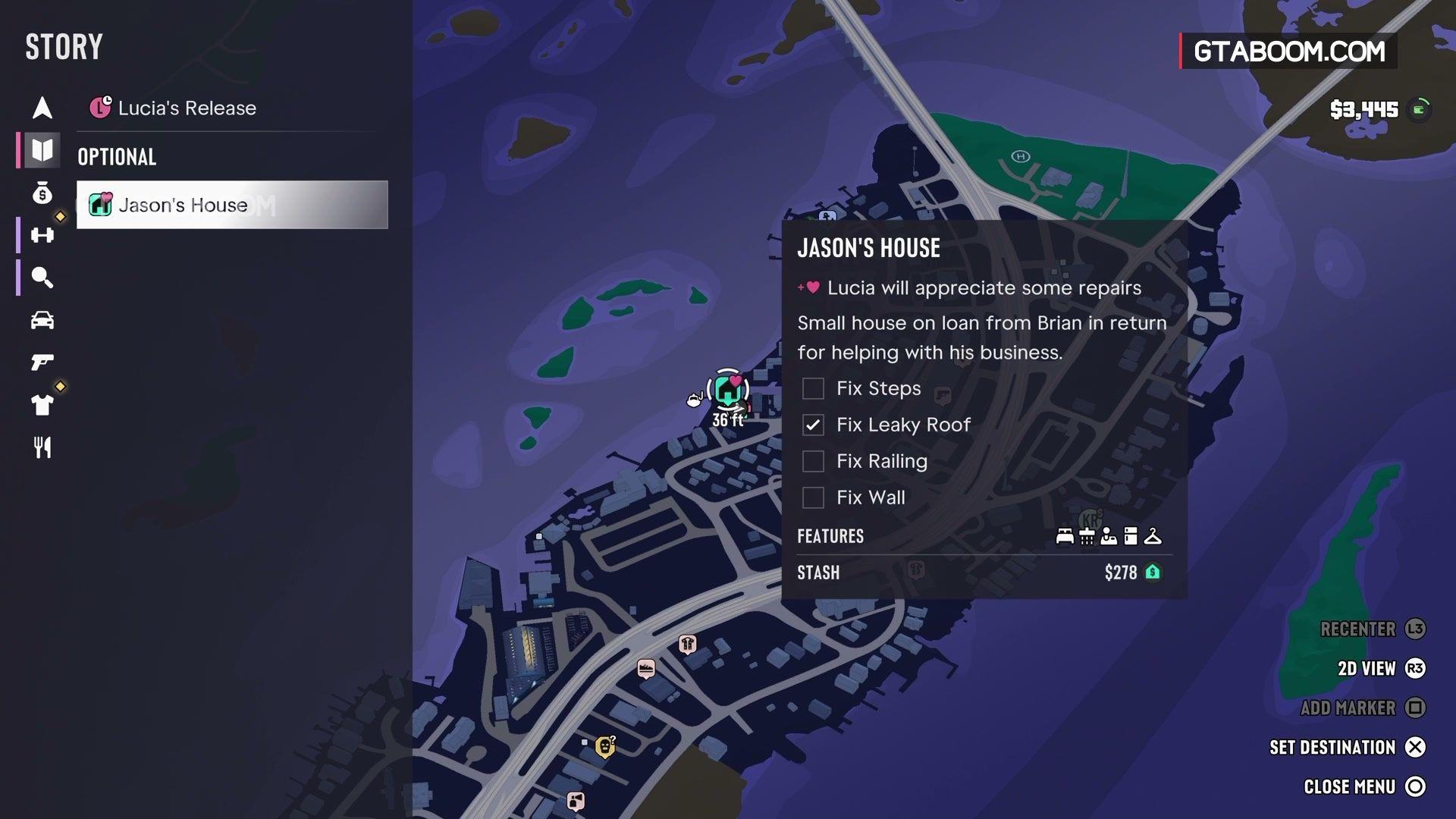
Zoom image: Story map showing the Jason's House entry and its repair checklist. Select Jason's House under Optional to see the four repairs. Fix the steps Interact with the damaged steps at the foot of the outside stairs. At the Pull prompt, hold L2 and R2 together on PlayStation, or LT and RT together on Xbox. When the replacement tread is in place, press R2 on PlayStation or RT on Xbox to nail it down. Check the map card if you want to make sure Fix Steps is ticked off.
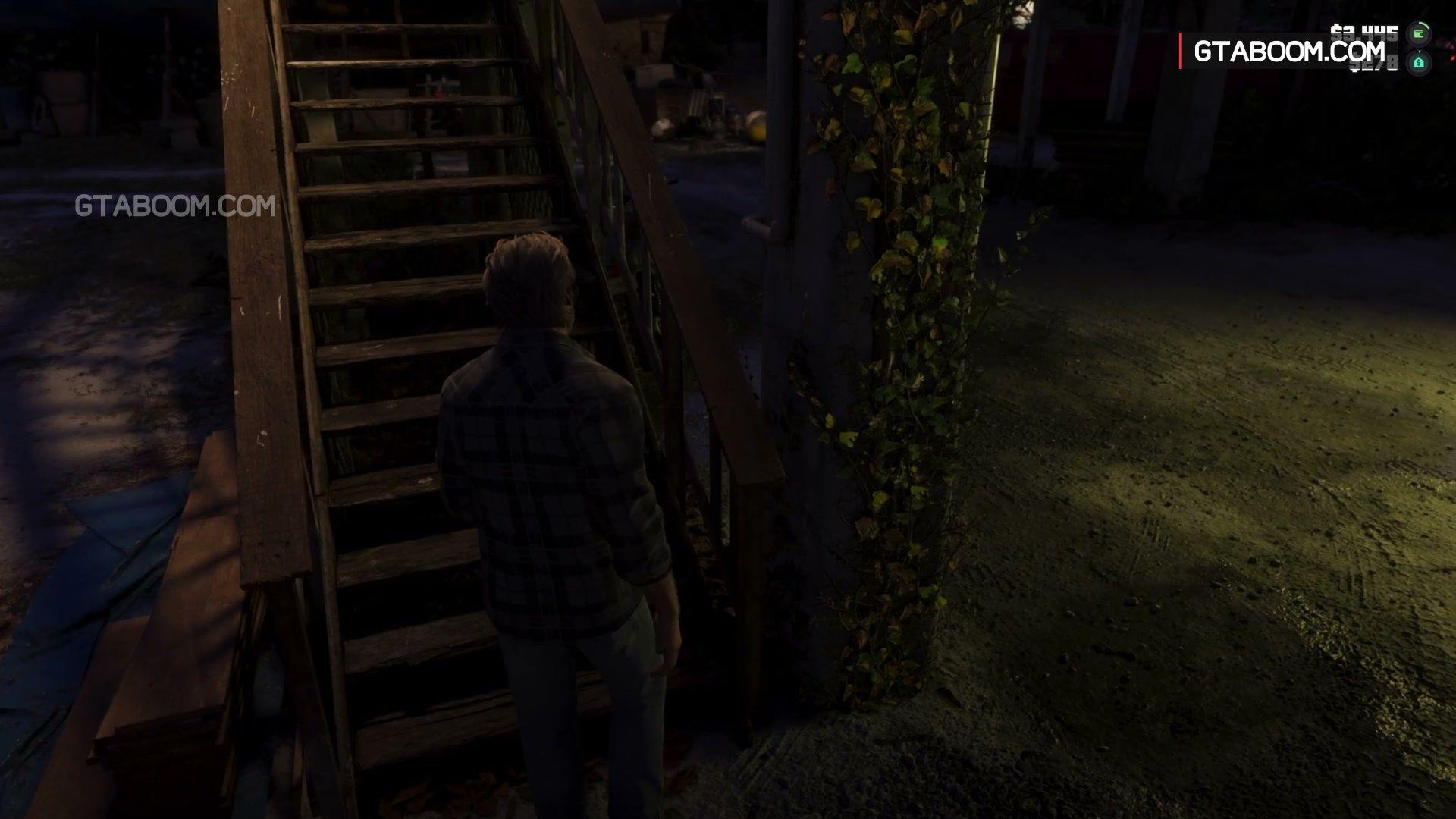
Zoom image: Jason facing the wooden steps from the bottom of the outside staircase. Start at the foot of the outside stairs. Patch the leaky roof Go up the stairs and climb the ladder beside the entrance. Use the tools on the roof, then press R2 on PlayStation or RT on Xbox at the Nail prompt to fasten the replacement shingle.
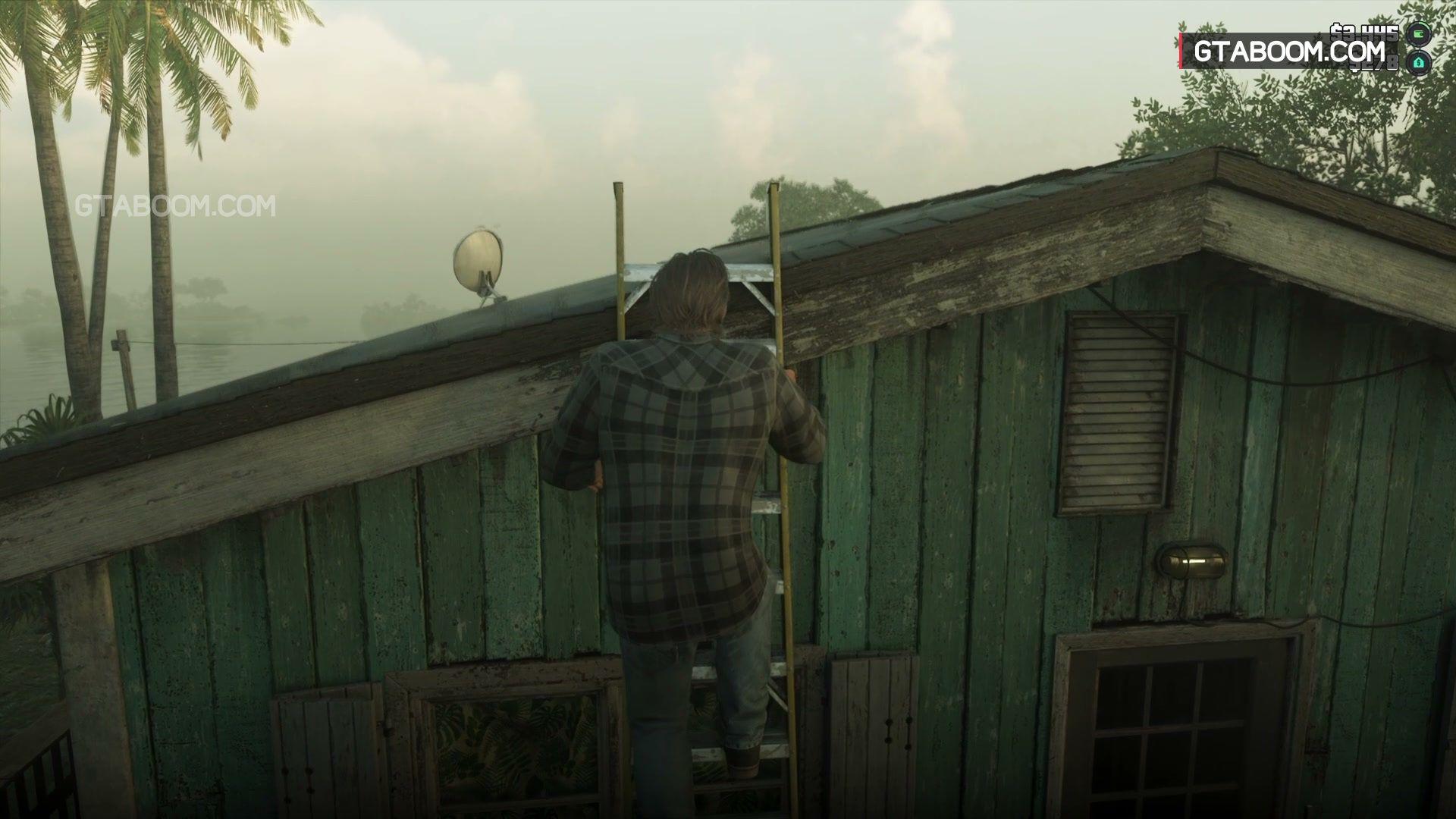
Zoom image: Jason climbing the ladder against the green exterior wall to the roof. Climb the ladder by the entrance to reach the leaky roof. Fix the railing Go out the back door onto the porch with the weights. Walk down the porch steps and turn toward the tools beside the missing railing. At the paintbrush marker, press Triangle on PlayStation or Y on Xbox to start. Press R2 on PlayStation or RT on Xbox when Nail appears.
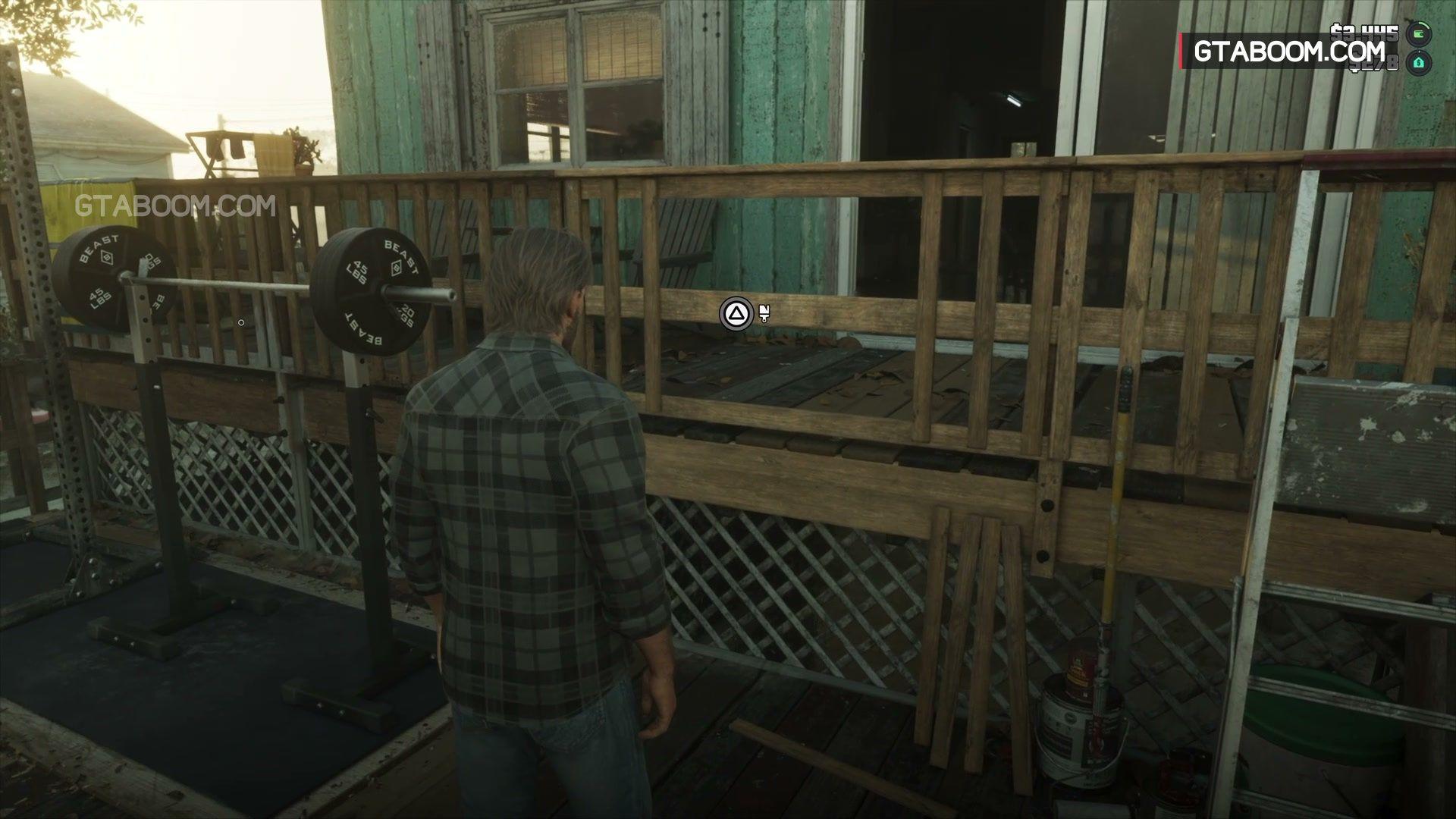
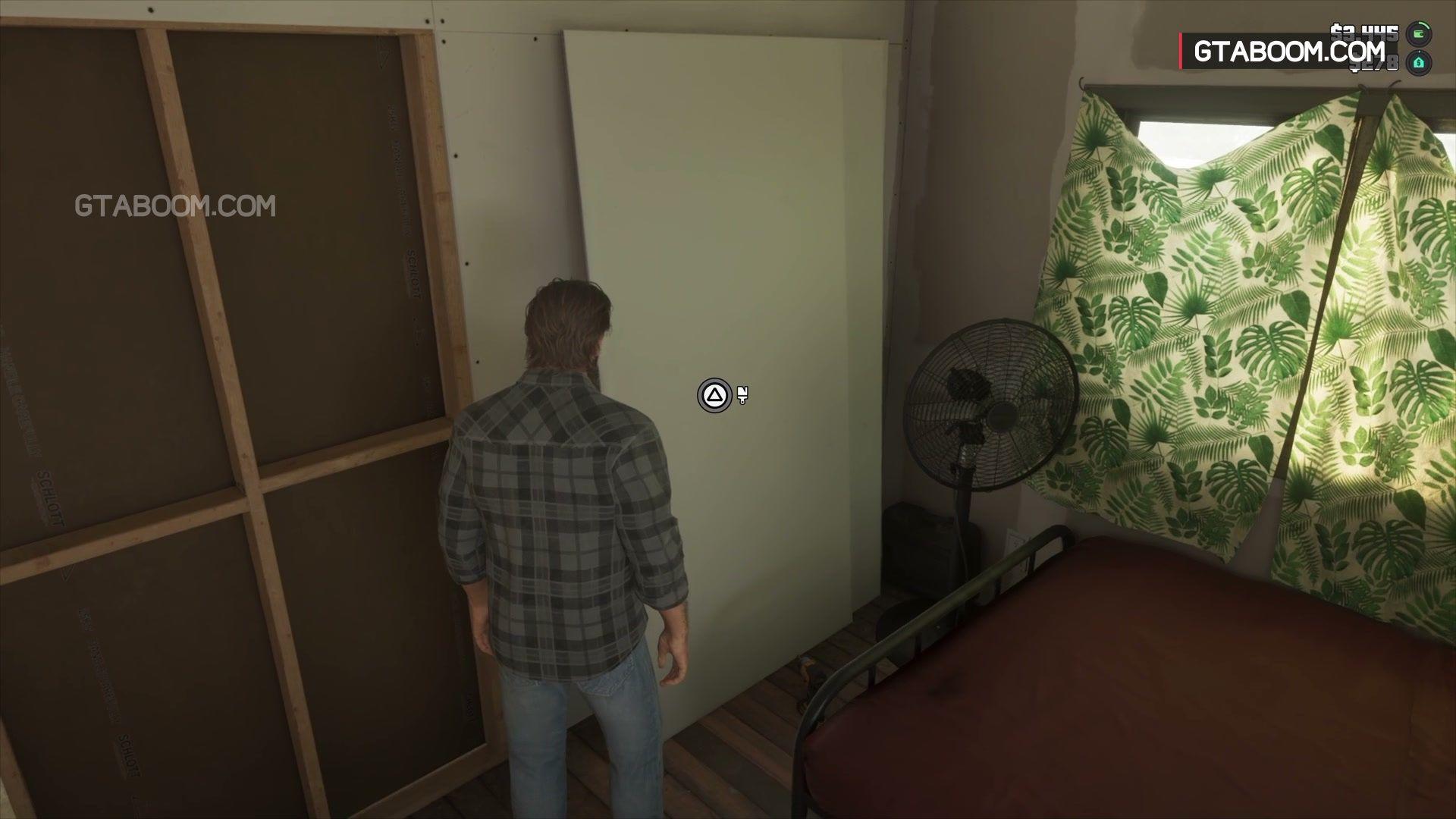
Zoom image: Jason on the lower deck facing the railing beside the upper porch weights. Look for the repair marker by the railing below the porch weights. Fix and paint the bedroom wall Go into Jason's bedroom and look for the paintbrush marker beside the bed, where the wall panels are missing. Press Triangle on PlayStation or Y on Xbox to start, then hold R2 on PlayStation or RT on Xbox when Screw appears.
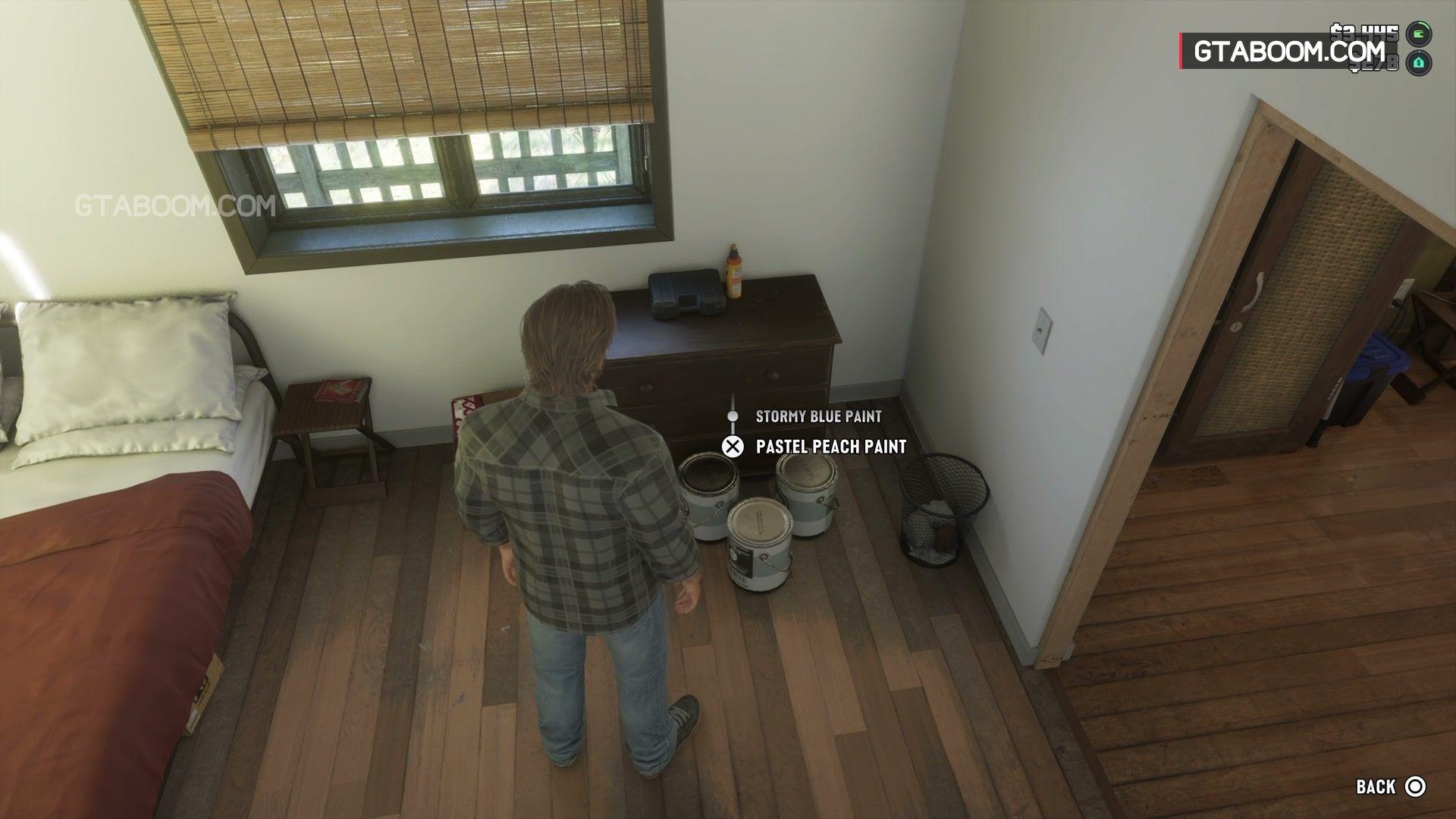
Once the wall is up, interact with the paint cans near the foot of the bed. Pick a color, move the left stick up and down to load the roller, then use the same motion on the wall. The House repairs complete notification confirms you're done.
This guide only covers confirmed information. Unconfirmed community findings are labelled as speculation where they appear.