How to Complete Unwanted Attention in GTA 6
Track Go See Cal in the map's Story list and meet Cal Hampton by the water at the north end of Key Lento. He's sitting beside a folding table near his pickup. After the conversation, drive Cal's truck to the police impound on Penny Bun Street in Hamlet. Cal adds a police scanner to Jason's phone on the way. You don't need to install it yourself.
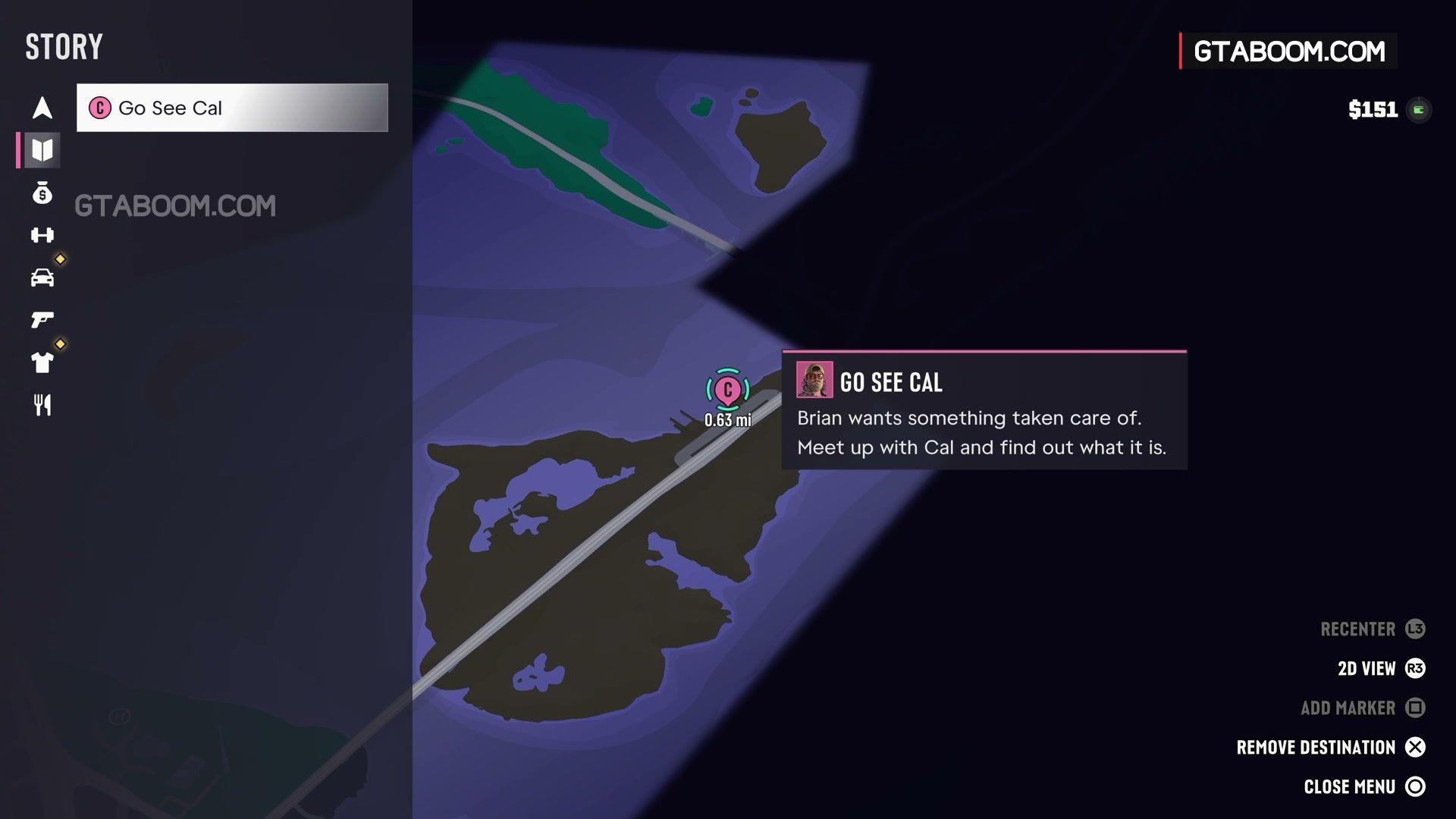
Zoom image: The GTA 6 Story map highlights Go See Cal near the Key Lento waterfront. Track Go See Cal from the map's Story list. Get into the police impound Check Cal's text for a photo of the red car. At the chain-link gate beside the Police Impound sign, Break Open uses Square on PlayStation or X on Xbox. Forcing it sets off an alarm. If that happens, leave the shaded search area on the minimap and stay out of sight until the game tells you to return to the impound. Go back to the same gate and swing it open.
Once inside, crouch past the parked tow trucks and police cars. Head for the shipping containers beyond the orange and white barriers, then climb across into the next row of parked vehicles. Stay low and use the vehicles for cover as you work toward the covered tow-truck bay. You don't need to clear the yard before taking the car.
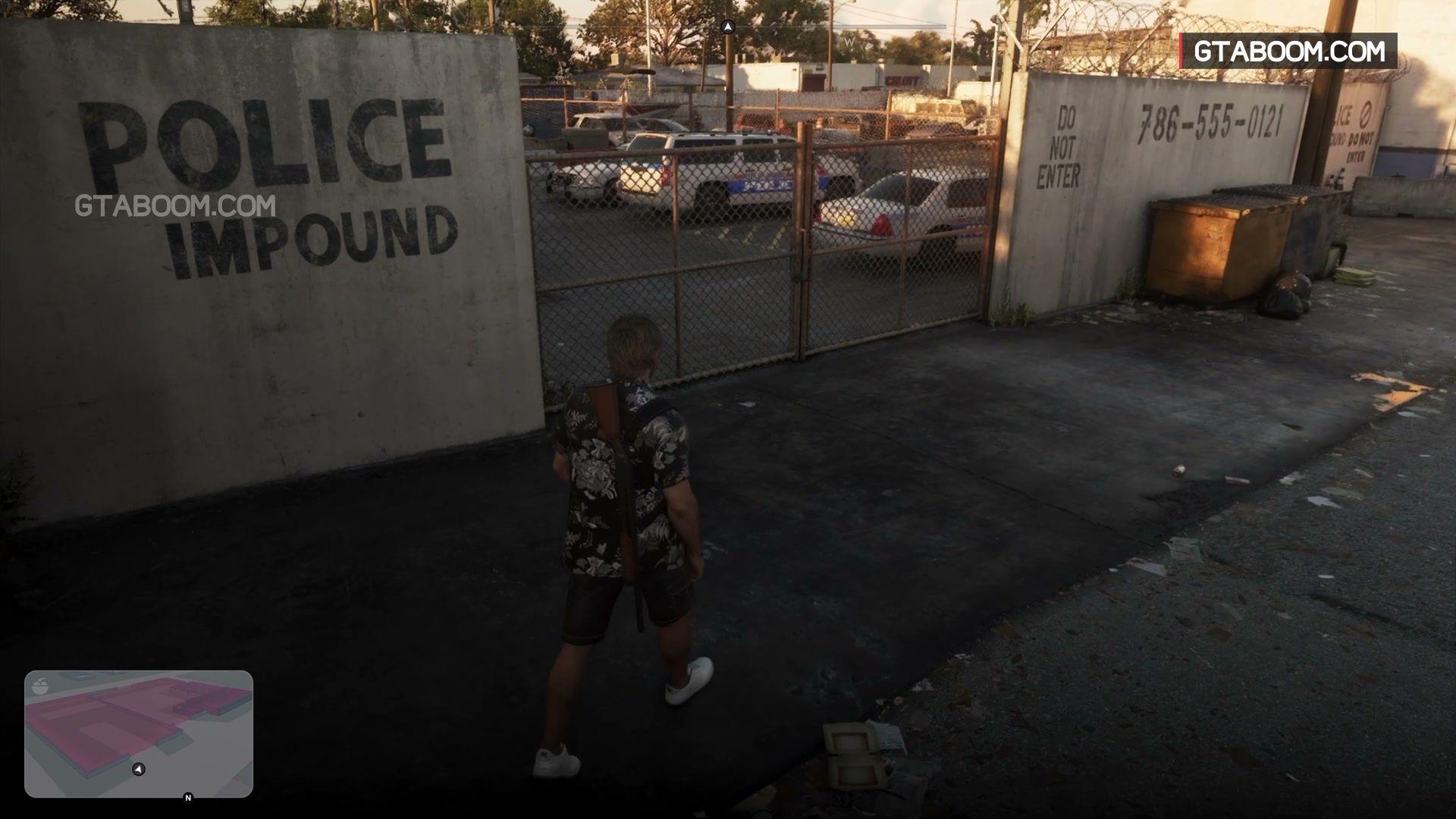
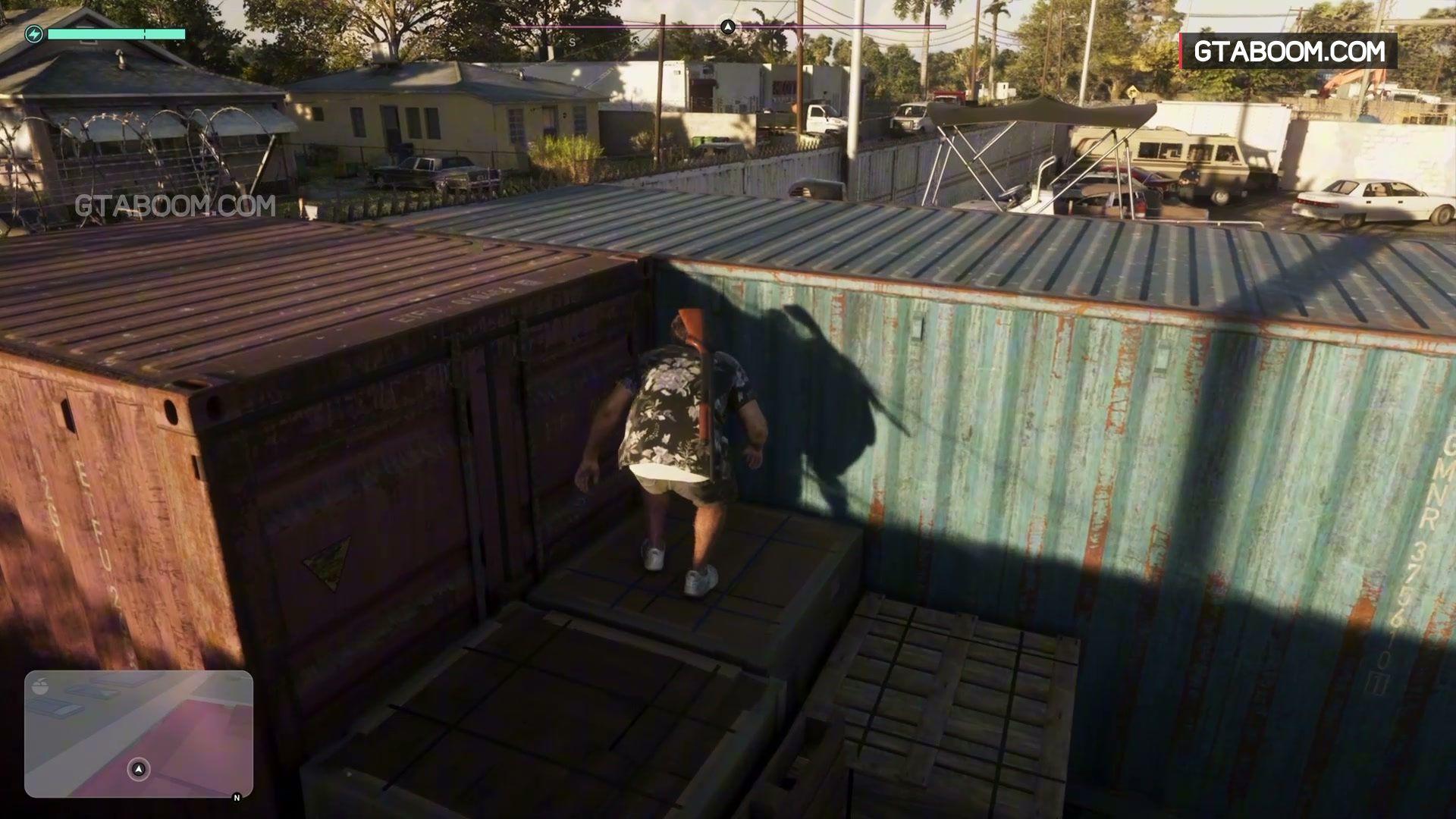
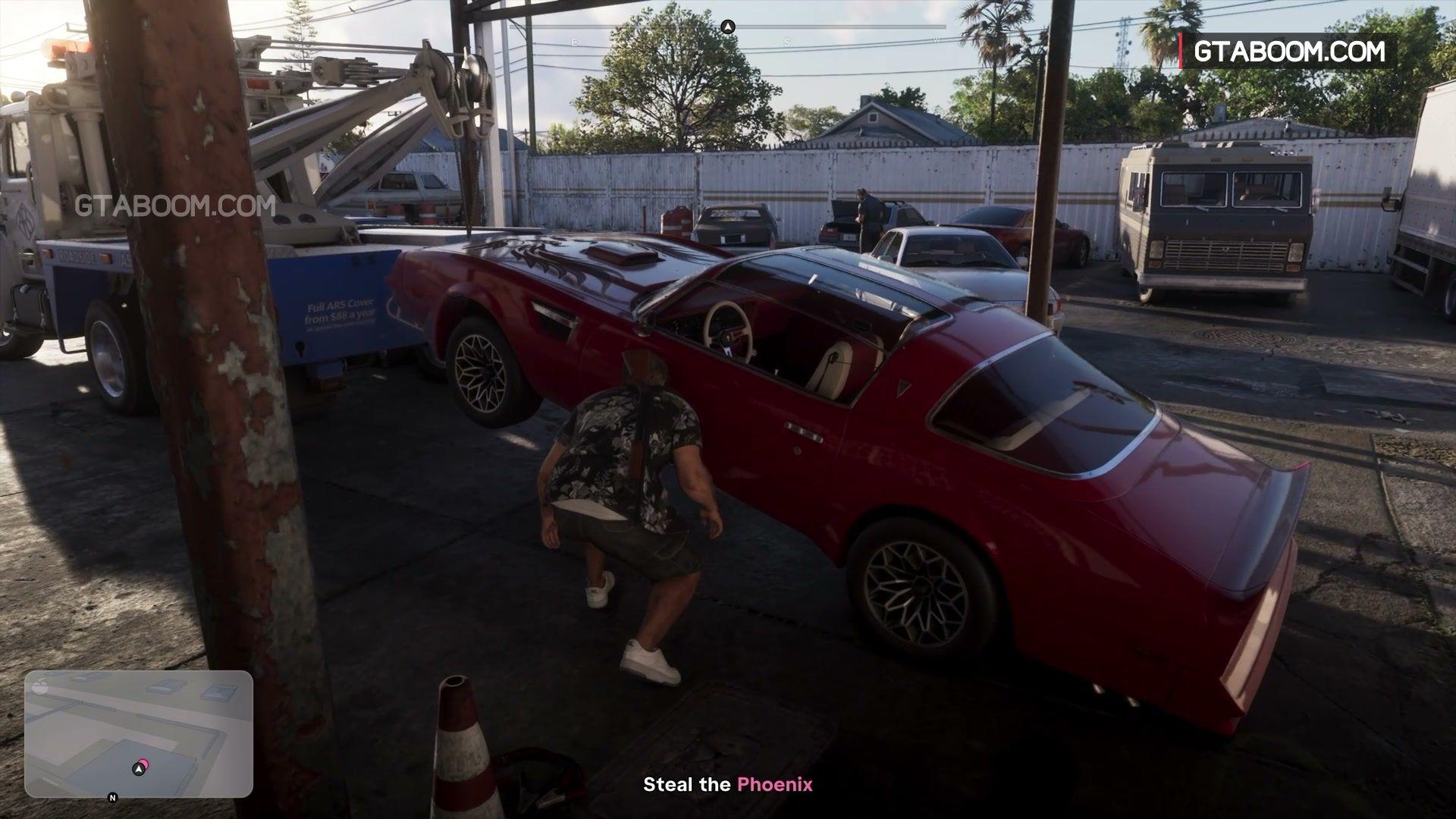
Zoom image: Jason approaches the chain-link gate with police vehicles visible beyond it. Look for the chain-link gate beside the Police Impound sign. Zoom image: Jason climbs between rust-red and blue shipping containers at the impound. Use the shipping containers to cross into the next row of parked vehicles. Find and hotwire the Phoenix Look for the red Imponte '77 Phoenix directly behind a blue-and-white tow truck under the metal awning. The Phoenix is on the ground, not on the truck. When the objective says Steal the Phoenix, get into the driver's seat.
Move the left and right sticks until their markers line up and both semicircles fill. That starts the car. Pull out from behind the tow truck, follow the driveway through the open exit onto the street, and keep moving when Lose the cops appears.
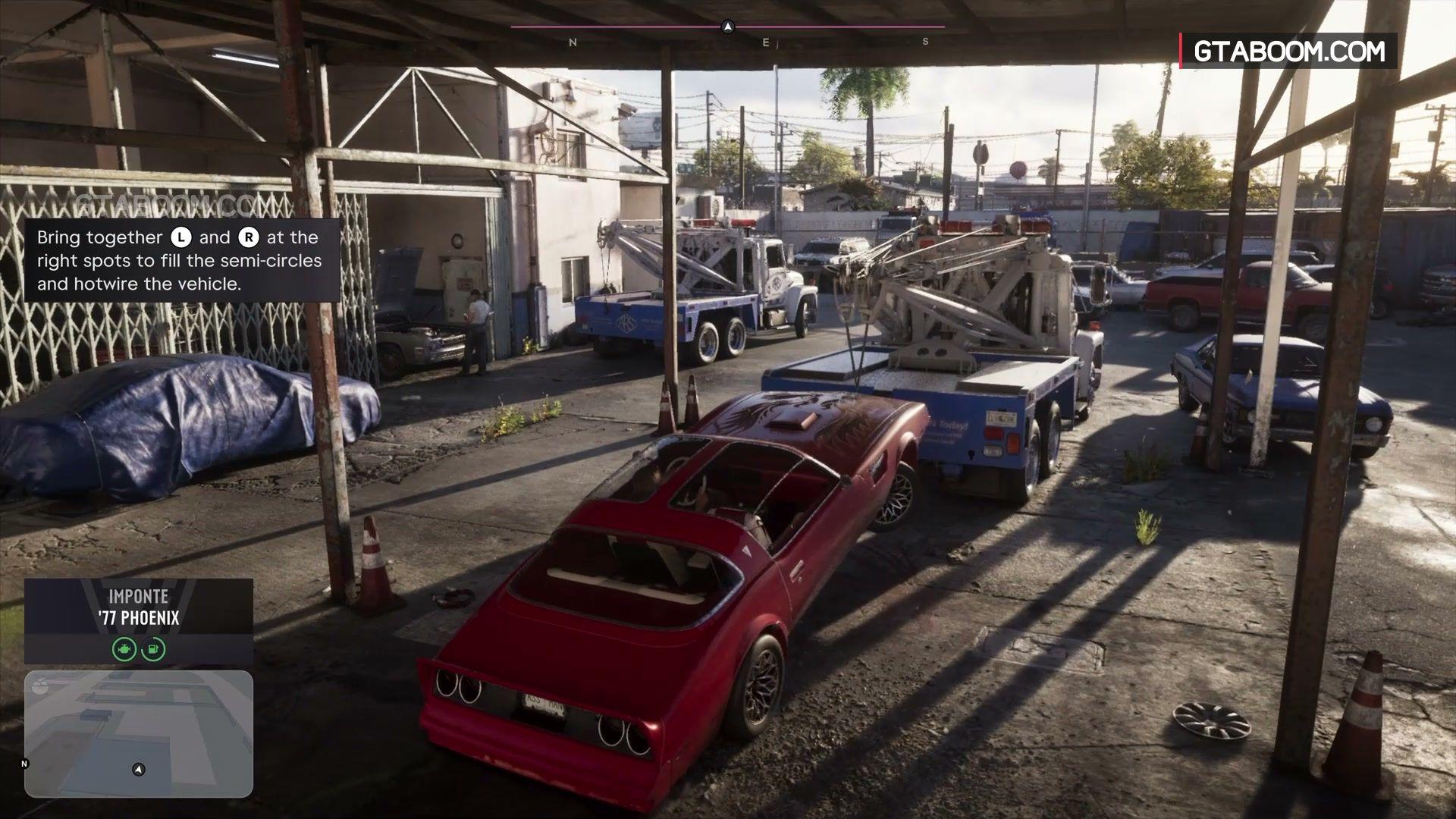
Zoom image: The hotwire tutorial shows the left and right stick symbols as Jason sits in the Phoenix. Move both sticks until the semicircles fill to start the Phoenix. Escape the search and repaint the car Break line of sight and drive out of the shaded search area on your minimap. The route out through Hamlet toward Route 82 gives you room to get away from the patrols. After speaking to Brian, follow the marker to Pay 'N' Spray in Hamlet.
Choose Repair first. It's free for the mission and unlocks Respray. Pick a noticeably different color, such as gray, and confirm Buy with Cross on PlayStation or A on Xbox. The original red can be marked Free but still say "Too similar" to current color. Repainting clears recognition of the car, even if the HUD still shows other ways the police can recognize Jason.
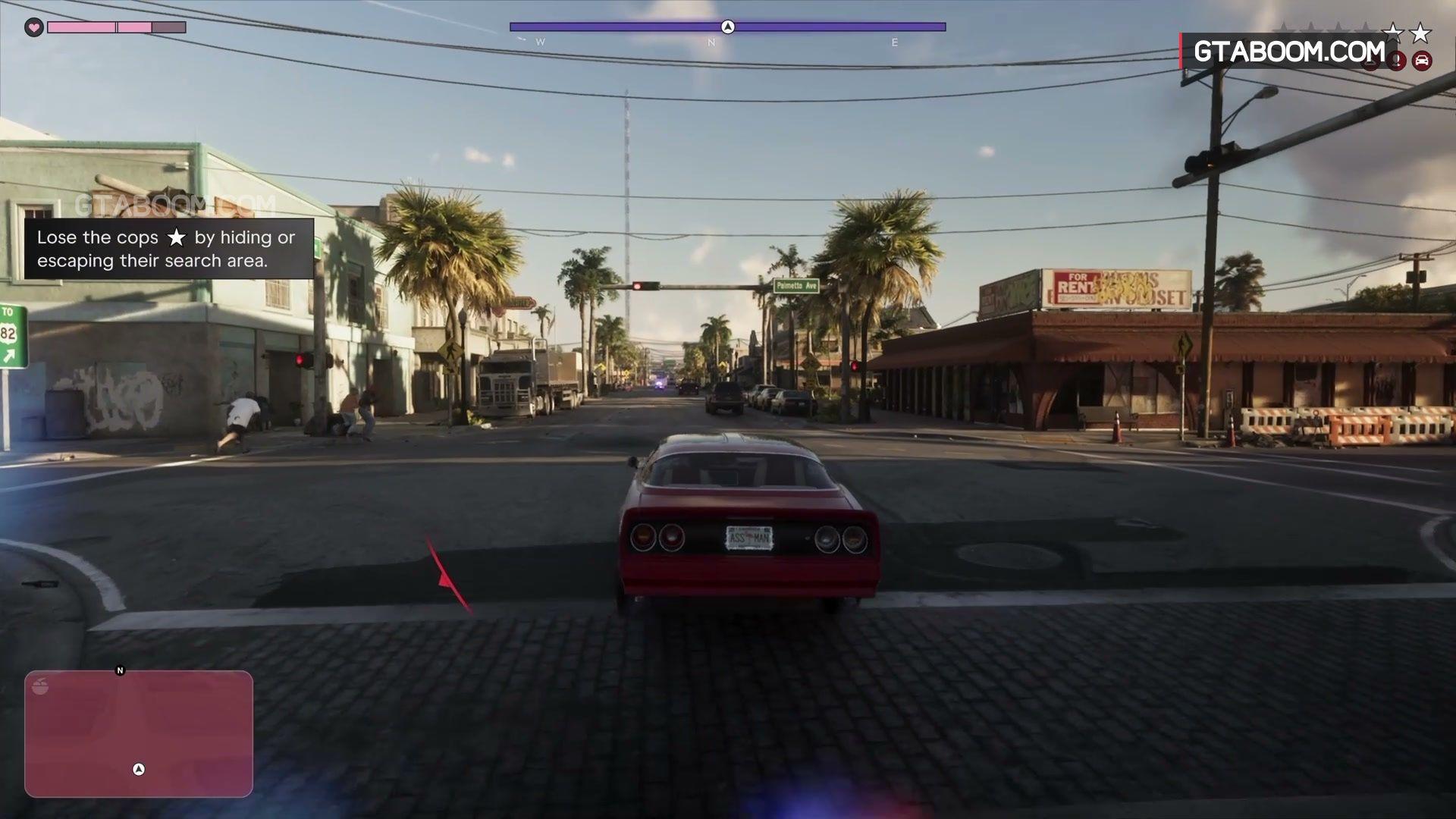
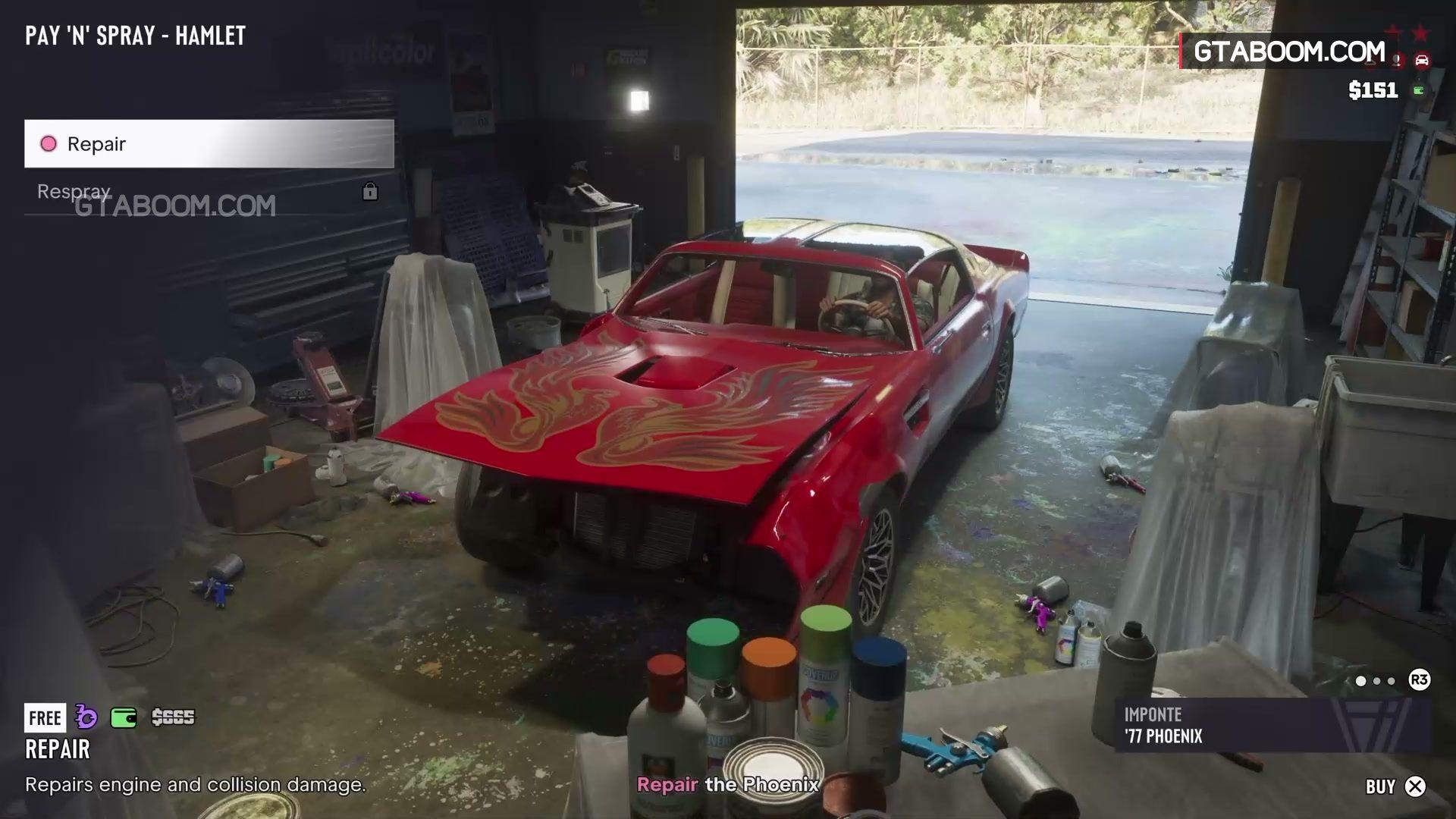
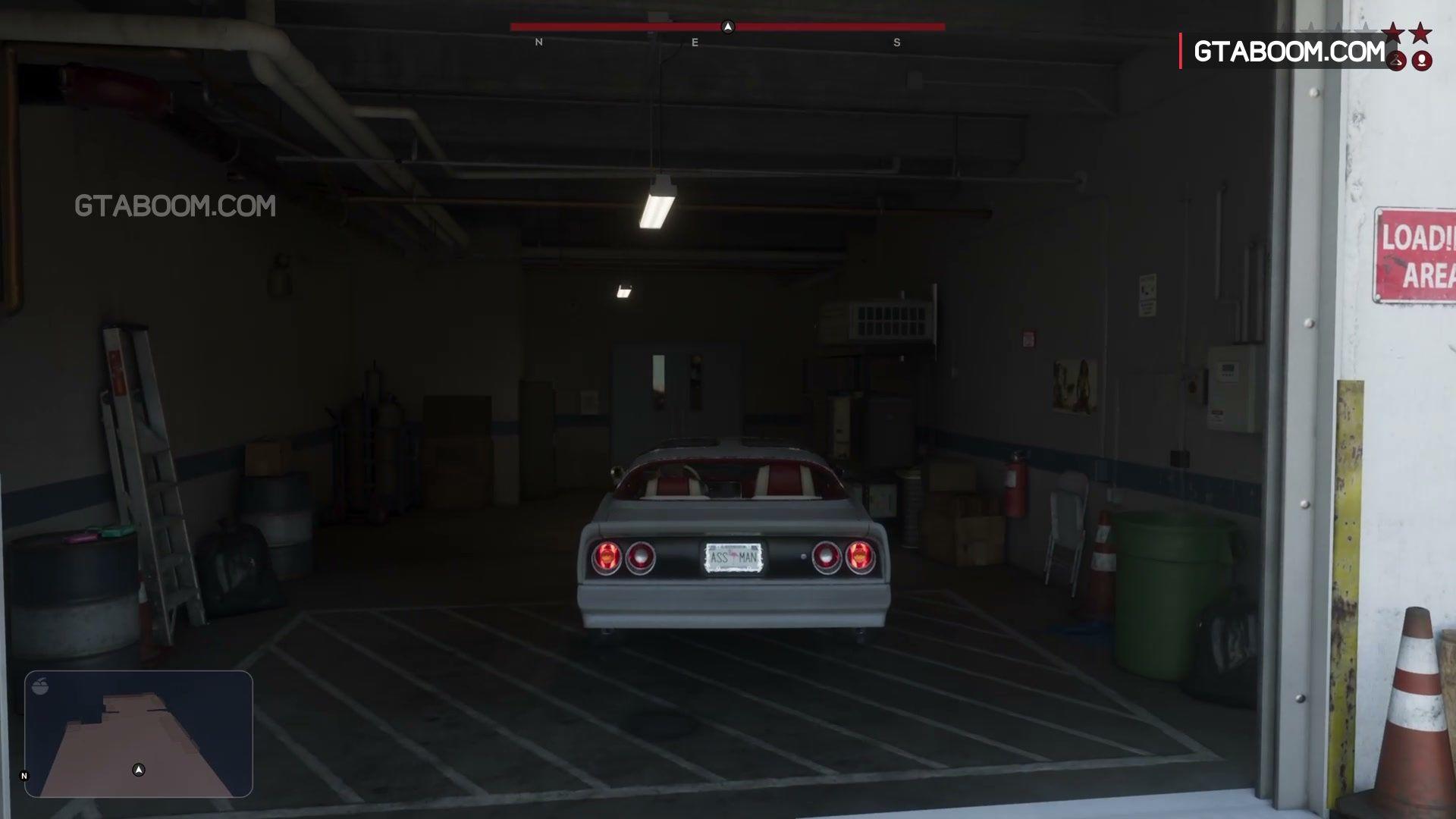
Zoom image: The Phoenix drives out of Hamlet with police indicators visible on the HUD. Get out of the police search area before taking the Phoenix to the shop. Zoom image: The Hamlet Pay 'N' Spray menu shows Repair selected and Respray locked. Use the free Repair option before choosing a new paint color. Deliver the Phoenix and lower Jason's recognition Follow the next marker to Brian's storage and drive all the way into the open loading bay. The delivery pays GTA$150. You don't have to clear every recognition icon before parking the car.
After the delivery, follow the prompt to adjust Jason's hat and glasses. Hold L1 on PlayStation or LB on Xbox to open the loadout, then press R1 on PlayStation or RB on Xbox to open Items. Highlight the hat or glasses and use Take Off with Cross on PlayStation or A on Xbox. You can also change outfits at the nearby Big Shots shop if the clothing icon is still red.
This guide only covers confirmed information. Unconfirmed community findings are labelled as speculation where they appear.