How To Enable Auto-Drive In GTA 6
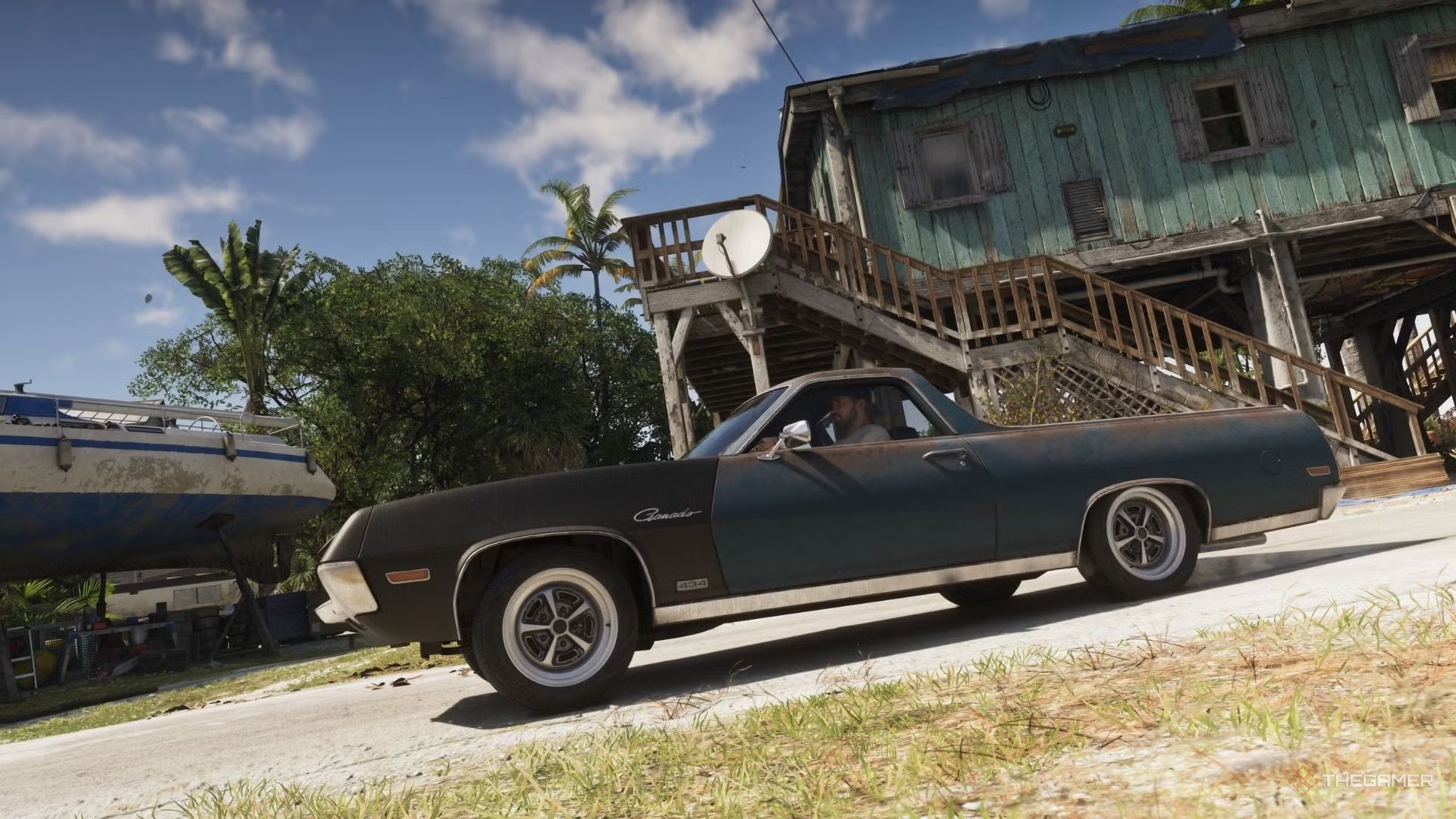
Unsurprisingly, Grand Theft Auto 6 has an absolutely massive map for the player to explore, with Leonida containing not just Vice City but tons of unique areas and regions with plenty of secrets to uncover.
There's a lot of driving for the player to do in GTA 6, and it can get a little much hopping behind the wheel at every turn, especially if you're trying to see the whole map. There's a way to make things easier, though.
How To Enable Auto Drive
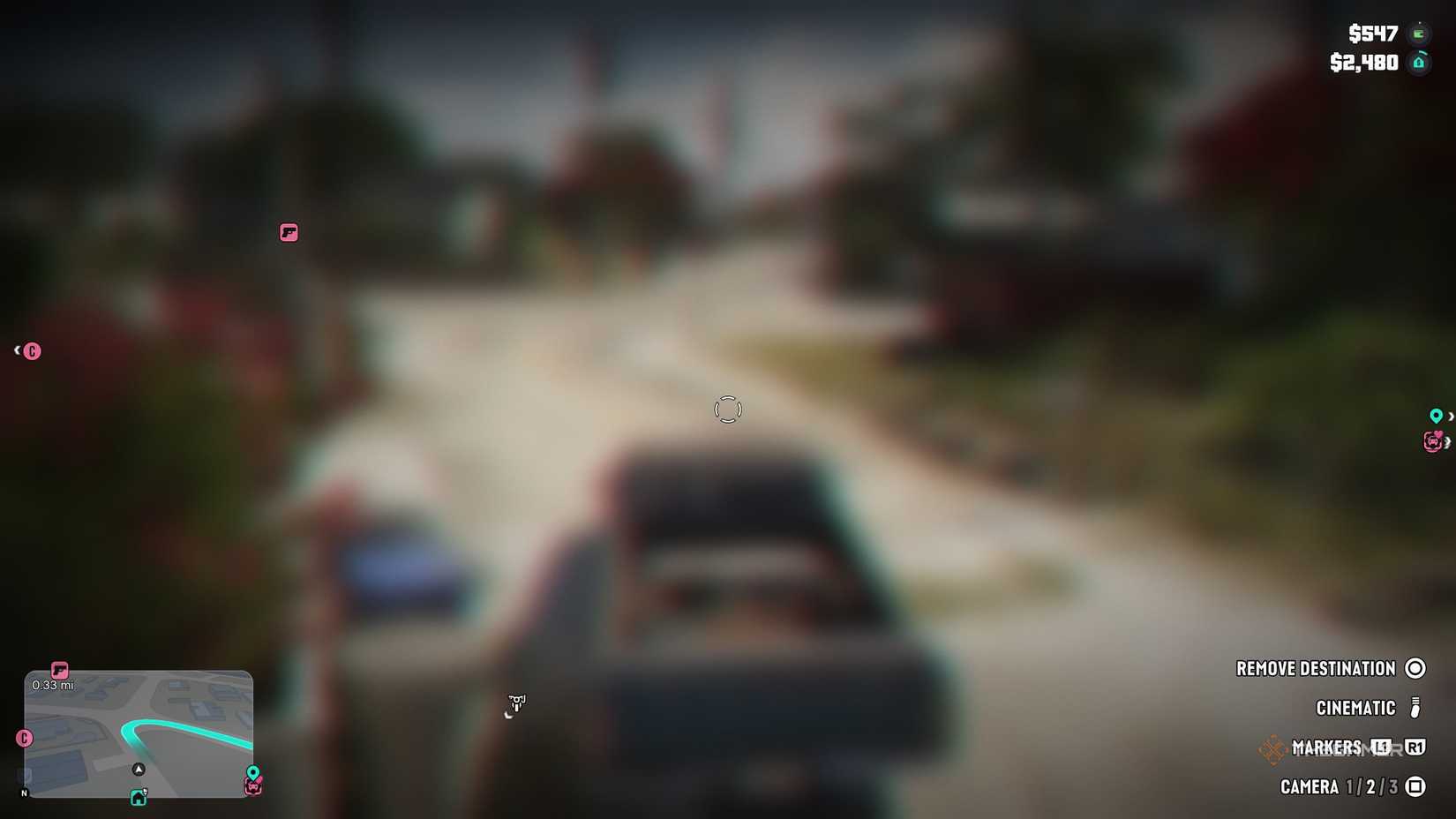
If you've played Rockstar's last game, Red Dead Redemption 2, you might remember that there was an auto-drive function that l et you give your horse a waypoint and then automatically head there . Grand Theft Auto 6 picks up this same feature, and it's arguably even more helpful since there's so much ground to cover.
The most anticipated video game of all time is a triumph on every level that exceeds years of unbelievable expectations. You're not ready for Leonida.
Once you've got into a car (or any vehicle, really) and set a waypoint, hold down on the D-Pad and then press the Options button on PS5 and Menu on Xbox , to enter cinematic driving mode. So far, so previous GTA games, but if you then hold down Circle on PS5 or B on Xbox, you'll be able to enable Auto-Drive .
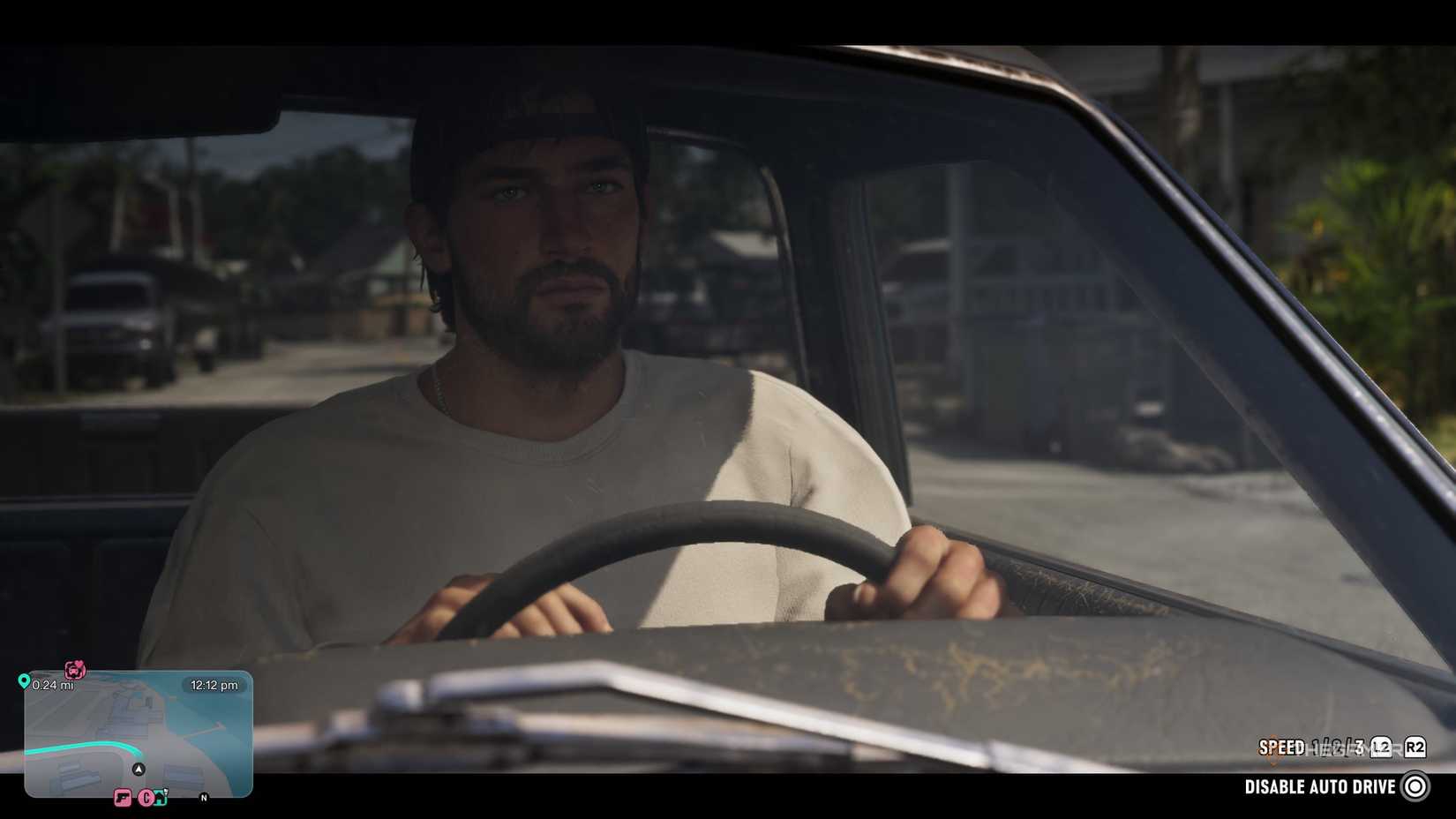
As the name suggests, this causes Jason or Lucia to drive the car to your waypoint for you, and you can even choose a speed to cruise at. Sadly, even the fastest option isn't very fast at all, and auto-driving will cause your character to rigidly follow the rules of the road , so it's not exactly a speedy way to get around the map. It is a good choice if you want to soak in the view and clear the fog of war around Leonida, though.
And don't worry, using auto-drive counts for clearing the map, so you can just set one very long waypoint and see all Leonida has to offer from pretty early on.
First-person mode sadly isn't in GTA 6 proper, but there are some workarounds both in and out of combat.
This guide only covers confirmed information. Unconfirmed community findings are labelled as speculation where they appear.