How to Enable Classic Controls in GTA 6
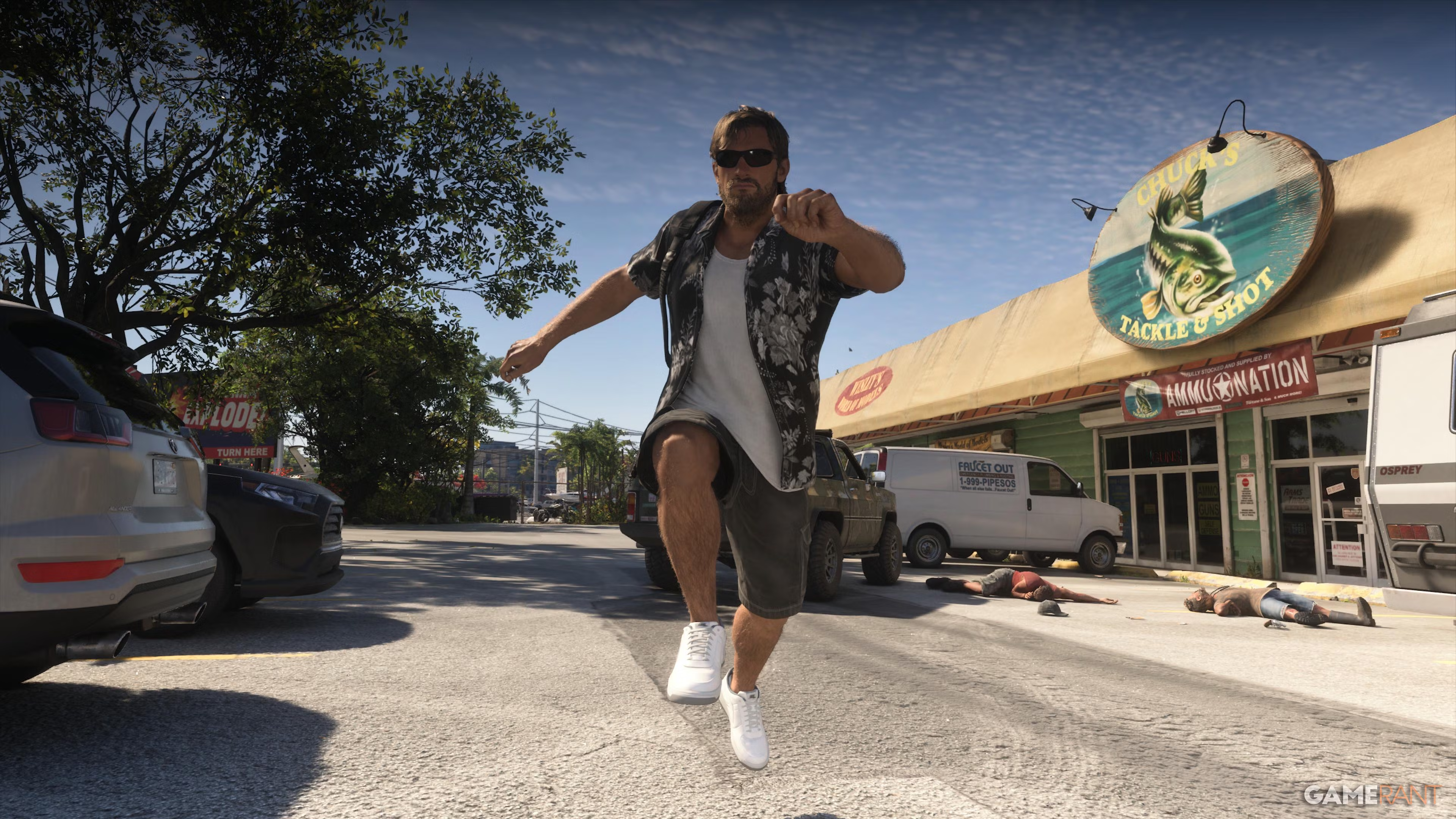
If you've started in GTA 6 , you might be overwhelmed by how different the controls are. Running is now L3, crouching is now Circle, and even jumping and climbing have changed to the X button. The control scheme for GTA 6 is different from what you're used to with GTA 5 and RDR 2 , but Rockstar Games has added a setting that brings back these classic controls for those of you who want something more aligned with what you've been used to for the past decade.
You can use first-person cameras in GTA 6 for shooting. Here's how to enable it.
How to Get Classic Controls in GTA 6
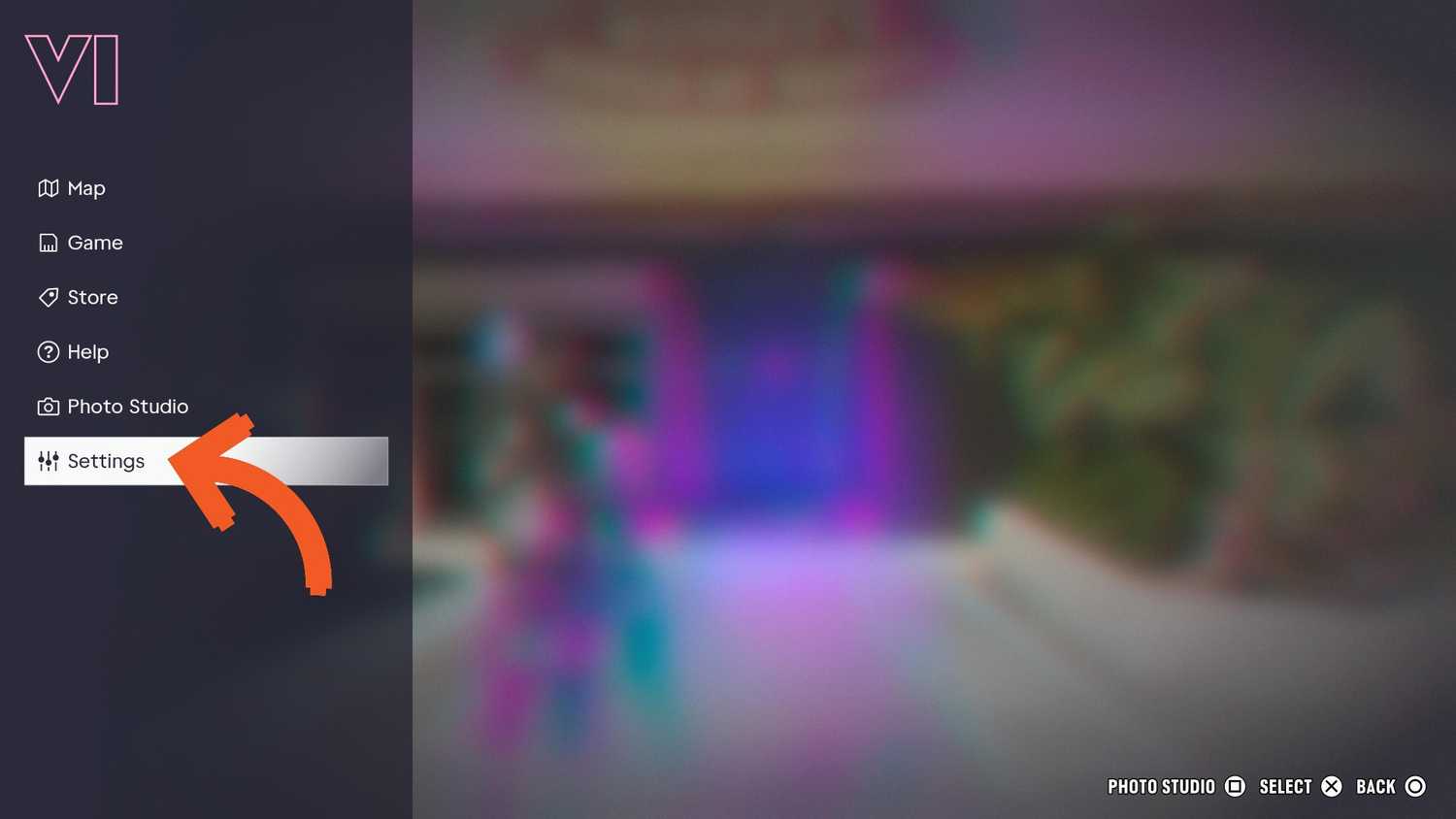
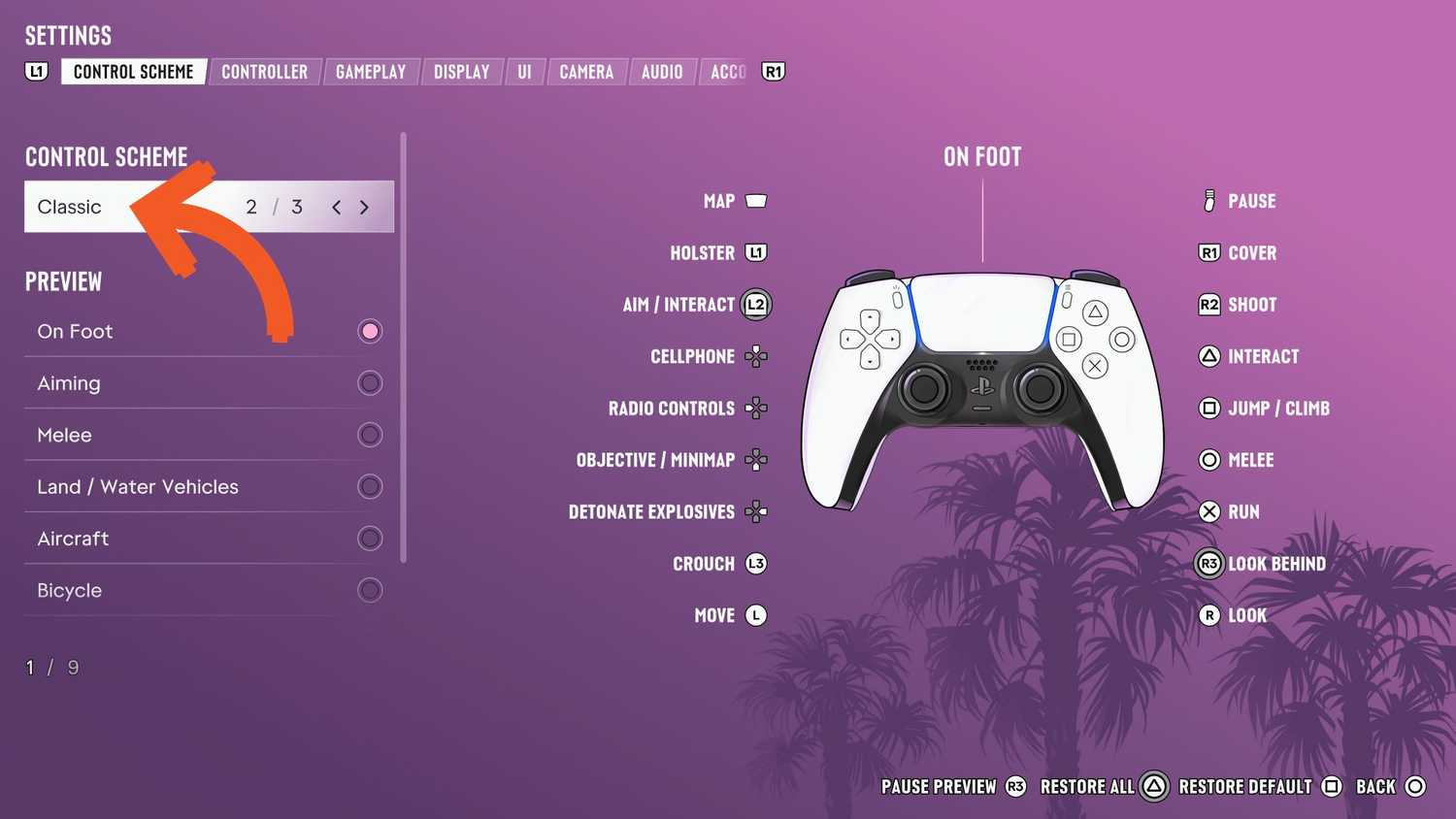
Once you are in-game, press Options and enter Settings. In the first tab, Control Scheme, you can use the D-Pad to switch from the Default Control Scheme to Classic , which will alter the actions you take with your button prompts. To save this setting, simply back out with Circle and hold X to confirm.
Button | Action
X/A | Run/Sprint
Circle/B | Melee
Square/X | Jump/Climb
L3 | Crouch
With the controls selected above, you can now spam X/A to run again instead of holding L3, and other options, like jumping and climbing, return to Square/X.
Your other controls remain the same, but the ones listed above are the only ones that change and provide a classic experience.
The controls above are far more aligned with what you're used to, and I've had a better time due to muscle memory for the past 13 years. I'm far too used to spamming X to run, so changing the control scheme might benefit the health of my controller, but my memory says otherwise!
This guide only covers confirmed information. Unconfirmed community findings are labelled as speculation where they appear.