How to Enter First-Person in GTA 6
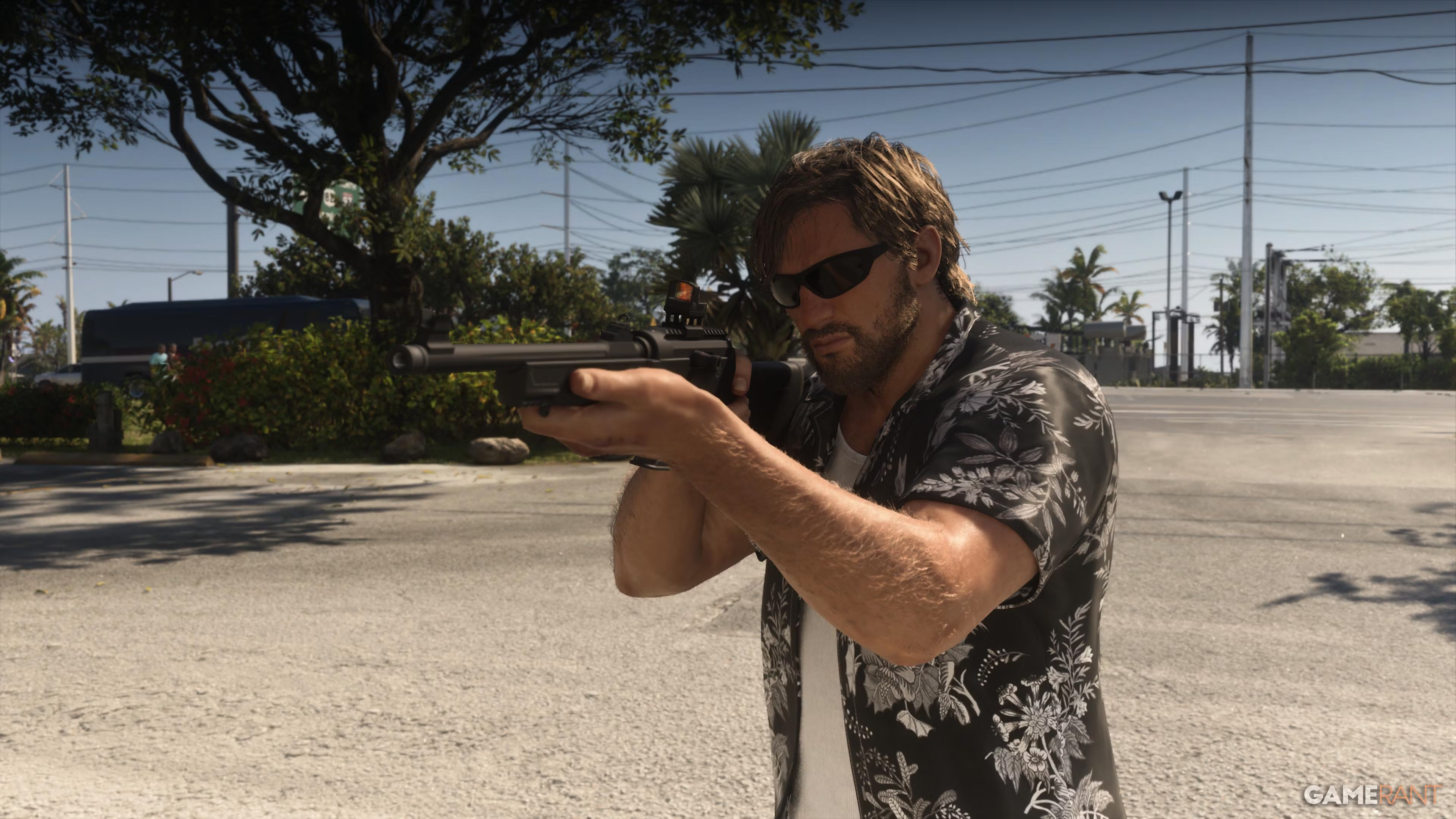
Aiming in GTA 6 might feel a tad different from what you've been used to for the past 13 years, and Grand Theft Auto 6 doesn't feature a classic first-person camera mode like GTA 5 and RDR 2 . However, that doesn't mean it doesn't feature in some capacity. If you want to improve your accuracy with a gun, you can actually enable a secret first-person firing mode that we'll show below.
There are over 60 cheats in GTA 6 that you can find here, but unfortunately, none of them unlock a fully-fledged first-person camera.
The map is shrouded in fog when you first start Grand Theft Auto 6. Here's how to clear it for the full picture.
How to Enable First-Person in GTA 6
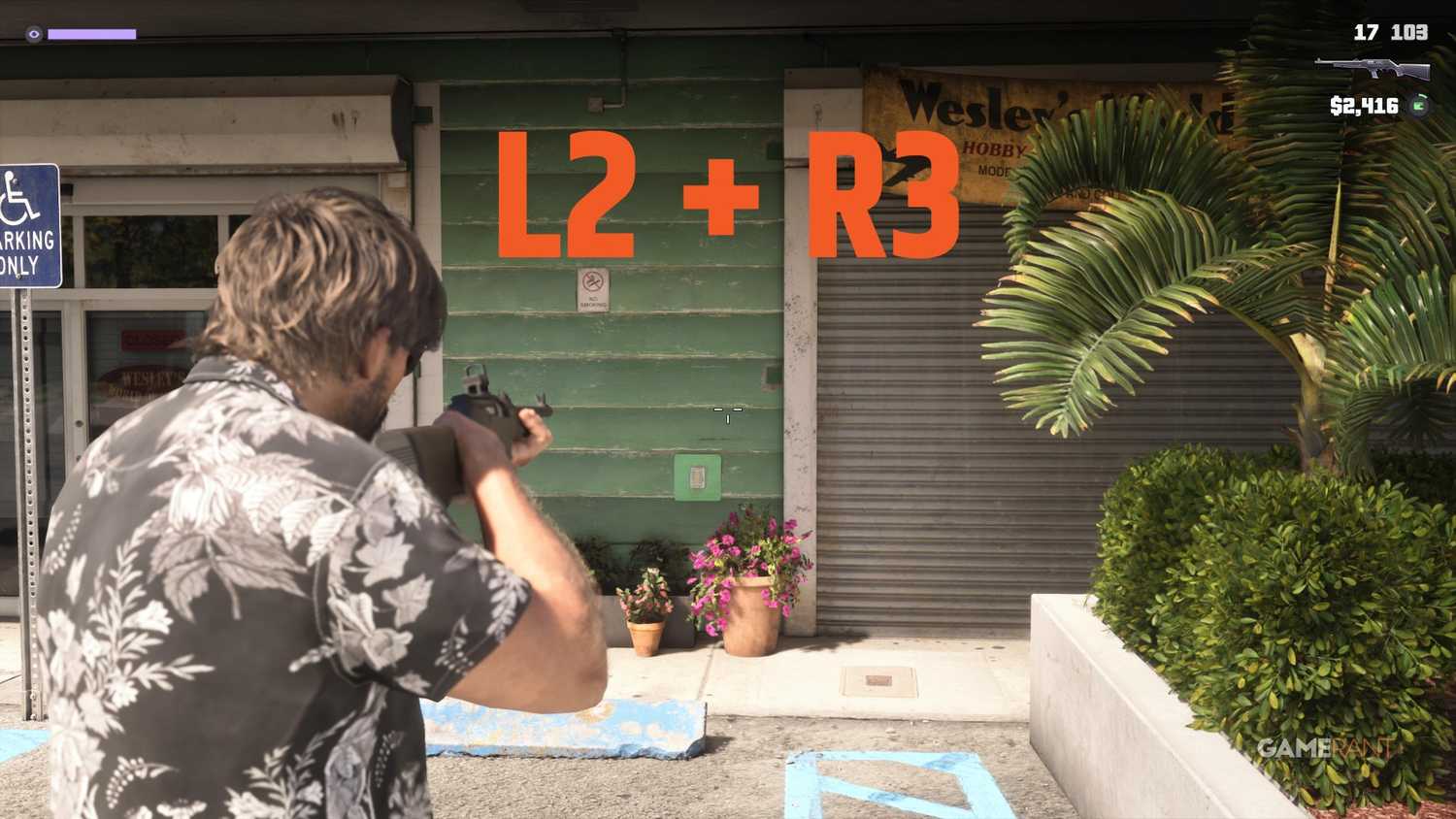
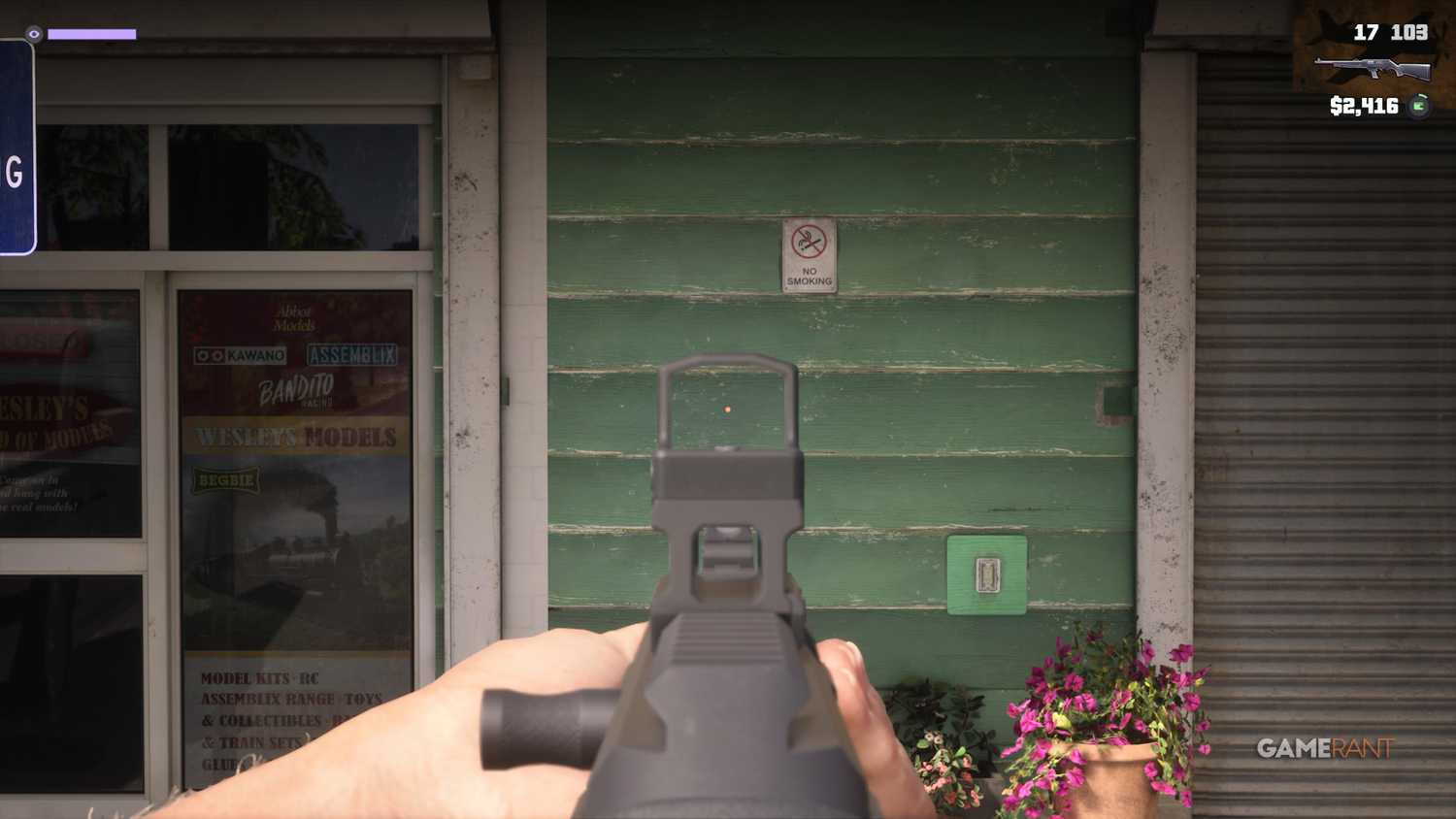
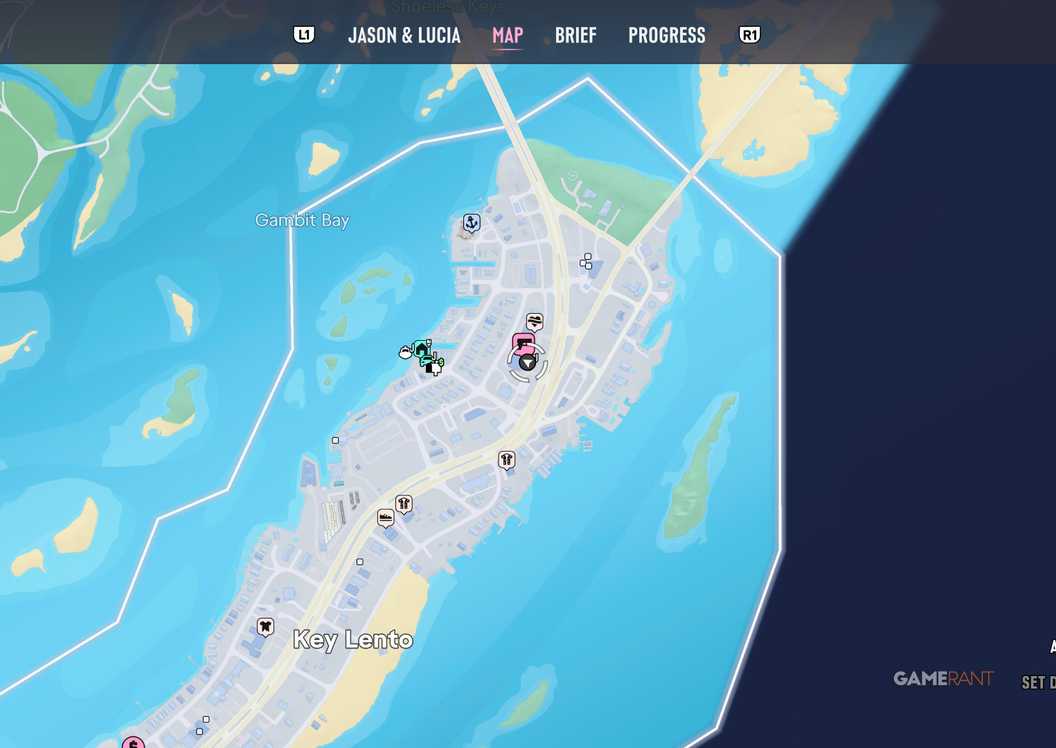
To enable first-person, you need to have a weapon with a scope . You can purchase scopes for your weapons at any Ammu-Nation store. Speak with the clerk and purchase an Optic from the Attachments menu on your selected weapon.
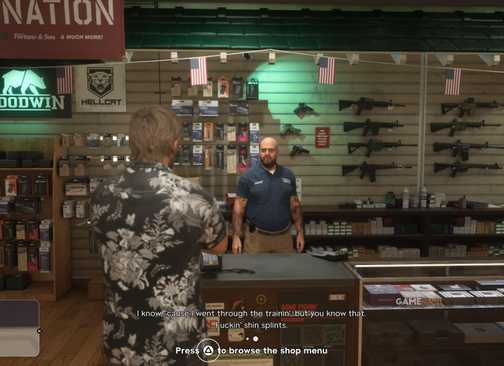
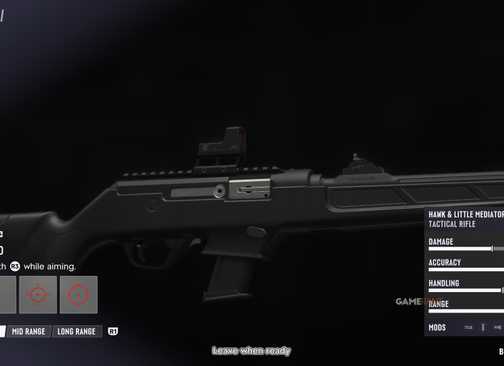
Close When you have an optic on your weapon, aim with L2 and press R3. This will allow you to enter first-person for more accurate aiming, but you cannot walk around in this aiming mode, and it's strictly reserved for precision aiming at targets.
There's also a slight trick to drive in first-person. Hold Up on the D-Pad while in a vehicle to open your phone, which puts you into first-person. While you will have the phone blocking your view, you can technically use this to drive in first-person.
There may be a fully fledged first-person mode in an update in a few months time, or when GTA 6 releases on PC. However, there has been no official confirmation of first-person.
This guide only covers confirmed information. Unconfirmed community findings are labelled as speculation where they appear.