How to Have Jason or Lucia Drive for You in GTA 6
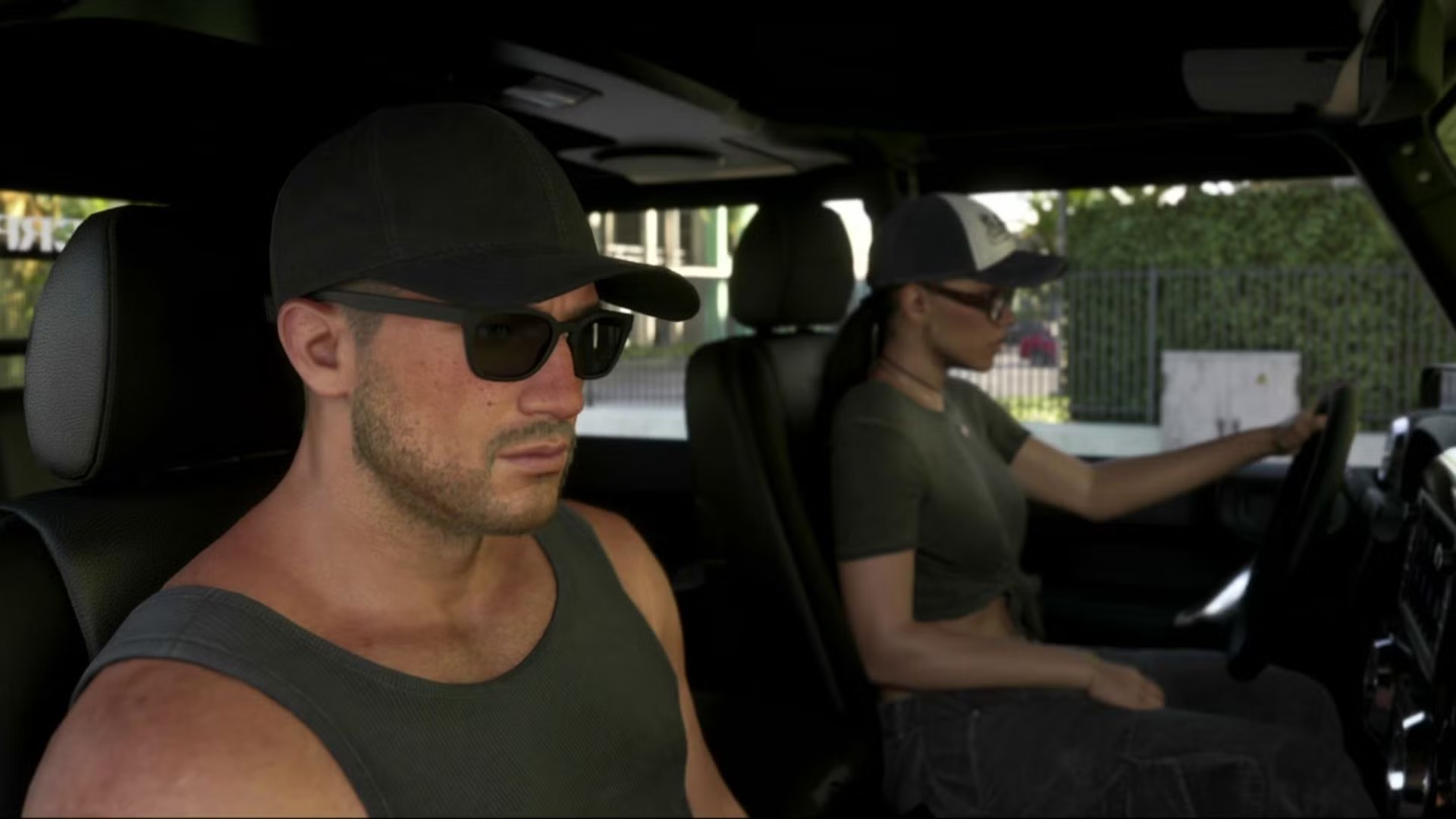
After players unlock the ability to switch between Jason and Lucia freely in GTA 6 , they have the option of getting their partner to drive vehicles for them while they remain in the passenger seat, allowing them to reach any destination they want without having to actively drive the car or having to pay for a taxi.
However, the game does not tell you about this mechanic directly, leaving it up to the players to figure it out for themselves. If you want to play the passenger princess and have someone else drive you from one spot to another, here’s how to do it.
How to Have Jason or Lucia Drive for You in GTA 6

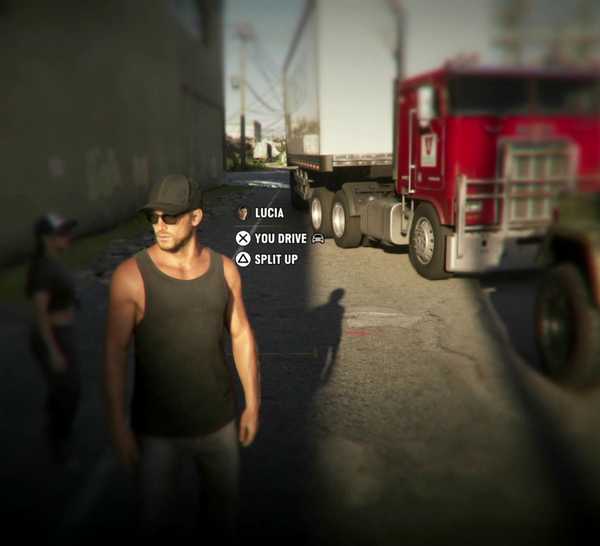
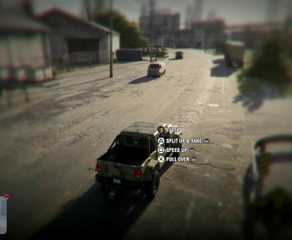
Close Image via GameRant; Source: Rockstar Games Image via GameRant; Source: Rockstar Games Image via GameRant; Source: Rockstar Games Image via GameRant; Source: Rockstar Games If you’re playing as Lucia, you can get Jason to drive for you, and if you’re playing as Jason, you can get Lucia to drive for you. Barring solo missions, your partner will never say no when you ask. Let’s say we want Lucia to be the driver and for Jason to be the passenger. In that case, this is what you’ll need to do:
Summon your car to your location.
Press and hold D-Pad Right to bring up the partner interaction menu, and press Triangle/Y to select the “Meet Up” option to bring both characters together.
Switch to the character you want to be in the driver’s seat, in this case, Lucia.
Enter the car, and your partner will get in the passenger seat.
Open the map and select a destination by marking it.
Switch to the character who is now in the passenger seat, which is Jason in this case.
Lucia will immediately start driving your vehicle to the marked destination.
Alternatively, you can also press and hold D-Pad Right while your two characters are together and press X/A to select the “You Drive” option. If you’re playing as Jason, Lucia will get in the driver’s seat and wait for Jason to get in the passenger seat.
Regardless of which method you choose, your partner will drive your car without you having to do anything. You can change where you want to go at any time by using custom map markers or setting a destination to missions or activities, and they’ll immediately change course and start heading in the other direction.
This method works with any vehicle that has a passenger seat, including cars, motorcycles, and even boats. Do be wary on the ocean, however, as the AI pathing doesn’t respect other ships in the water and will often ram into them if they get in the way.
Should You Use Auto Drive Instead?
In most cases, I’ve found I prefer letting Jason or Lucia drive me instead of relying on Auto-Drive. If the situation allows it, of course. Chiefly, this is because Auto-Drive locks you into cinematic mode where you cannot interact with anything or do anything other than listen to the radio.
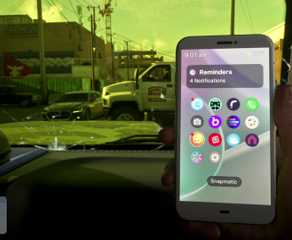
With this method, you can use your phone for things like Snapmatic, trigger unique interactions between Jason and Lucia when they comment on things in their surroundings, maintain a loving relationship, and listen to the radio on top of that.
How to Get Jason or Lucia to Drive Faster?
If you’re in the passenger seat, you can ask the driver to go faster by pressing and holding D-Pad Right and pressing Square/X . In this setting, your partner will drive your vehicle as fast as it can go, without respecting any of the rules of the road.
I’ve found that this is often even faster than if you were in control of the vehicle yourself because it’s an extremely efficient mode of driving that gets you from point A to point B as fast as possible without getting into too many crashes.
How to Stop the Vehicle When Someone Else is Driving
To stop, press and hold D-Pad Right and then press X/A to ask your partner to pull over . Alternatively, you can also switch back to the driver and stop it yourself.
In GTA 6, players will come across vehicle variants called Standout Vehicles with unique parts. Here's how they work and what you should do with them.
This guide only covers confirmed information. Unconfirmed community findings are labelled as speculation where they appear.