How to Holster Weapons in GTA 6
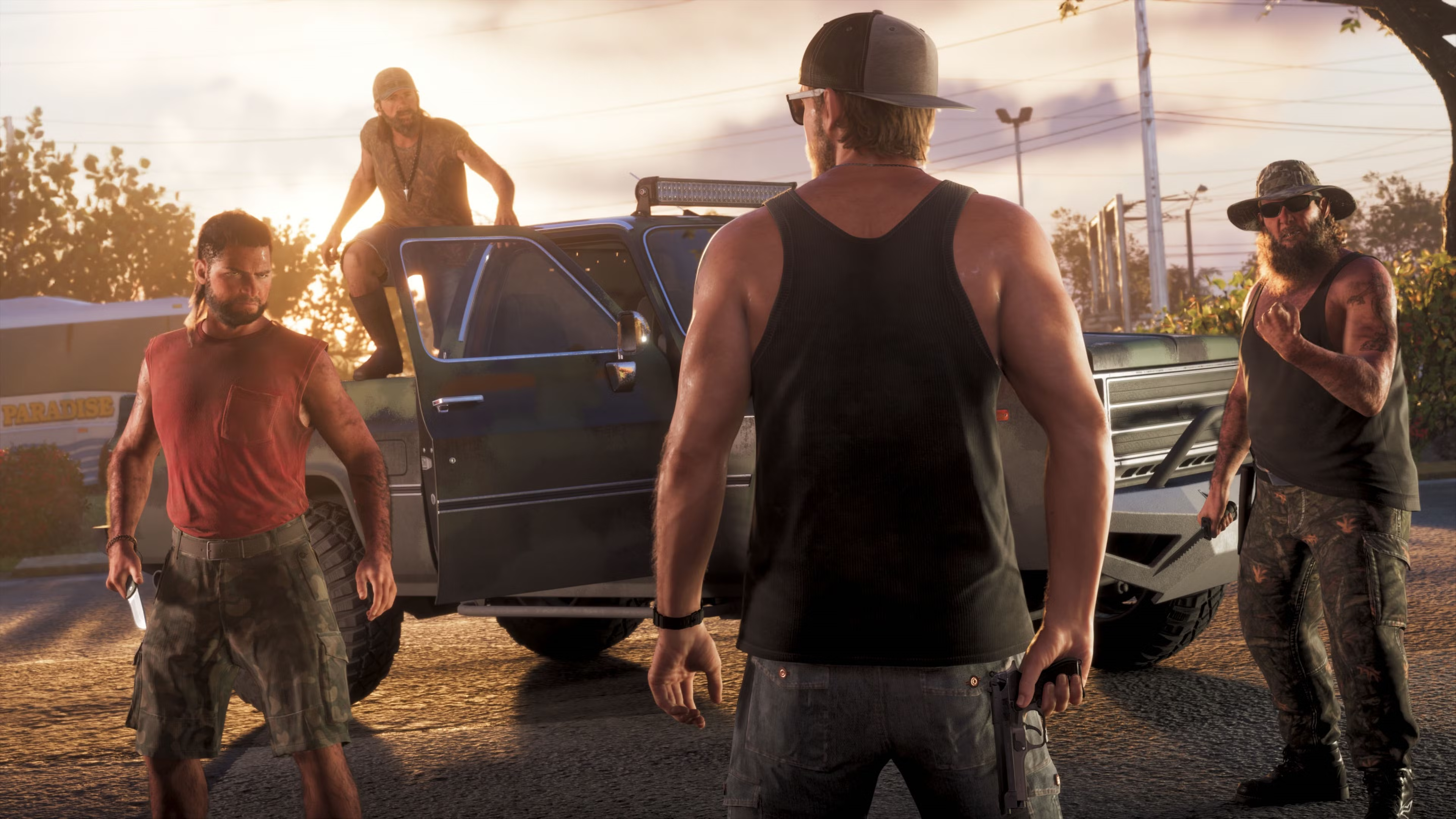
As soon as you get access to free roaming in GTA 6 , you will realize that the NPCs are a lot smarter than what you have seen in previous Rockstar Games. If you want to stay out of trouble, you need to watch your manners. Walking with an assault rifle on the street will cost you more than you think.
With these smarter NPCs, the game also gives you options to look more like a normal citizen and hide your criminal background. Holstering weapons is the easiest way to stay away from trouble. As soon as you are done with combat, you can holster your weapon to avoid drawing unwanted attention.
The map is shrouded in fog when you first start Grand Theft Auto 6. Here's how to clear it for the full picture.
How to Holster Your Weapon in GTA 6
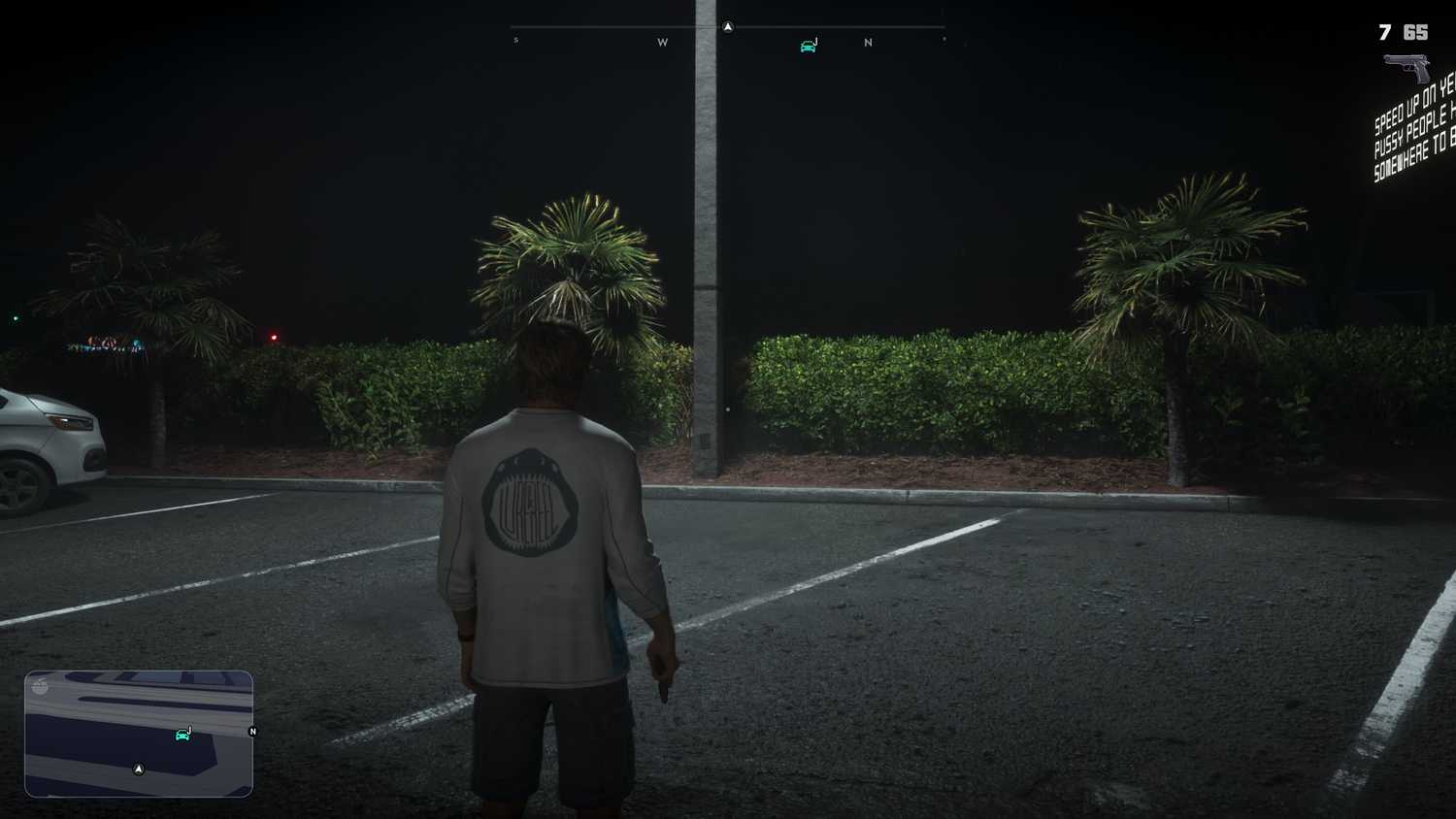
Image: GameRant via Rockstar Games
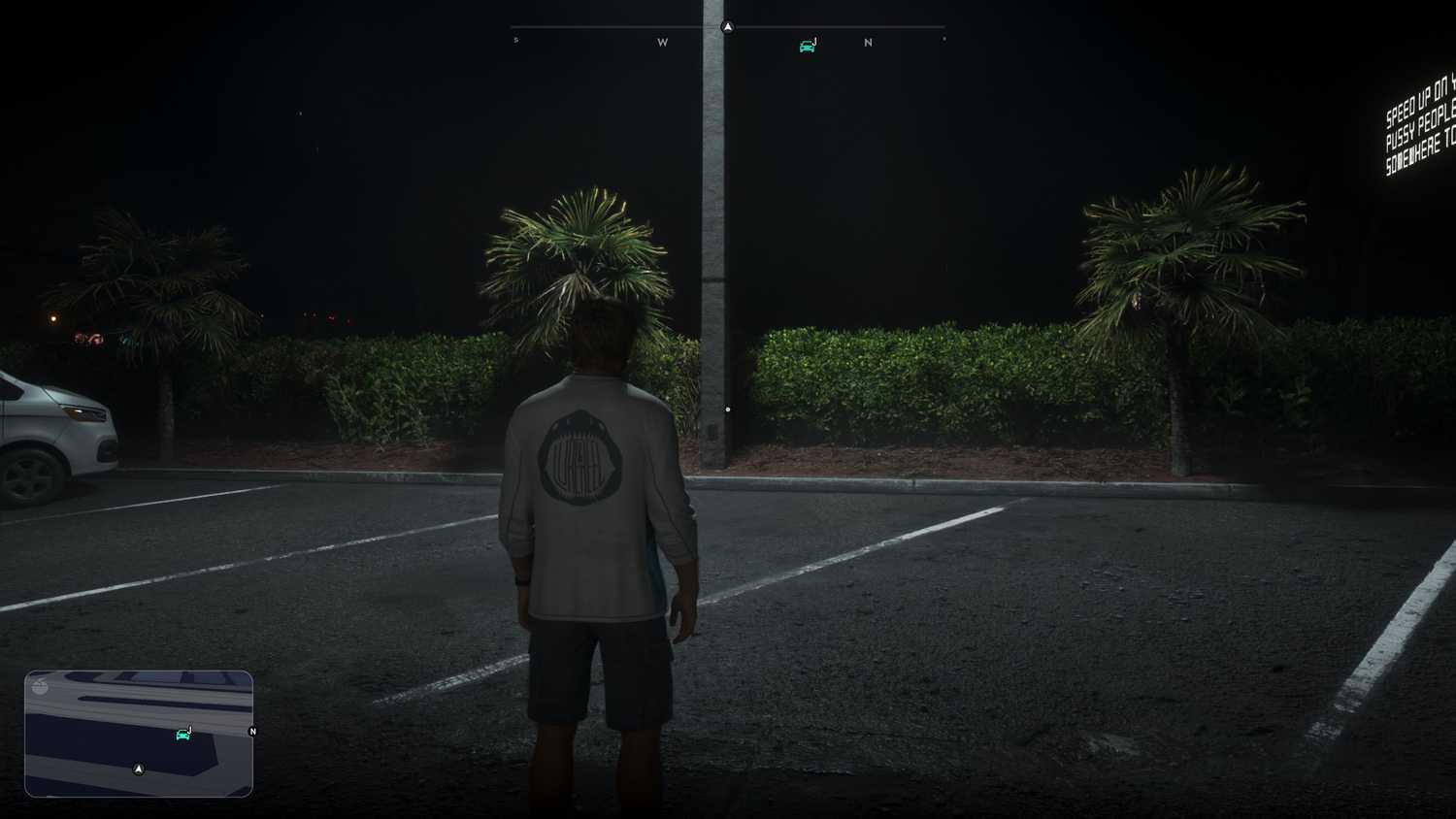
Whether you are on foot or in a vehicle, you can press L1 or LB to holster your weapon . Pressing the button again will draw the same weapon.
The good news is that whenever you enter a vehicle, the game automatically holsters the weapon for you. However, if you prefer to do it on your own, you can head to the Gameplay tab in Settings, and you will find a Holster in Vehicle option under the Combat section. Assign it to Manual, and you will be in charge of holstering your weapon in vehicles from now on.
Holstering sidearms might not be a big deal, as the characters can hide them next to their body , and it's harder for NPCs to spot them. But bigger firearms like a shotgun or an assault rifle must be holstered, or the NPCs will be alerted and call the cops.
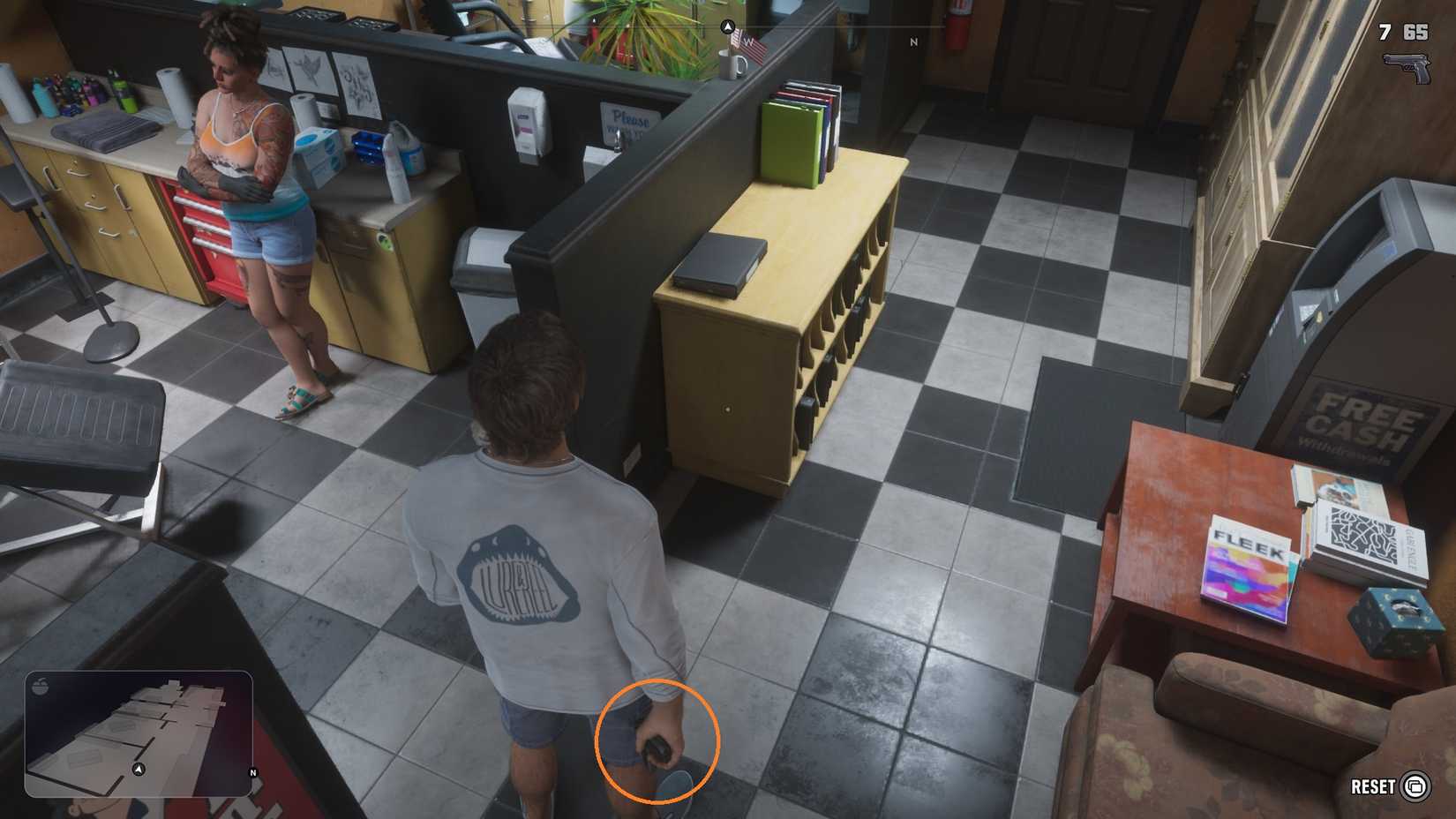
Image: GameRant via Rockstar Games When you are driving a vehicle, if you want to make sure whether your weapon is holstered or not, check out the top right corner of your screen. If your weapon is drawn, you will see the weapon's corresponding icon with its ammo count next to it. When you holster the weapon, the icon will disappear.
This guide only covers confirmed information. Unconfirmed community findings are labelled as speculation where they appear.