How to Manually Zoom In/Out of Map in GTA 6
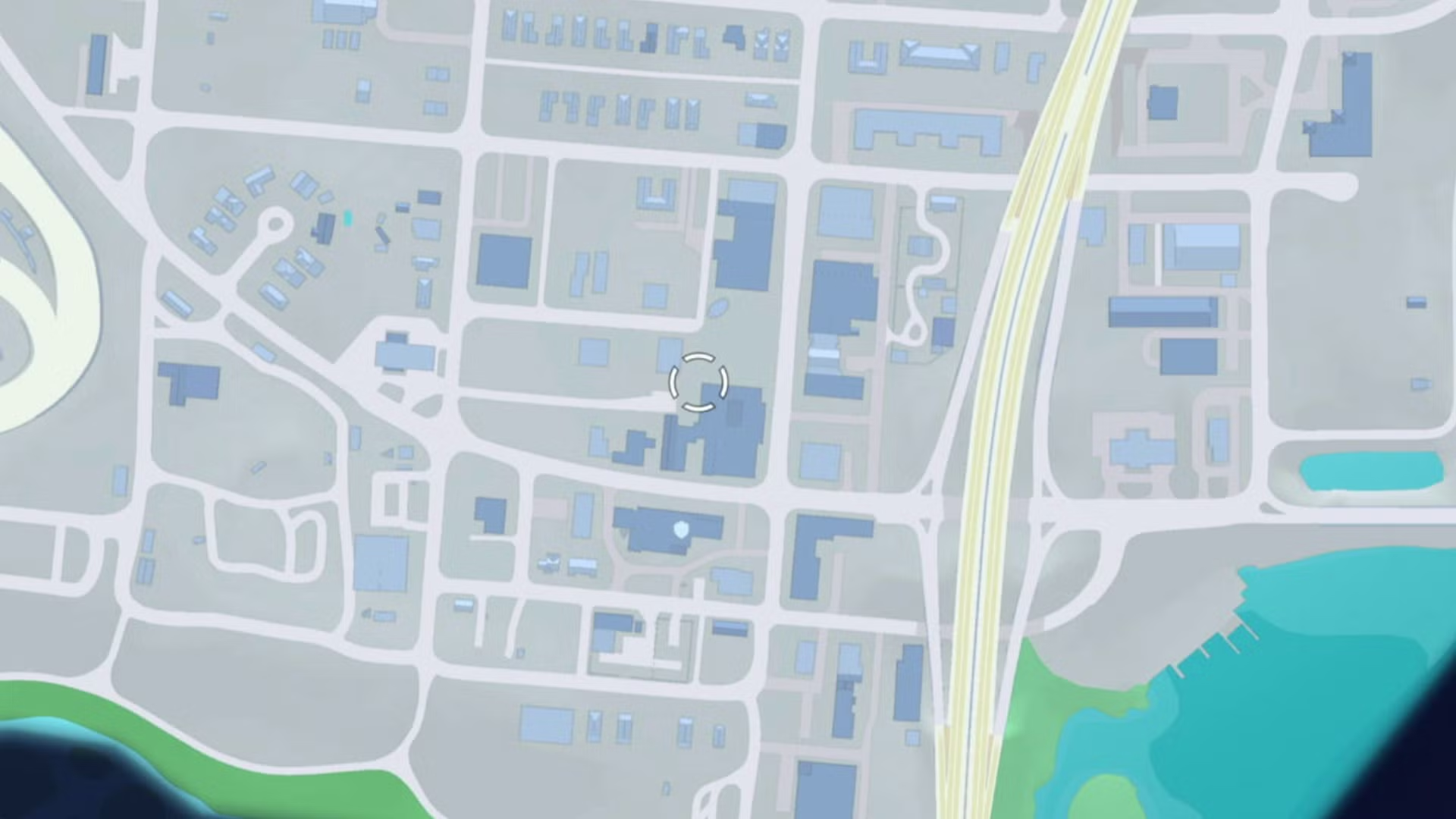
Zooming in and out of the world map in GTA 6 is confusing because the game does not tell you what you need to press to use this function. To find the correct buttons to press in order to control the map’s zoom function, players have to either look it up online or dig through the control scheme in the game’s settings.
The default map zoom is suitable for most situations, but if you’re in an indoor space like Jason’s house, it will default to an indoor view that makes viewing the rest of the map impossible. While this is certainly useful for finding spots like the wardrobe to change outfits and the shower to wash yourself, you often want to see the rest of the map as well in order to set a new destination or see what activities are available on the rest of the map. This is what manual zoom allows you to do.
If you're used to how GTA 5 felt, then you might want to change these controls for Grand Theft Auto 6 for a more classic feel.
How to Zoom In/Out of Map in GTA 6
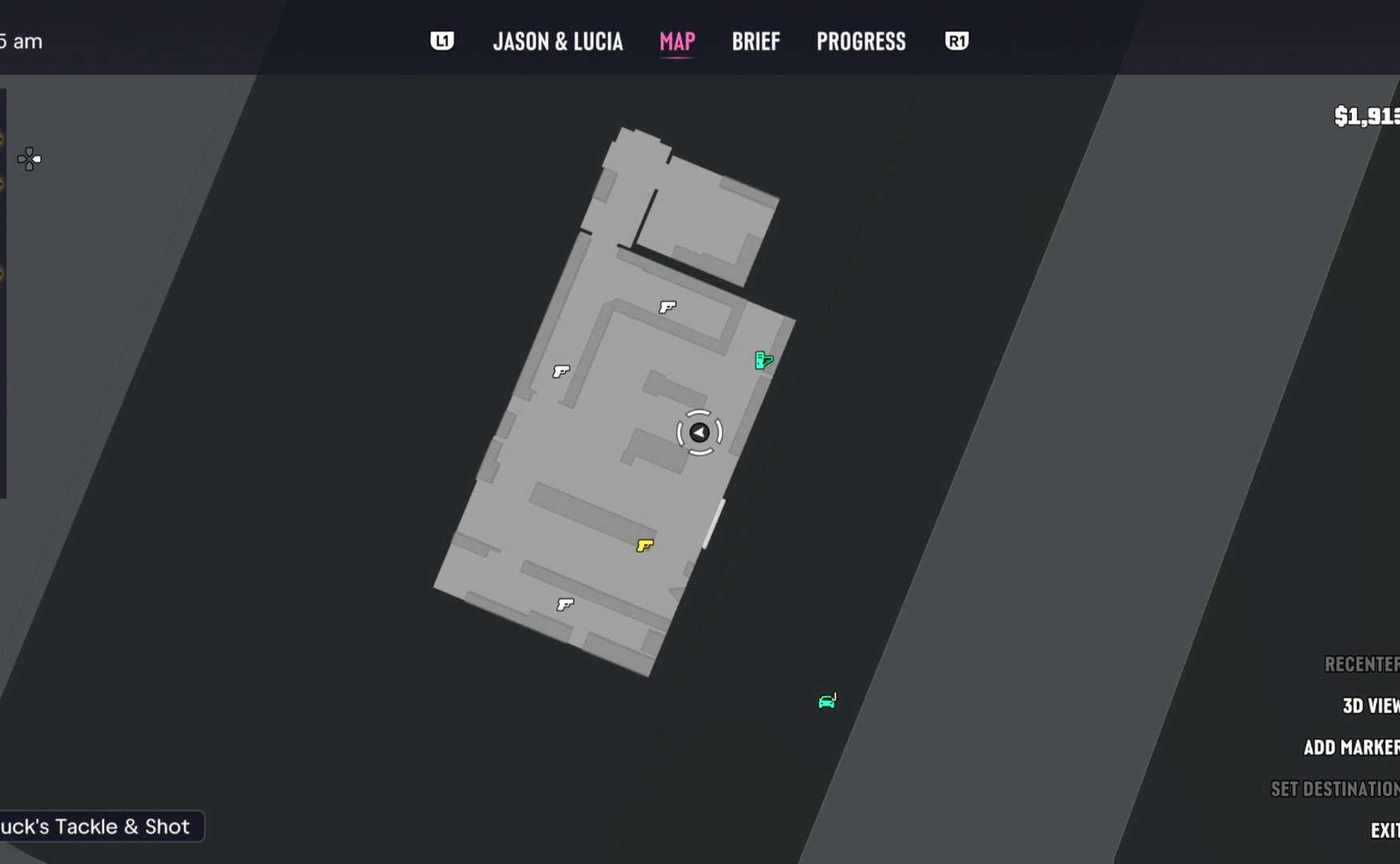
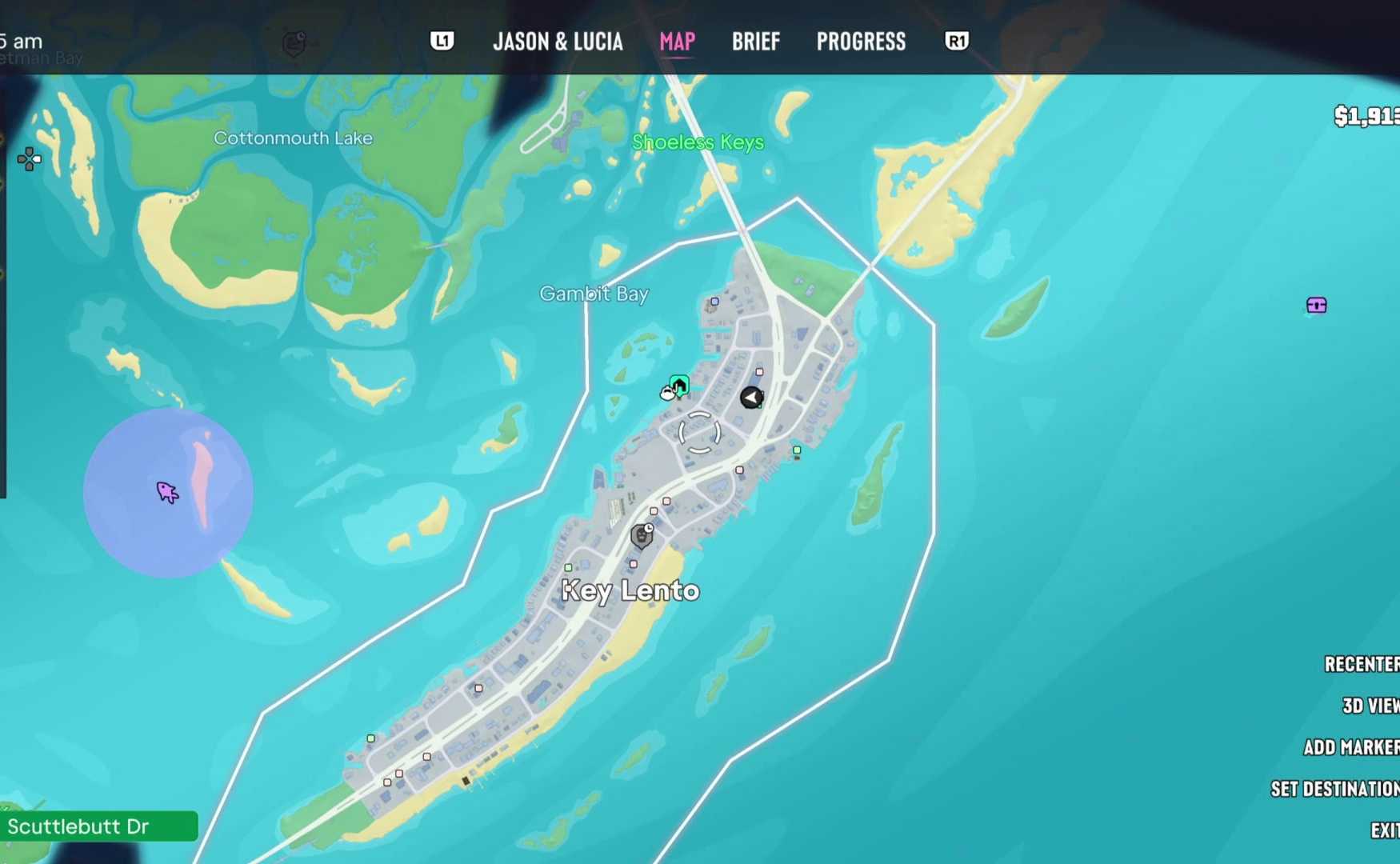
Image via GameRant; Source: Rockstar Image via GameRant; Source: Rockstar In GTA 6 , you can zoom in and out of the map screen using the Left and Right triggers on your controller. On the PS5, these will be the L2/R2 buttons for zooming out and zooming in, respectively, and on the Xbox Series X/S, these will be the LT/RT buttons.
There is a default zoom in/out setting for every region of the game world, and if you exit the map, this is the zoom setting that will be used when you open the map again. For instance, if you’re in an indoor space, open the map, and zoom out to see the world map in its entirety, this setting will not be “saved” by the game. If you exit the map and open it again from an indoor area, the map zoom will be reset to indoor view, meaning you have to zoom out again in order to see the rest of the map.
If you’re still in chapter 1 of GTA 6 , don’t miss out on our infinite money glitch and how to get a helicopter early guides to get an early headstart.
This guide only covers confirmed information. Unconfirmed community findings are labelled as speculation where they appear.