How to Open/Close a Convertible Car's Roof in GTA 6
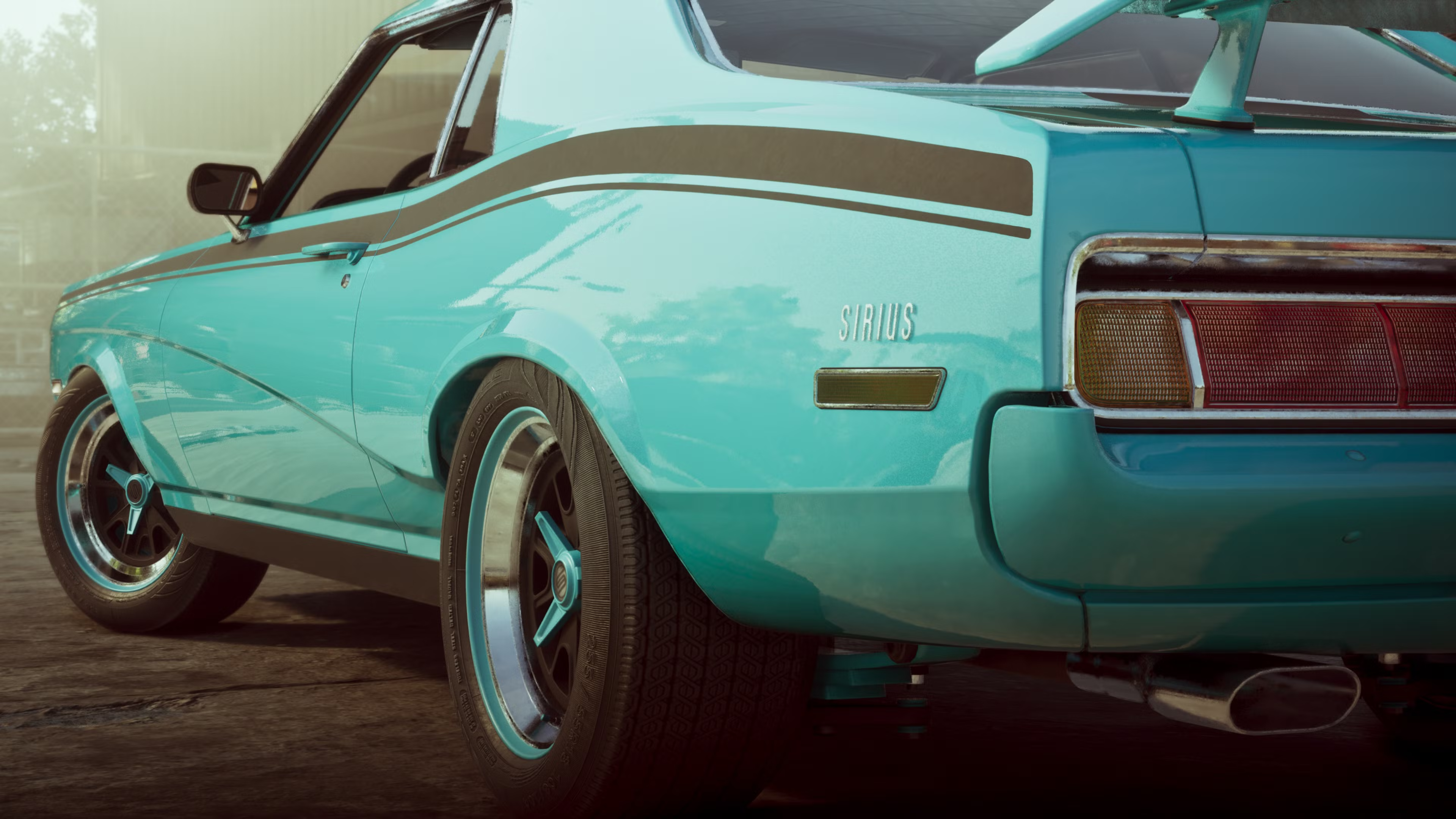
The amount of options you get for your vehicle in GTA 6 is not even comparable to previous games in the series. The game gives you full control over the universal features of cars. You can play with headlights, blinkers, windows, trunk, engine, and even the car's roof if it's a convertible.
All these options are provided through a specific vehicle menu. The good news is that the game is slowed down slightly when you switch to the vehicle menu, just like when you want to change the radio station.
How to Open or Close a Car's Roof, Windows, and Trunk in GTA 6
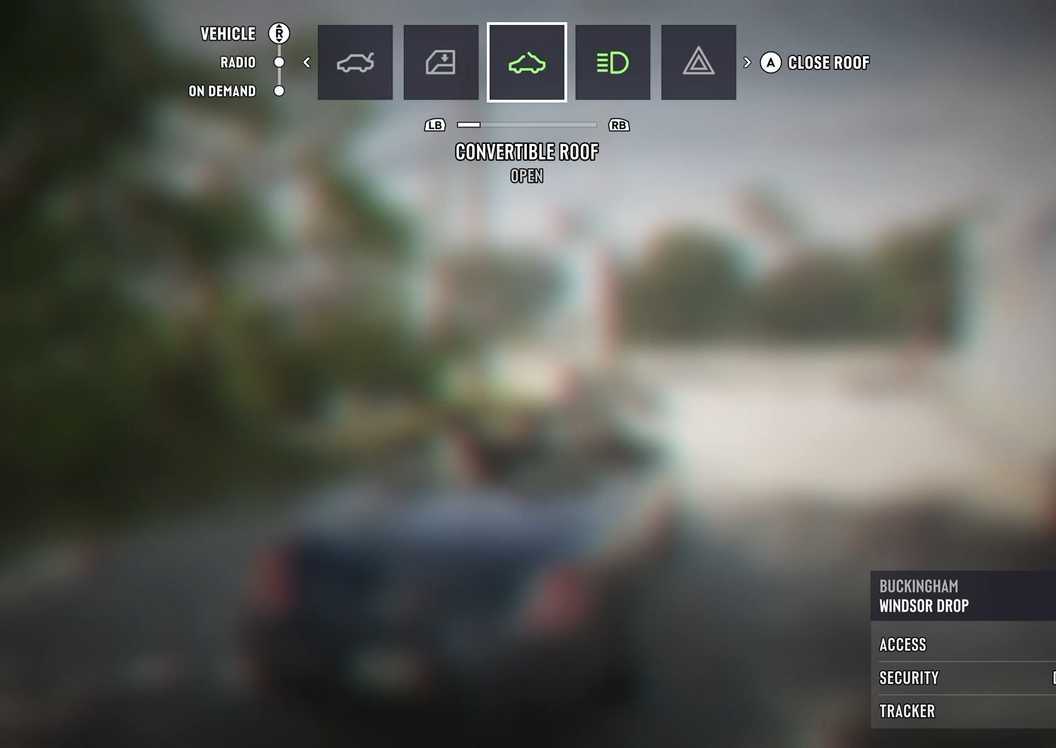
Close Image: GameRant via Rockstar Games Image: GameRant via Rockstar Games Image: GameRant via Rockstar Games To access the vehicle options menu, hold down the left button on the D-pad to open the radio stations' menu. Now, flick the right stick up to switch to the vehicle options , and here you will find everything you can modify.
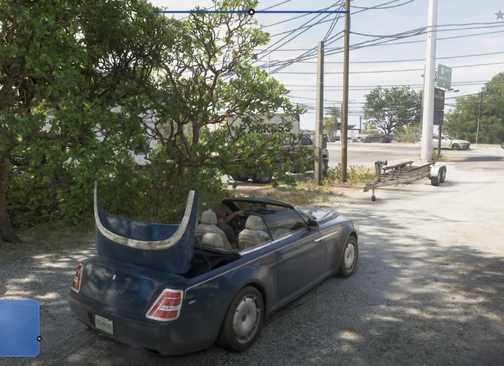
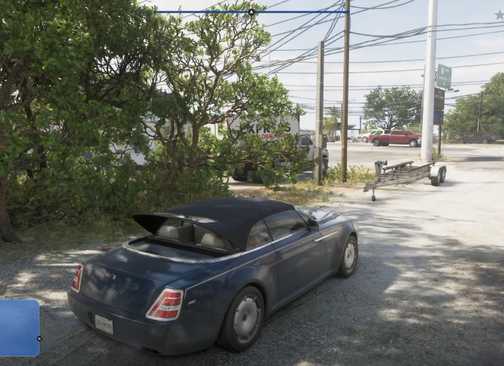
If you are driving a convertible car, the first option will be to open or close the roof. By pressing X / A, you can change the current state . If the icon doesn't change after selecting it, don't worry. Your input will still work, and if you exit the menu, you will see the roof is opening or closing.
In the same vehicle options menu, you can find the Windows and Trunk options as well. Selecting each one will open or close the windows or trunk. This is quite useful, especially when you open your trunk to pick up something, but you forget to close it. With this menu, you won't need to get off the car to close the trunk.
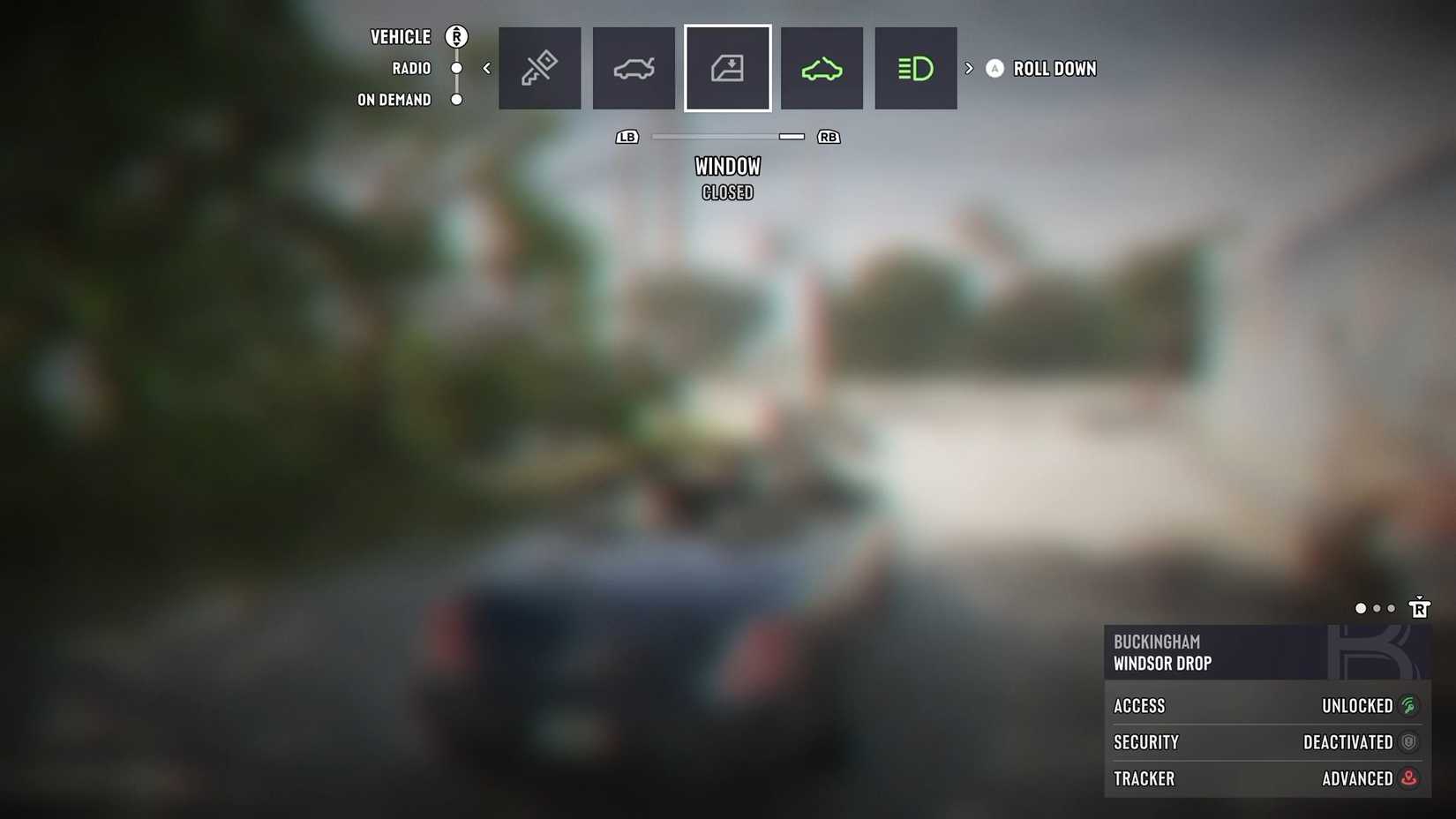
Image: GameRant via Rockstar Games Moreover, these options are quite interesting for taking selfies. If you want to get the most out of the photo mode and find some neat poses inside your car, these options will come in handy.
The vehicle options are not limited to the roof, trunk, or windows. You can turn on or off the car's engine, the hazard blinkers, or the headlights. The game gives you different headlight modes just like real life.
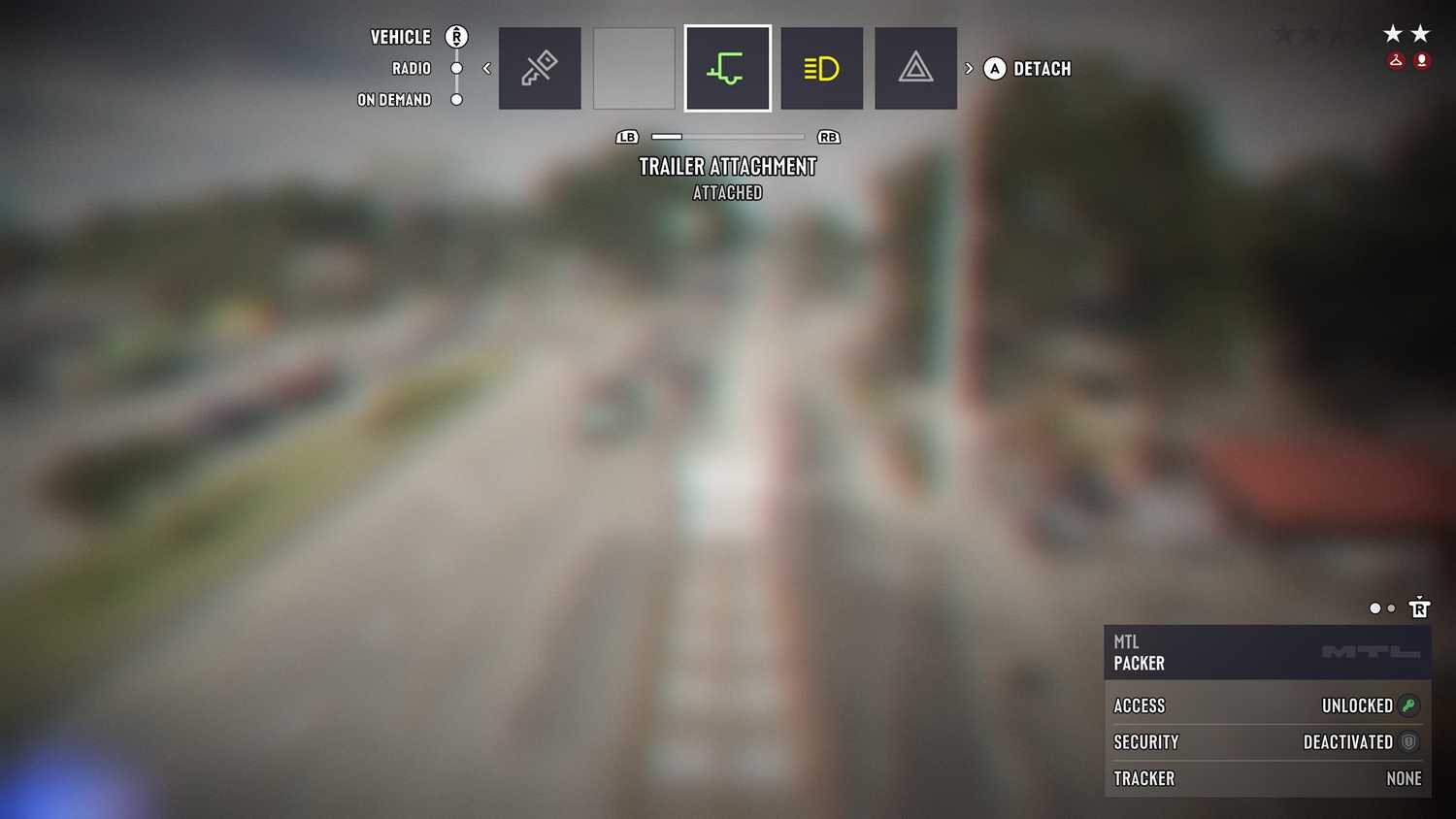
Image: GameRant via Rockstar Games
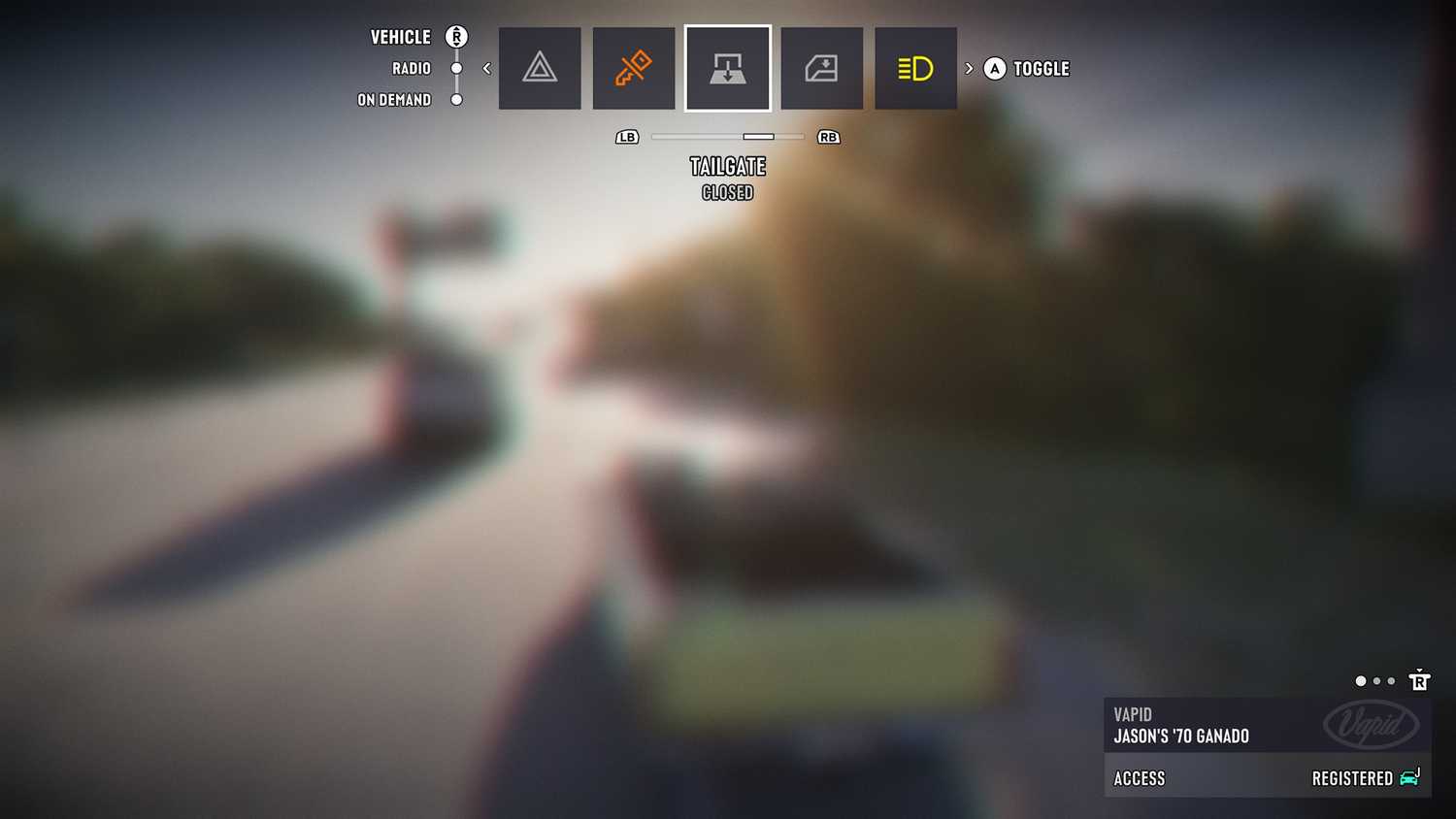
Some special cars will have even more options available in this menu. For example, if you get on a truck with a trailer, you will get a new option that lets you detach the trailer, though this one can be done by simply pressing the right button on the D-pad too.
This guide only covers confirmed information. Unconfirmed community findings are labelled as speculation where they appear.