How to Start Scuba Diving and Find Shipwrecks in GTA 6
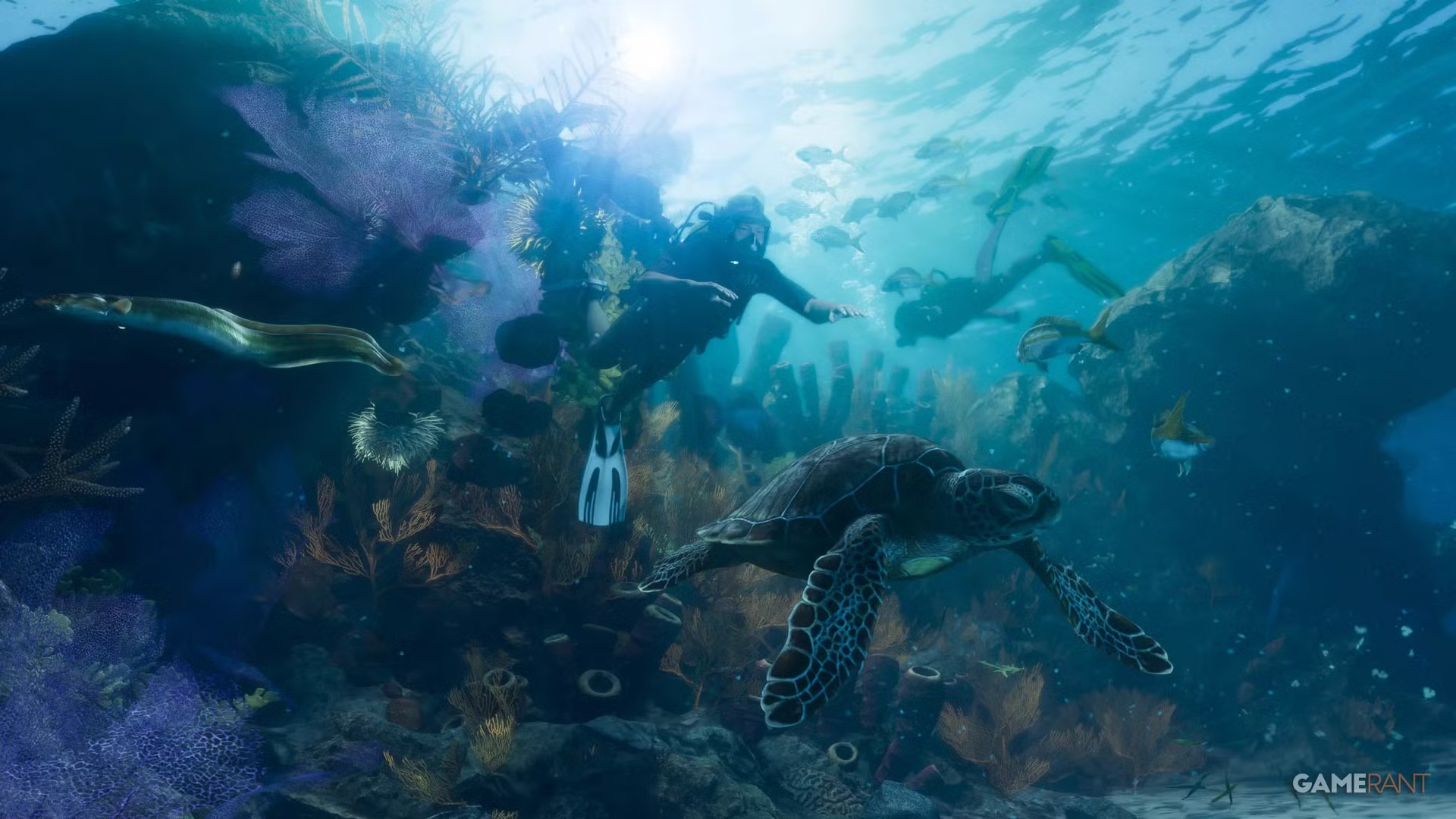
There are plenty of activities to keep you busy in GTA 6 when you aren’t following the main story or driving around the city. From visiting different shops to exploring the ocean, the game gives you several ways to spend your time outside missions. Scuba diving is one of these activities, letting you head beneath the water and discover what lies hidden across the ocean floor.
Here's a guide on how to safely get a helicopter in GTA 6 without getting a wanted level.
How to Unlock Scuba Diving in GTA 6
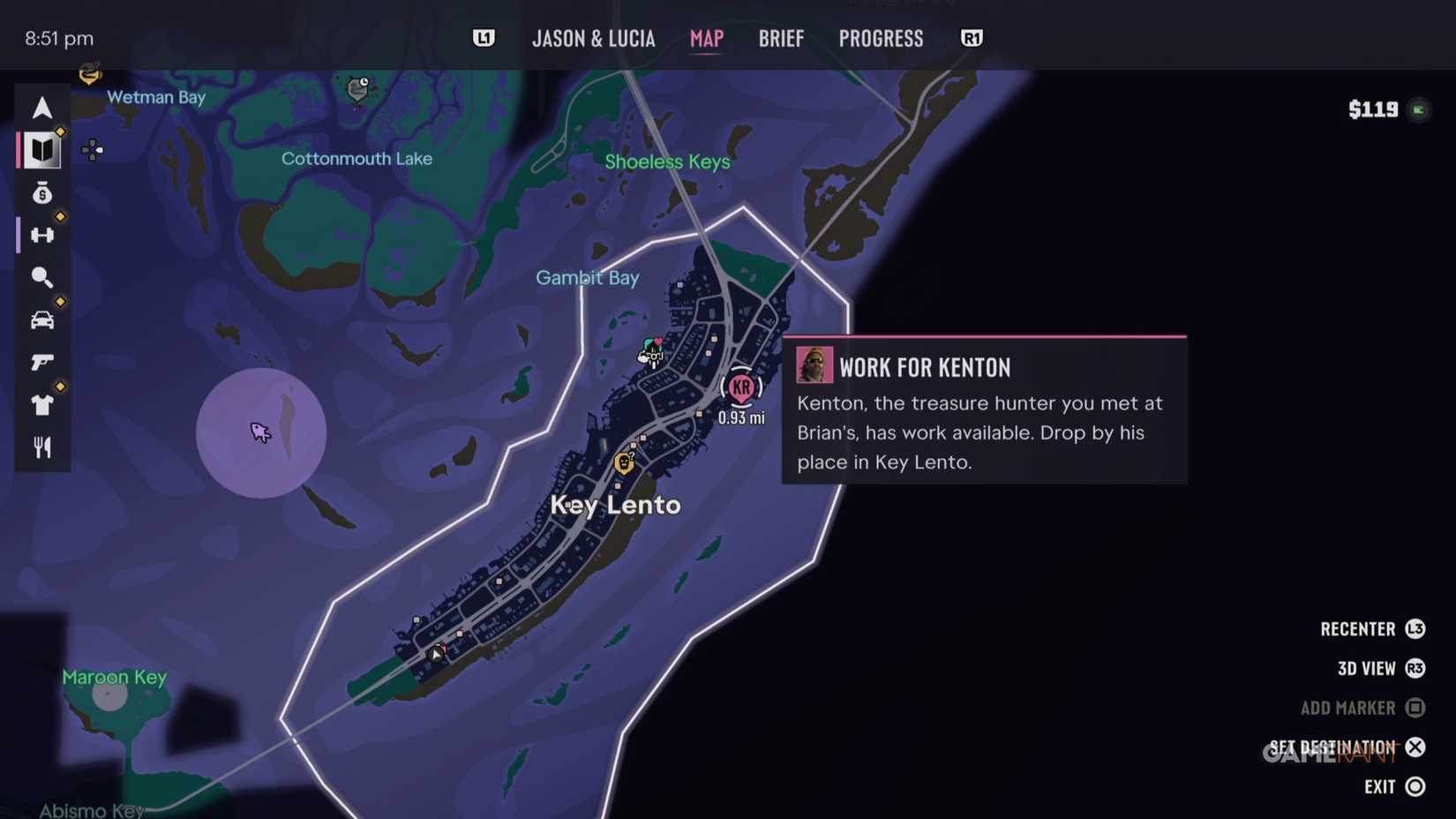
Image via GameRant; Source: Rockstar Games To start scuba diving, you will need to play through the first chapter of the game until Brian introduces you to Kenton . After a short while, you will receive a quest from him called Island Dreams. Head to the marked location and talk to him to start the mission.
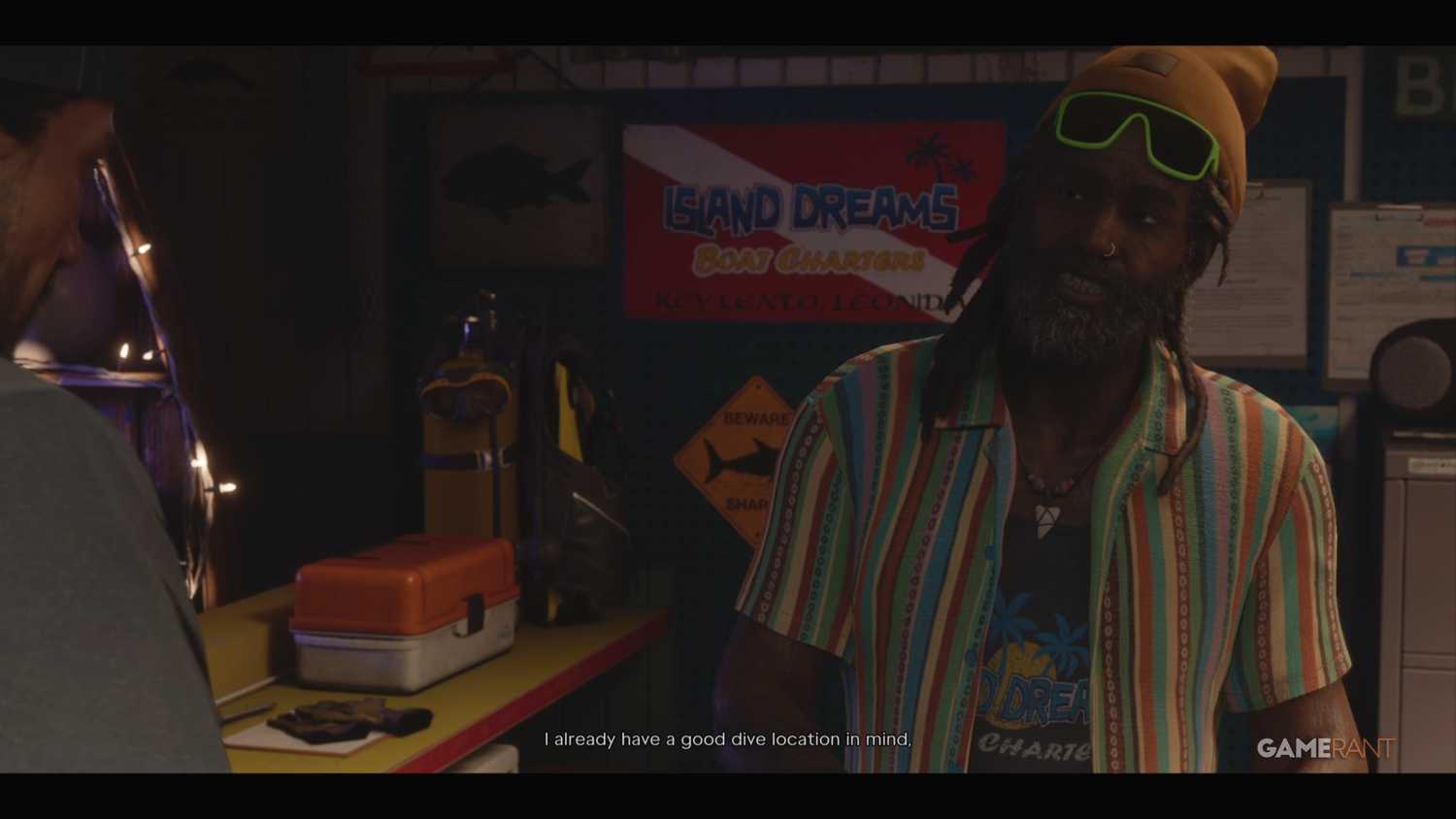
Image via GameRant; Source: Rockstar Games
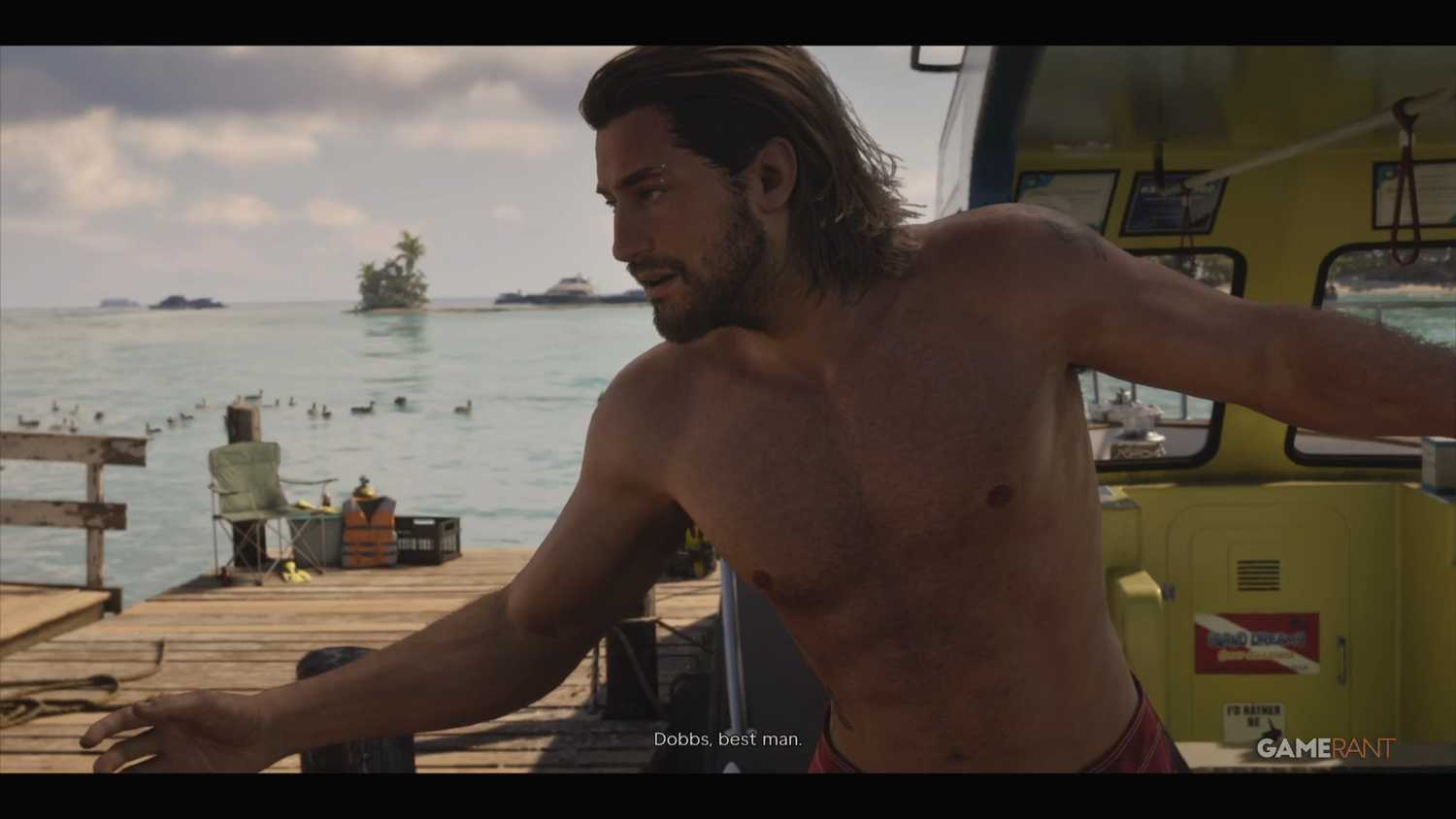
During your conversation, he explains that he intends to go underwater diving to look for sunken treasure. The problem is that he doesn’t have a permit to explore these locations, so he plans to disguise his real intentions by going as a tour guide. He wants Jason to tag along and handle the actual diving.
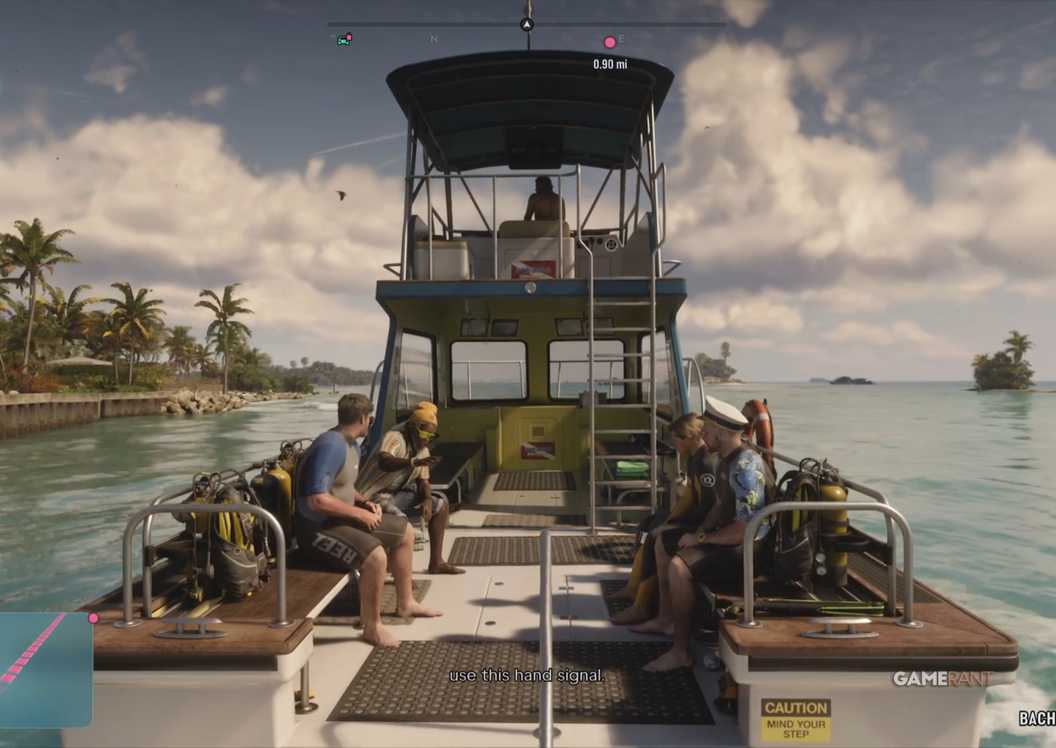
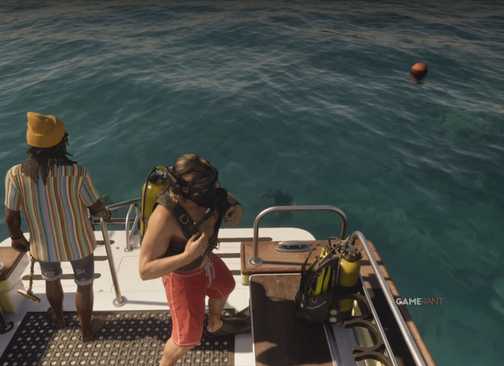
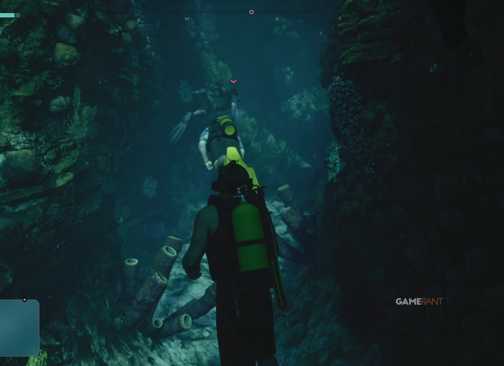
Close Image via GameRant; Source: Rockstar Games Image via GameRant; Source: Rockstar Games Image via GameRant; Source: Rockstar Games After the cutscene, you will need to drive the boat to a location far out in the ocean where the diving will take place. Once the other divers get into the water, change into your Scuba Diving gear and jump in. Keep following the group underwater until they come across a wreck that they want to investigate. At this point, check the marked area on your minimap and take out the Metal Detector to search for treasure on the ocean floor.
This guide only covers confirmed information. Unconfirmed community findings are labelled as speculation where they appear.