How to Turn on Car Blinkers in GTA 6
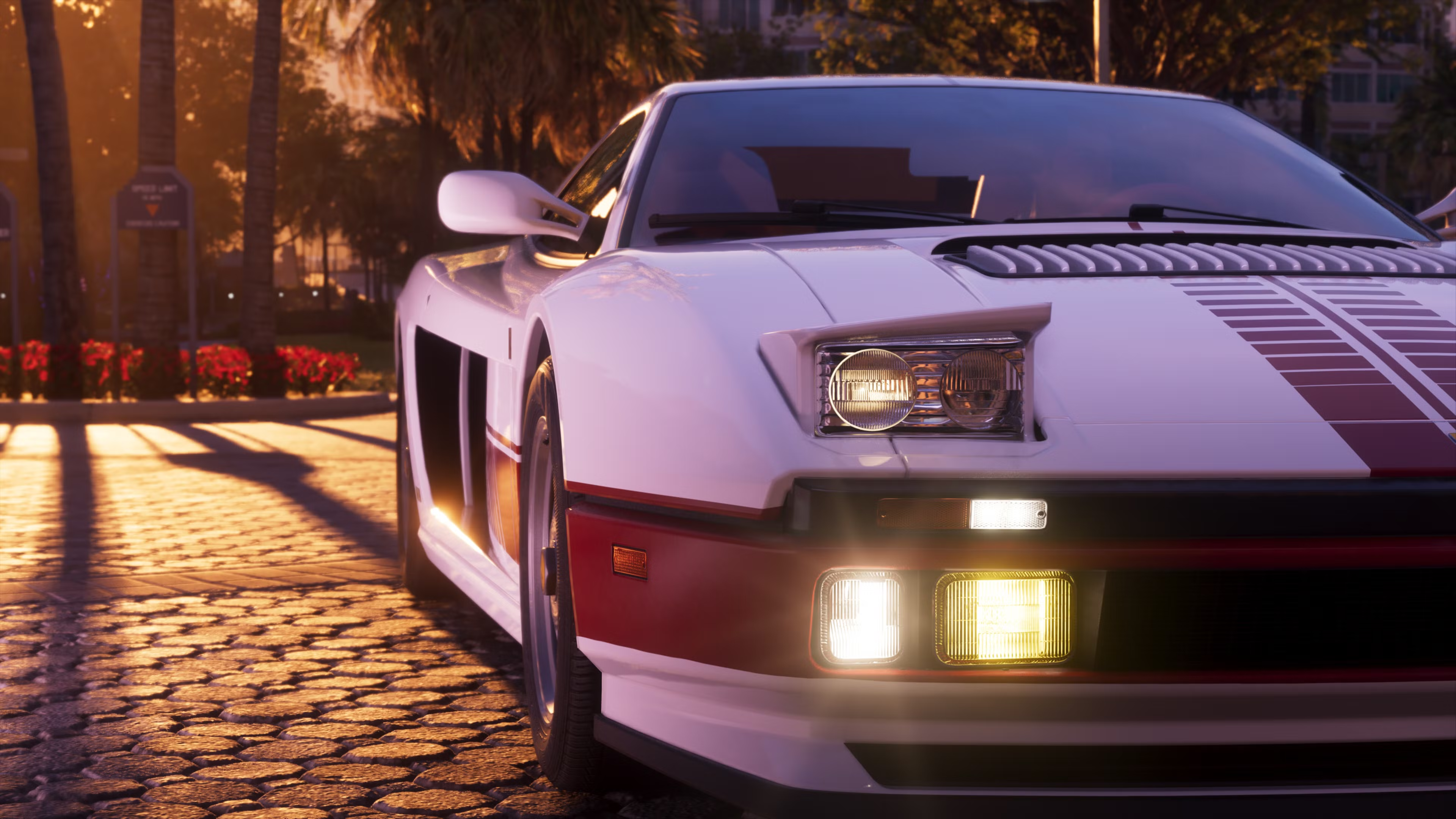
The driving experience in GTA 6 isn't a massive overhaul compared to its predecessor, but Rockstar Games has still tried to make it feel more realistic by adding new, tiny details to it. After all, cars play a bigger role in GTA 6 , especially since you can use the trunk to store your weapons.
Aside from the car handling, which feels more weighted now, players have more control over some universal mechanics like blinkers, allowing players who want to drive more carefully to have access to all the tools they need.
If your car has taken a beating in GTA 6, here's how to get free repairs from Joey.
How to Turn On Car Blinkers in GTA 6
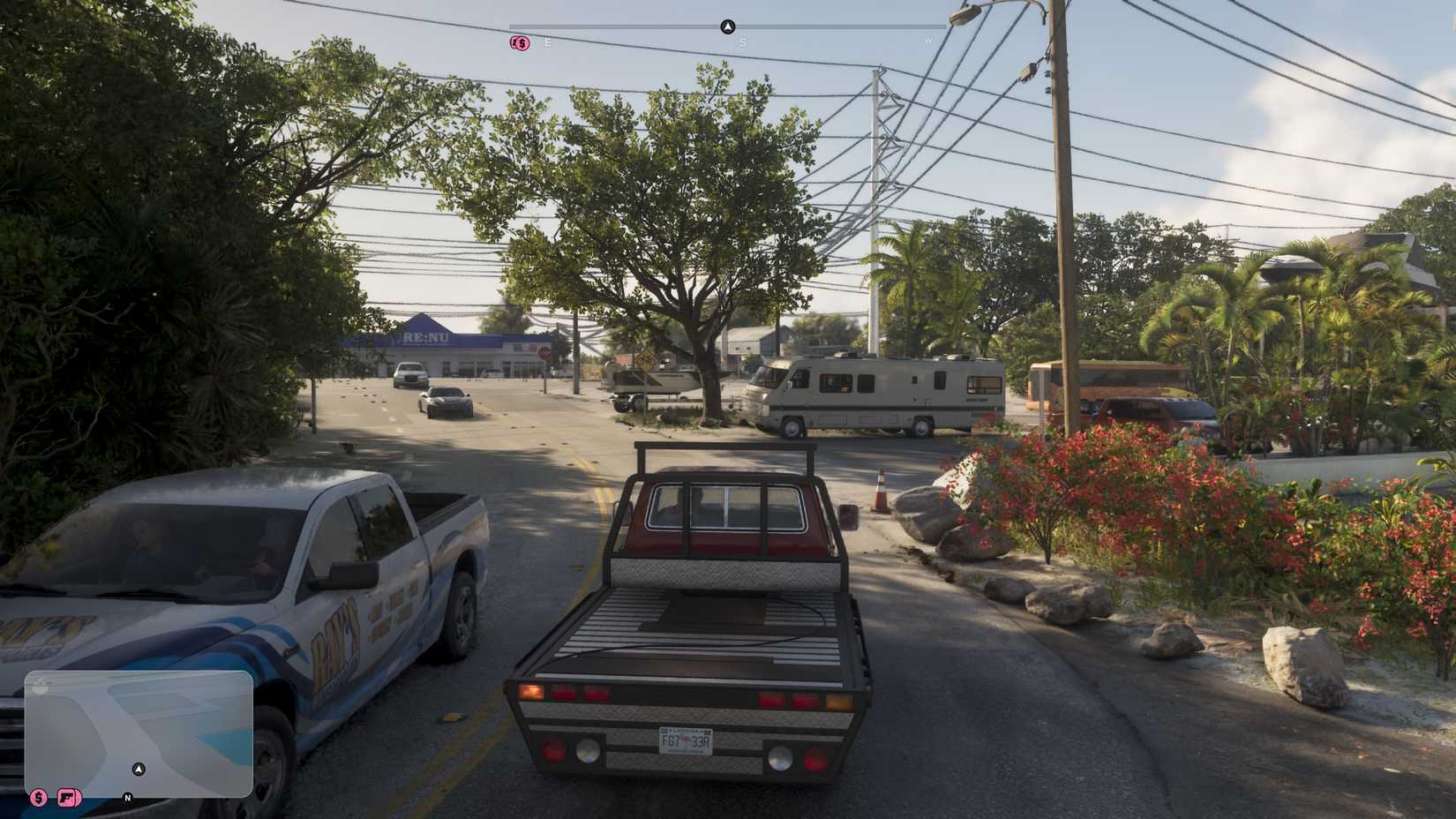
Image: GameRant via Rockstar Games To turn on the left blinker, press the left button on the D-pad once , and for the right blinker, press the right button on the D-pad . Just remember that the press needs to be short and quick. If you hold it a little longer, you will initiate other functions, like changing the radio station.
The fun part about blinkers is that they get turned off automatically after you turn toward the side you had the blinkers on for. This is just like how cars in real life work, and it's just another tiny detail in GTA 6 that adds up to the immersion. Now, you can turn off the blinkers yourself by pressing left or right on the D-pad once more.
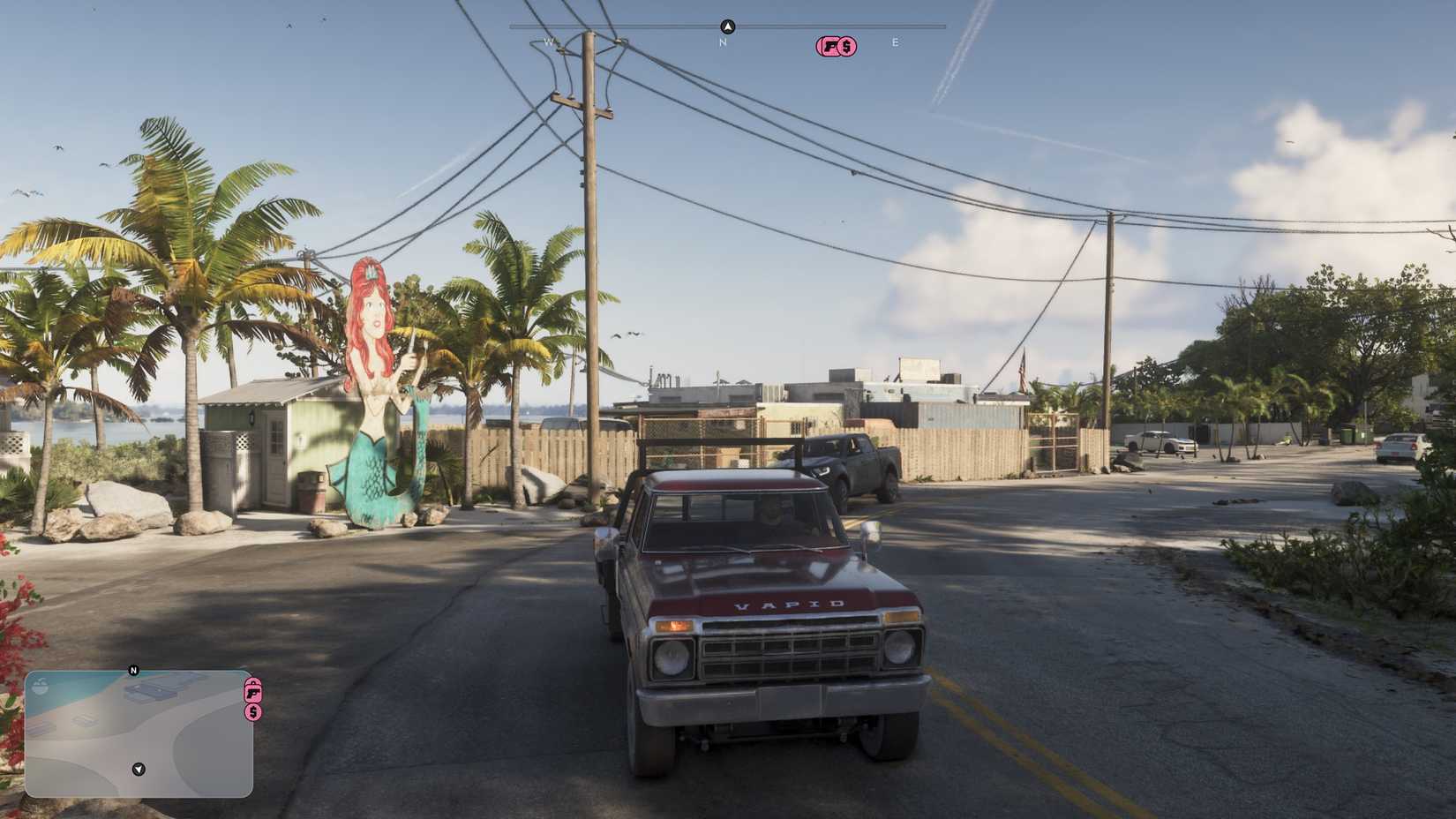
Image: GameRant via Rockstar Games When it comes to the behavior of NPC drivers, I didn't notice a meaningful change when using blinkers before turning at the crossroads, but I still can't rule out that it doesn't make a difference. However, if you experience any interesting coincidences when using blinkers, don't hesitate to share them with us in the comments.
Now, that's not all. The game also gives you the option to turn on both blinkers, which is an indication of danger or hazard. However, you can't activate this by simply pressing a button. To enable hazard blinkers, hold down the left button on the D-pad . When the radio station menu opens up, flick the right stick up , and you will see the car's options appear. Now, use R1 / RB to navigate to the Hazards option and press X / A to activate it.
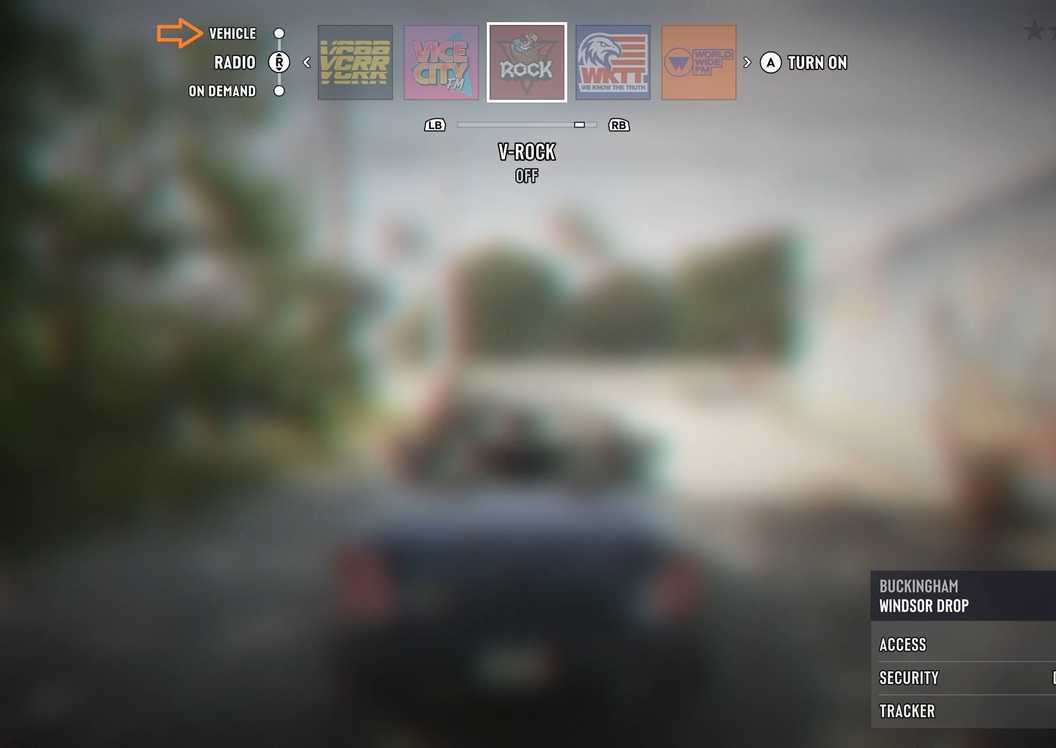
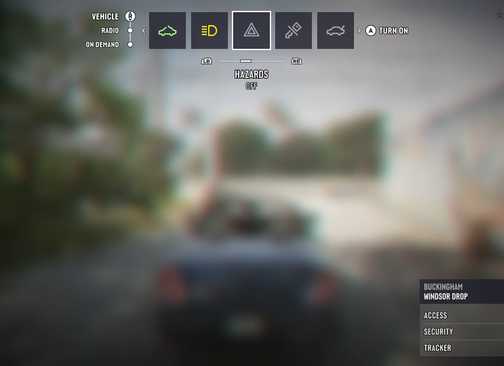
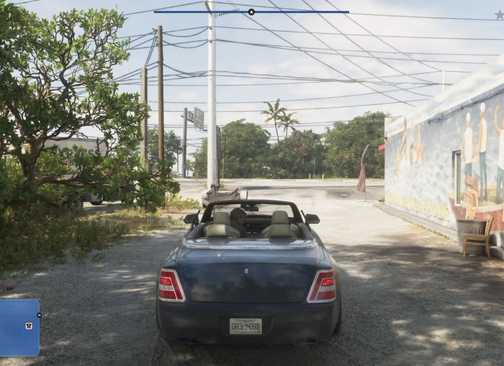
Close Image: GameRant via Rockstar Games Image: GameRant via Rockstar Games Image: GameRant via Rockstar Games Remember that once you press X / A, the icon for Hazards will not change, but if you leave the menu and return to the game, you will notice that both blinkers are on. It seems to be a bug.
This guide only covers confirmed information. Unconfirmed community findings are labelled as speculation where they appear.