How to Use the Phone in GTA 6
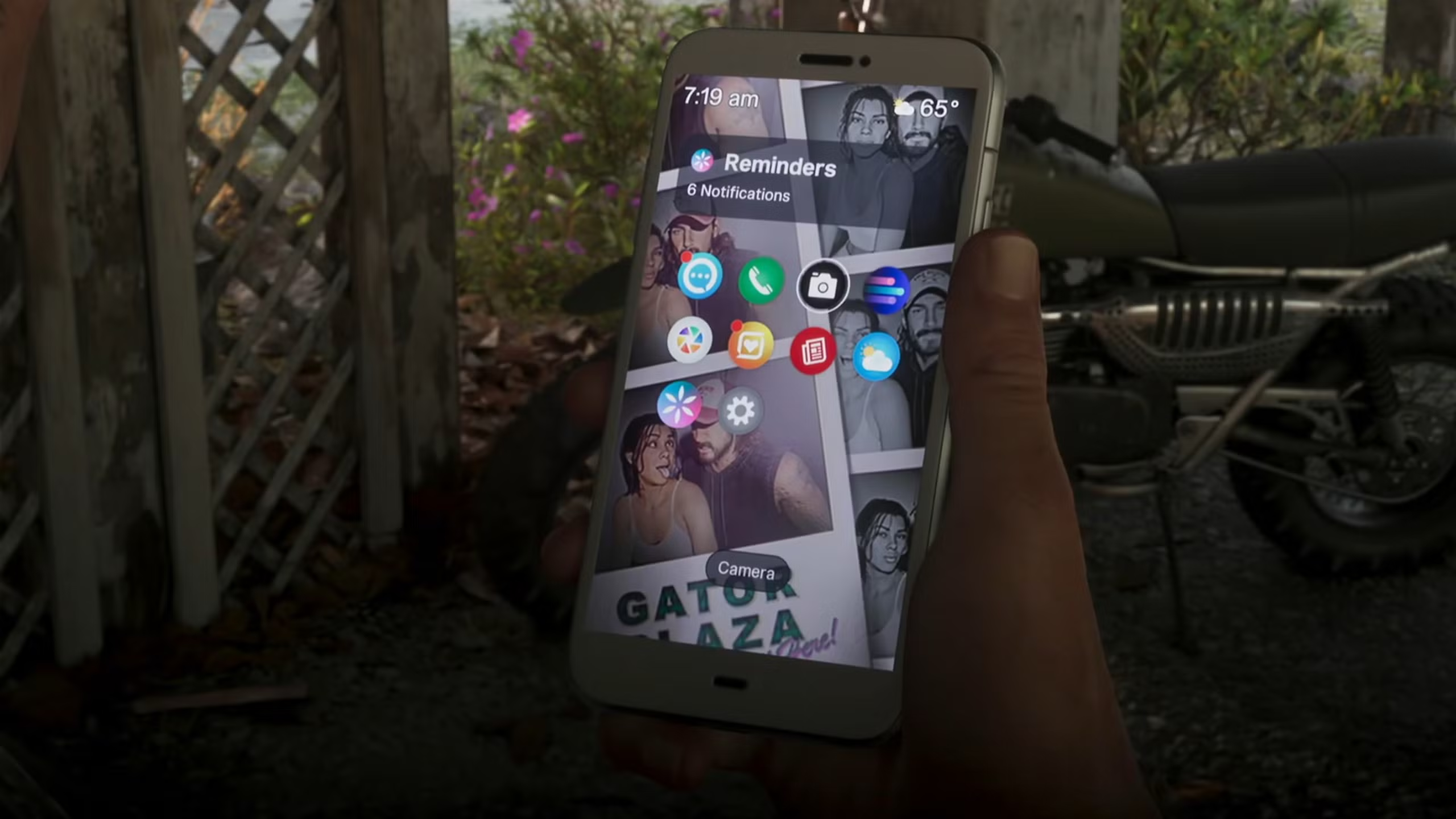
Your smartphone is one of the most crucial tools in GTA 6 , serving as the central hub for everything from checking social media feeds to coordinating your next major heist. Since the game relies heavily on this digital interface to manage contacts, track your bank accounts, and navigate around Leonida, you'll need to get familiar with using the phone fast. Here's a quick guide taking you through how to pull up your phone, access the camera, text, and use social media in GTA 6 .
How to Pull Up Your Phone in GTA 6
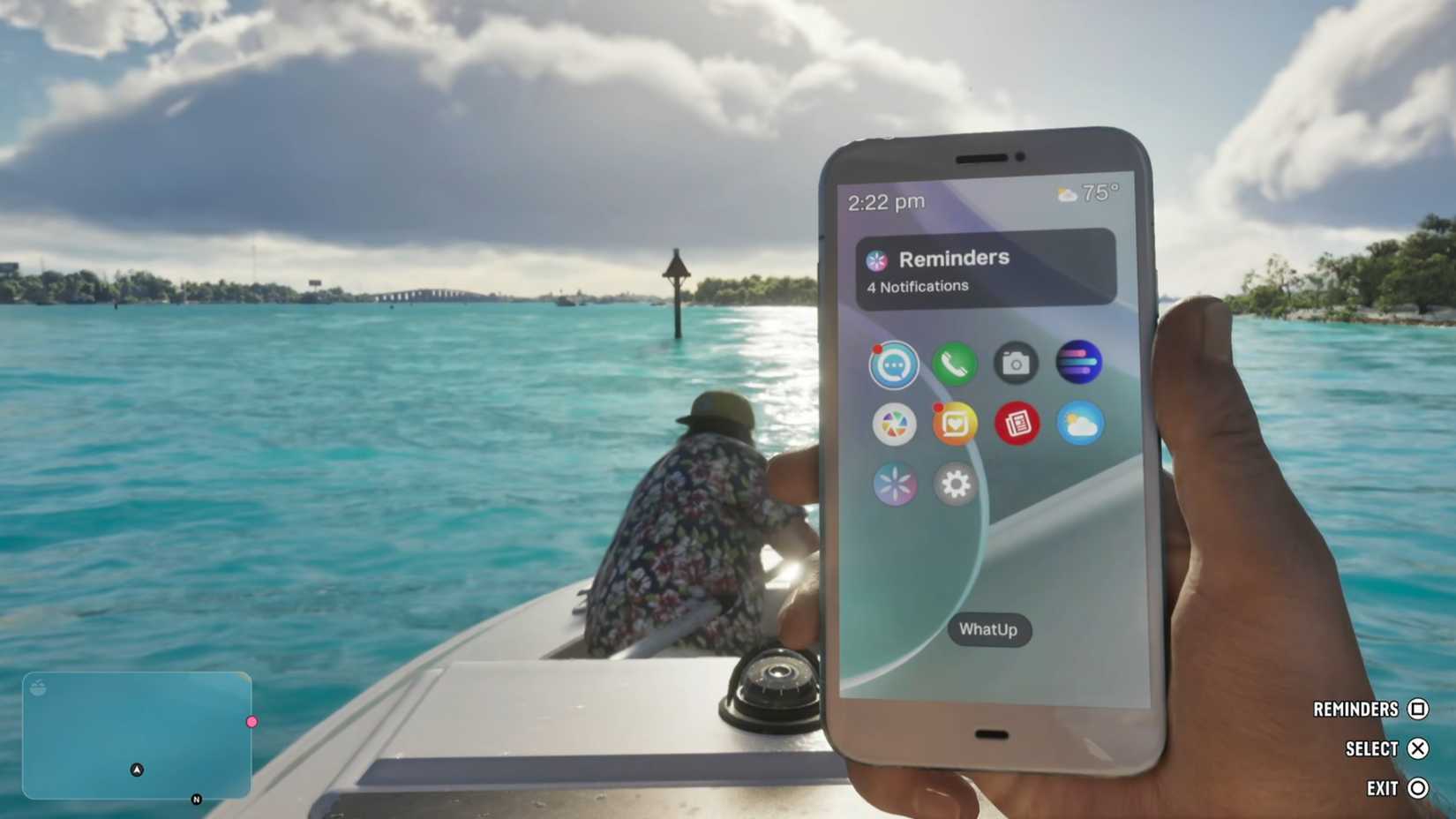
Players can pull up their phone in GTA 6 by pressing the D-Pad Up button on the controller. Similar to GTA 5 , pulling up your phone won't pause the game, so it's important that you don't do it during a hostile encounter or while driving.
Players will be able to first pull up their phone during the prologue, as soon as they take control of Jason on the boat.
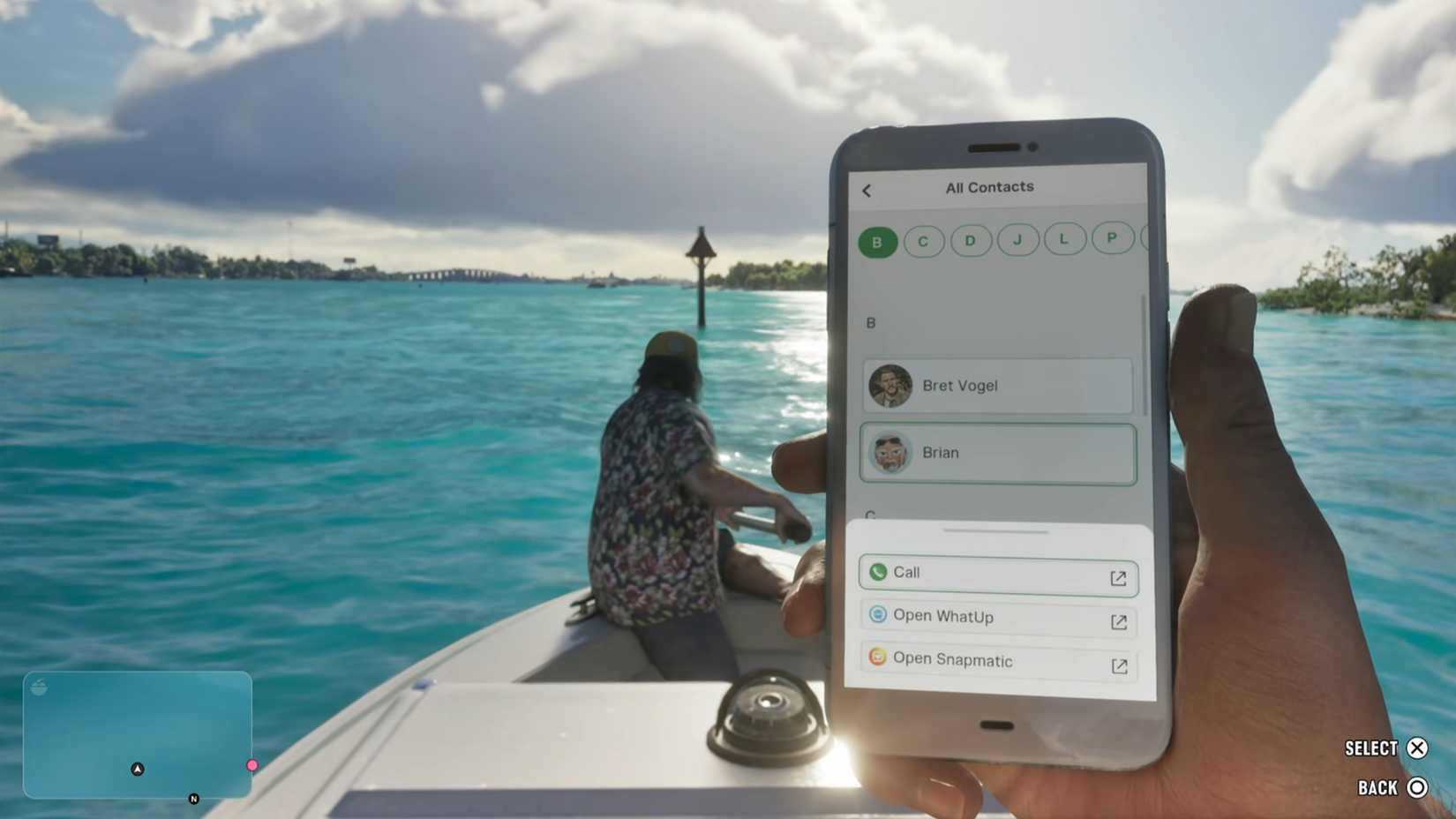
There are several features on the phone, and more will be added as you progress through the story, like the BuckMe banking app. Here's a quick breakdown of some of the applications you can use on the phone in GTA 6 .
Phone App | What Does It Do?
WhatUp | Messaging application. You can send and recieve messages to your contacts with it.
RydeMe | Spoof of Uber/Lyft, a ride-hailing app that you can use to fast travel across the map. Will cost money though.
Contacts | Place calls to your contacts with this.
Camera | Take photos and selfies with both rear and front cameras, respectively.
BuckMe | A spoof of Venmo that you can use to send and recieve money, including making purchases.
Fitness | Track your physical stats with personalized goals to keep fitness on track.
Gallery | View your snapped photos from your smartphone camera.
Snapmatic | Spoof of Snapchat, a social media application that lets you view both videos and images online.
News | An online news app that brings you the latest from Leonida.
Weather | Latest information on weather and forecasts.
WAiNK | A scanner application that gets you all the details about a targeted vehicle.
Depending on your replies to Lucia or lack thereof, you can raise or decrease your relationship status with her in GTA 6 .
How to Change Wallpaper and Ringtone on GTA 6 Phone
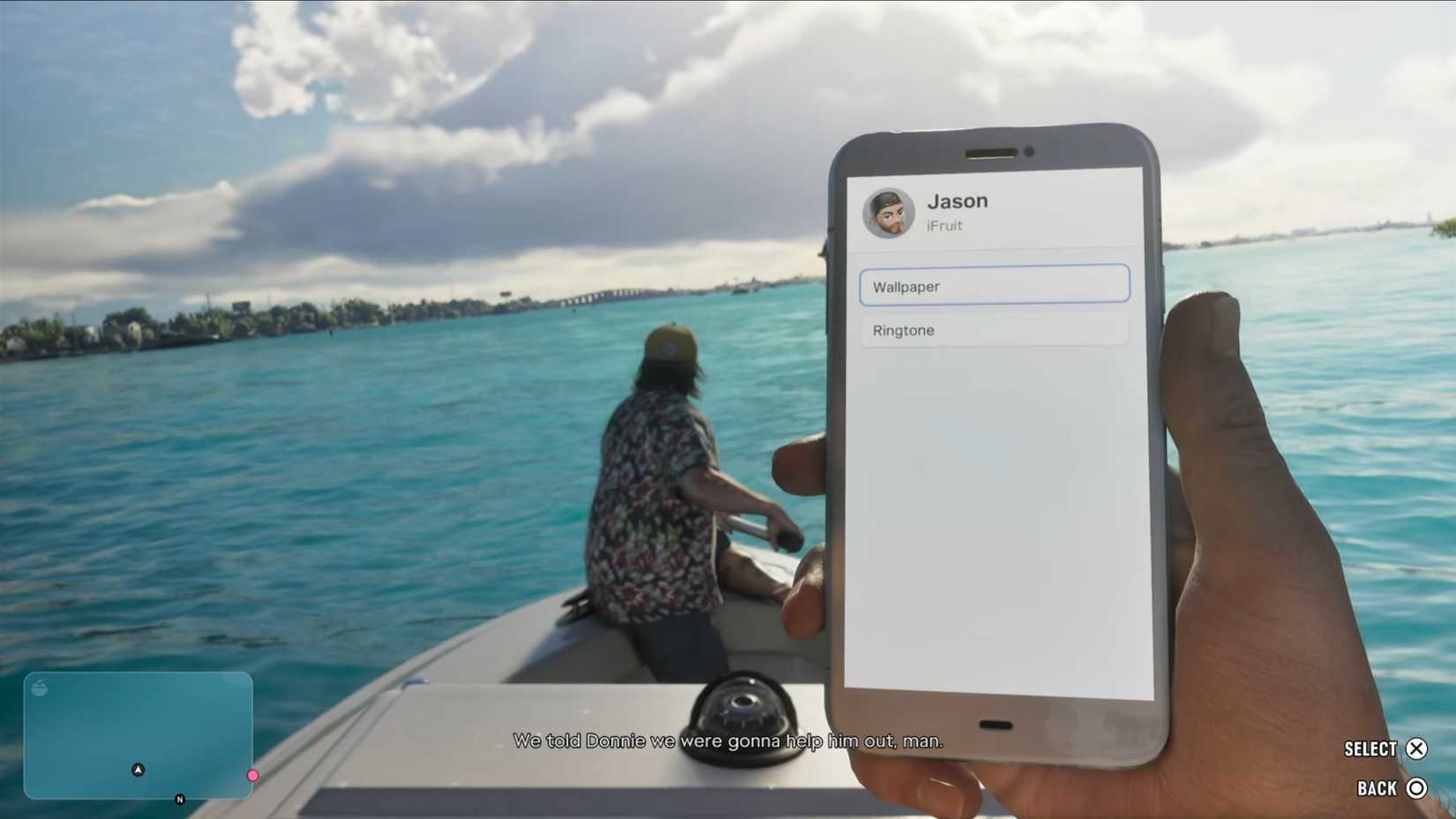
If you want to personalize the smartphone in GTA 6 , you can change its display wallpaper and the ringtone. Simply pull up your smartphone and head into settings to do both.
Ringtone : You can select from 11 ringtones that also change the vibration pattern of your controller when you recieve a call. PlayStation 5 players will also hear the ringtone through the DualSense controller's speaker.
Wallpaper : You can select and personalize the look of your phone from 25 wallpapers.
This guide only covers confirmed information. Unconfirmed community findings are labelled as speculation where they appear.