Best Aim & Controller Settings To Use in GTA 6
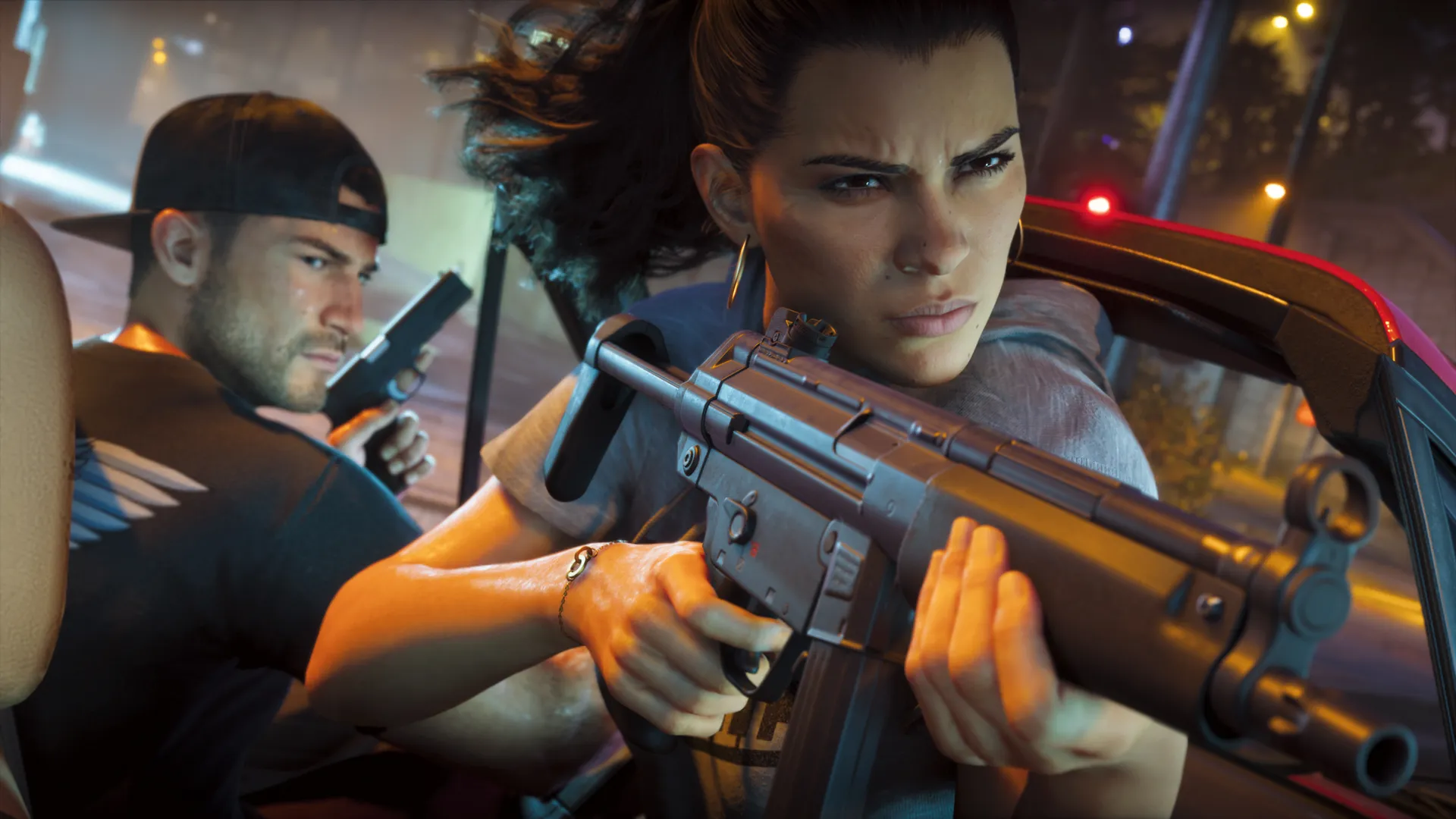
Looking to improve your aim and controller settings in GTA 6? You are in the right place, as this guide will cover everything you need to know.
GTA 6 is one of the most anticipated games of the decade, and it has finally arrived. It is a single-player title, so players don’t need to get extremely competitive with their controller settings. However, there are some useful settings that players can apply, which will help their experience feel much smoother and sometimes faster in GTA 6.
You can buy Grand Theft Auto 6 here if you haven’t already!
GTA 6 Best Aim/Controller Settings Guide—Lock-On Adjustment, Sensitivity and More
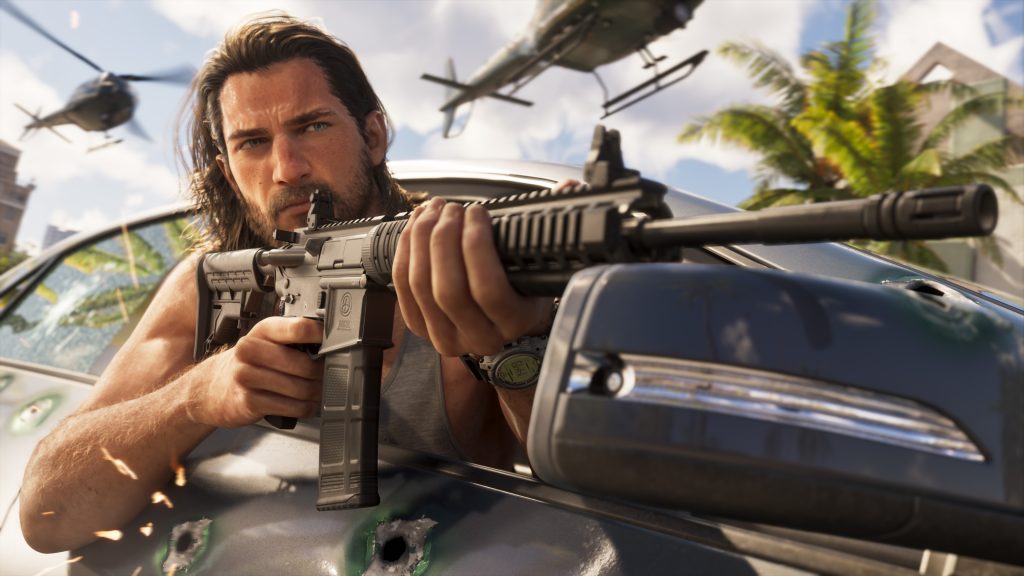
All the GTA 6 aim/controller settings can be found in the ‘Settings’ menu under the ‘Controller’ and ‘Gameplay’ tabs
There’s a whole set of settings players can tweak to improve their aim and controller movement in GTA 6. However, these changes are subjective; they might work for some and not for others, so it’s best to tweak around to find what works best for you rather than relying on this as a handbook.
More Insider Gaming: All GTA 6 Guides, Walkthroughs, Best Tips & Tricks
However, without further ado, here’s everything you can adjust, change, or tinker with to make your aim and controller settings better in GTA 6:
Starting with ‘Controller’ tab changes, increase the horizontal sensitivity for looking (around 11-12) and aiming (around 9-10) to move your camera around faster.
Apply the same settings to vertical looking and aiming sensitivity for a uniform experience.
The Look and Aim acceleration can be increased, as this determines how quickly the camera reaches its highest speed, resulting in faster movement.
Players can also adjust the deadzone on their left and right joysticks if they have stick drift on their controllers; don’t touch this if you don’t. The adjustment depends on the intensity of your stick drift; keep tinkering till you find the right fit.
Moving on to ‘Gameplay’ changes, here you can adjust your Targeting between three options: Lock-on, Partial, and Free Aim. If you choose Lock-On, you can also adjust the Lock-On time and tweak Aim Assist below.
Players can also adjust their movement speed and combat movement speed; it’s on ‘Walk’ by default, which can be slow for some players. You can change it to ‘Fast Walk’ or even move up to ‘Jog’ or ‘Run’.
Lastly, there are a whole bunch of accessibility settings you can use to tailor gameplay to your personal preferences.
Check out the video below to learn how to adjust and set the best aim/controller settings in GTA 6:
What aim/controller settings have you changed in GTA 6? Leave your thoughts down in the comments, and join the official Insider Gaming Discord server.