GTA 6 Players Discover Simple PS5 Fix for the Game’s Missing Weather Effects

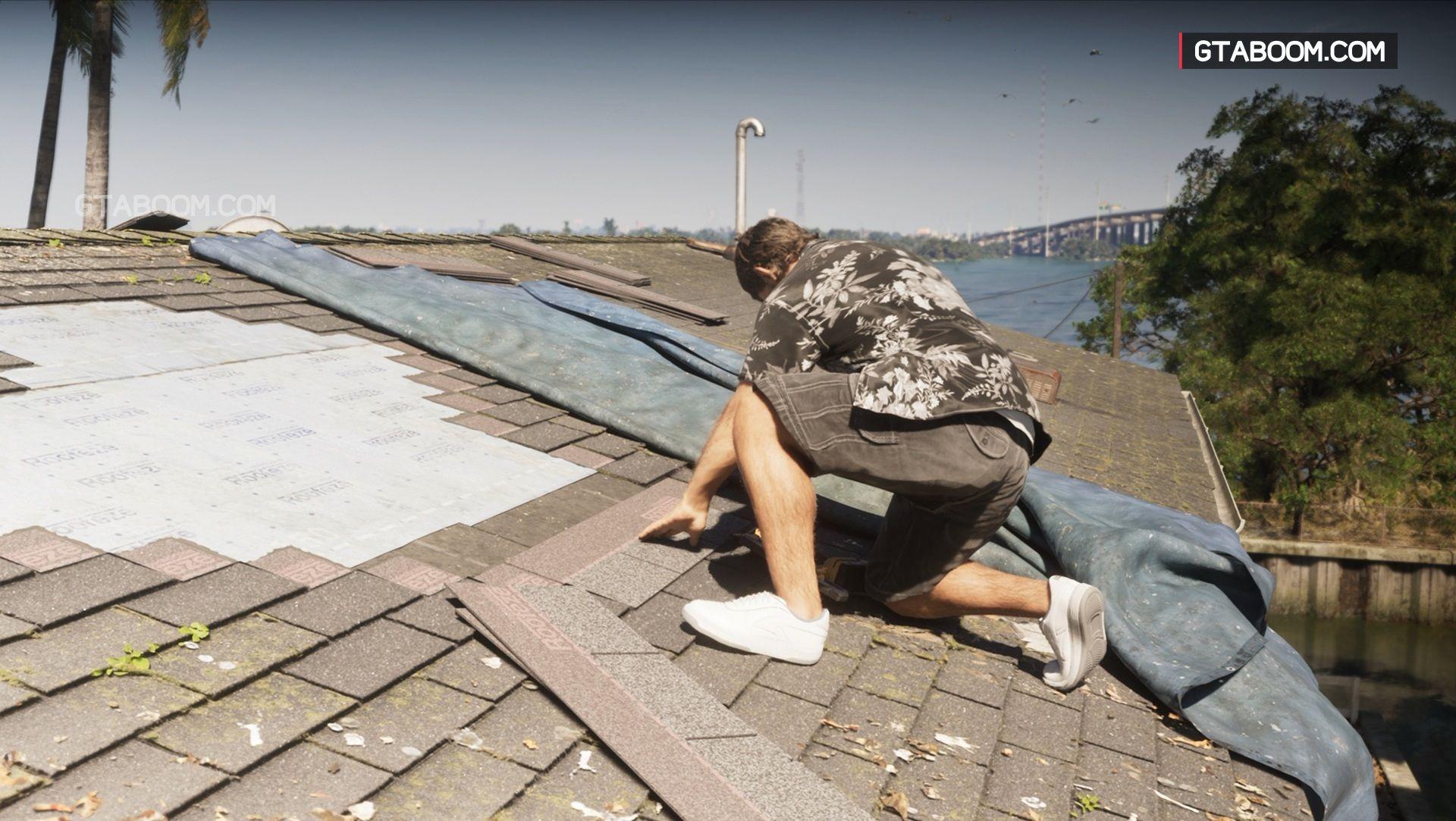
Rockstar heavily emphasized GTA 6 ‘s dynamic weather system, but players have reported that the game frequently remains stuck in sunny weather. Although Rockstar’s latest patch addressed a weather bug, some players continue to experience the same issue.
Rockstar promoted the game’s dynamic weather before launch, showcasing thick fog, violent thunderstorms, and powerful hurricanes. The system was also designed to produce different weather conditions across regions, allowing one area to experience rain while another remains sunny. The system was also designed to feature realistic details, wet roads, puddles, water on vehicles, and clothing that remains damp after a storm. However, many players have reportedly not experienced these weather effects since launch.
According to GameRoll, a PS5 workaround has surfaced that reportedly helps restore the game’s dynamic weather. The player credited @mauricioce85796 with originally sharing the fix, explaining that a storm appeared after loading their save, following 56 hours without experiencing dramatic weather.
How to restore GTA 6’s missing rain and dynamic weather
Players can clear their PS5’s system cache to potentially restore dynamic weather conditions. Here’s how to do it:
Turn off the PS5 console completely.
Press and hold the power button until you hear a second beep. This should take around seven seconds.
Release the power button, then connect your controller using a USB cable.
Press the PS button to enter Safe Mode.
Scroll down to Clear Cache and Rebuild Database.
Select Clear System Software Cache and let the console restart.
Once the PS5 restarts, launch GTA 6 and resume playing. Several players on X have reported that the workaround resolved the issue for them, allowing them to experience the game’s dynamic weather conditions.
Players should not expect dramatic weather changes immediately after clearing the cache. They may need to explore Leonida for some time before experiencing different weather conditions. However, Rockstar has not officially confirmed this workaround as a solution. Clearing the system cache does not delete game saves, so players should not need to restart their GTA 6 progress.