GTA 6 Vehicle Menu and Controller Shortcuts
You can pop the trunk, roll down a window or put the hazards on without getting out of the driver’s seat in GTA 6 . Open the radio menu and look above Radio for the Vehicle tab.
Open the Vehicle menu from the radio
From the driver’s seat, hold left on the D-pad to open Radio, then push the right stick up to reach Vehicle. Move through the settings with L1 and R1 on PlayStation or LB and RB on Xbox. Use X on PlayStation or A on Xbox to do what the prompt says.
The menu shows the current state as well as the action. For example, when the windows are closed, the prompt says Roll Down. The Penumbra FF we used had controls for the headlights, hazards, underglow, engine, trunk and window. Look for the option your car actually has, rather than expecting the same set in every vehicle.
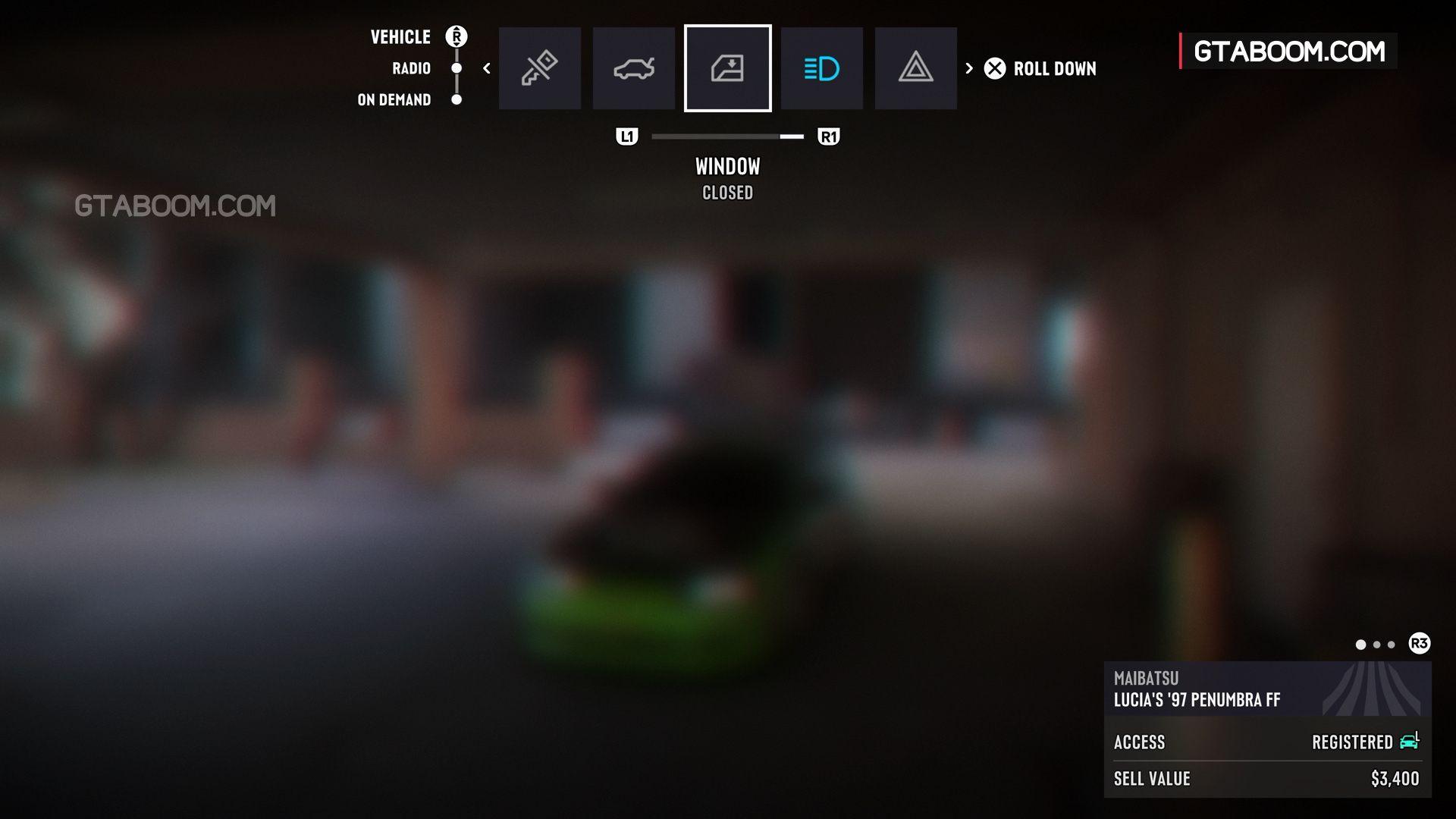
Zoom image: The Vehicle tab above Radio, with Window selected and the Roll Down prompt visible. The Vehicle tab above Radio, with Window selected and the Roll Down prompt visible. Tap or hold the same button for different actions If you only want to change the headlights, tap Circle on PlayStation or B on Xbox while driving. You don’t need to open the Vehicle menu. Holding the same button in a car makes your character duck down.
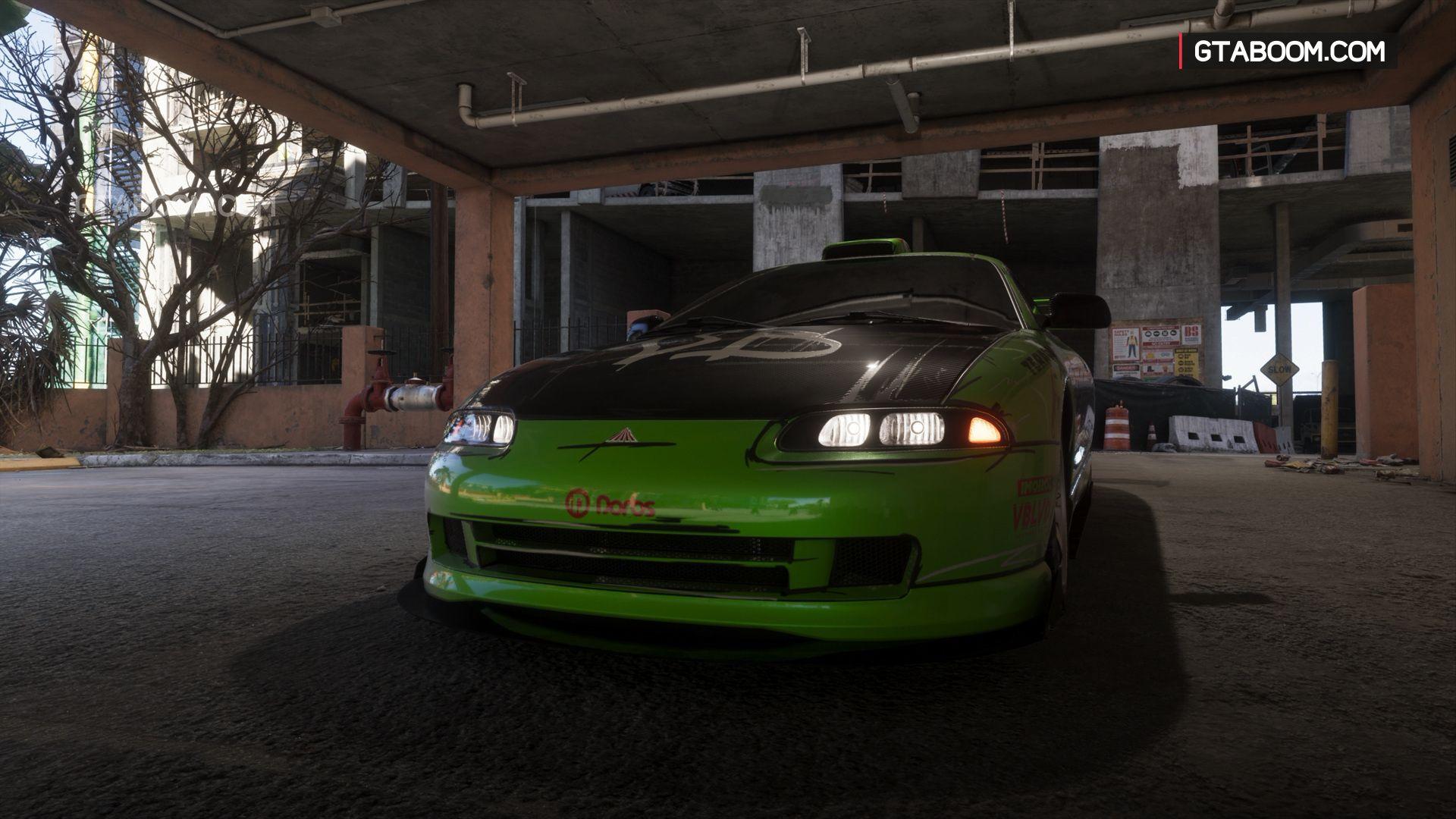
Press Square on PlayStation or X on Xbox to swing the driver’s door open without getting out.
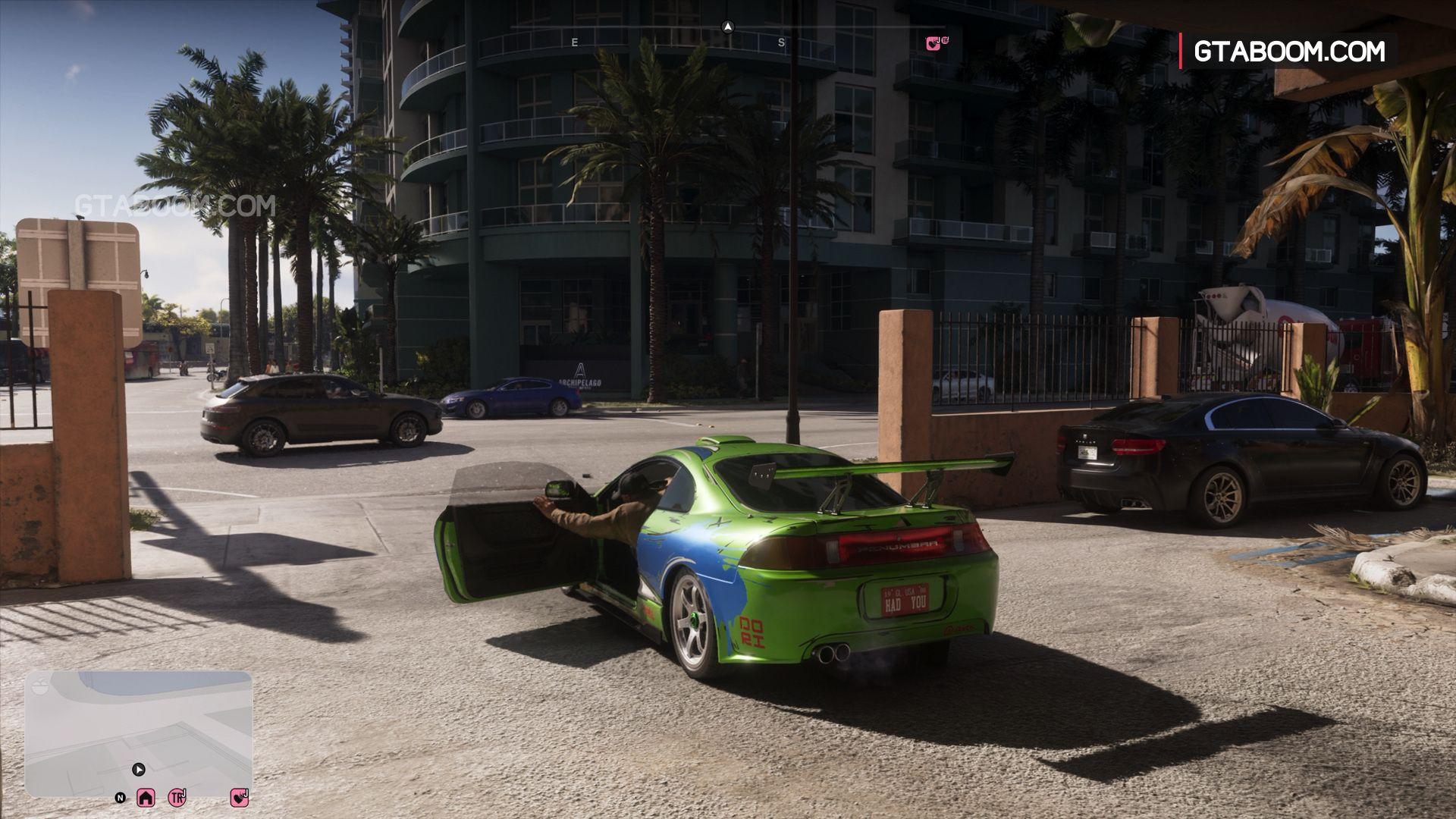
Zoom image: Jason sits in the green Penumbra FF with the driver’s door open. Jason stays in the driver’s seat with the door open. Go straight to WAiNK on foot Hold up on the D-pad while on foot to open WAiNK directly. A quick press brings out the phone instead. Use the shortcut when you want to check a vehicle with WAiNK without picking the app first.
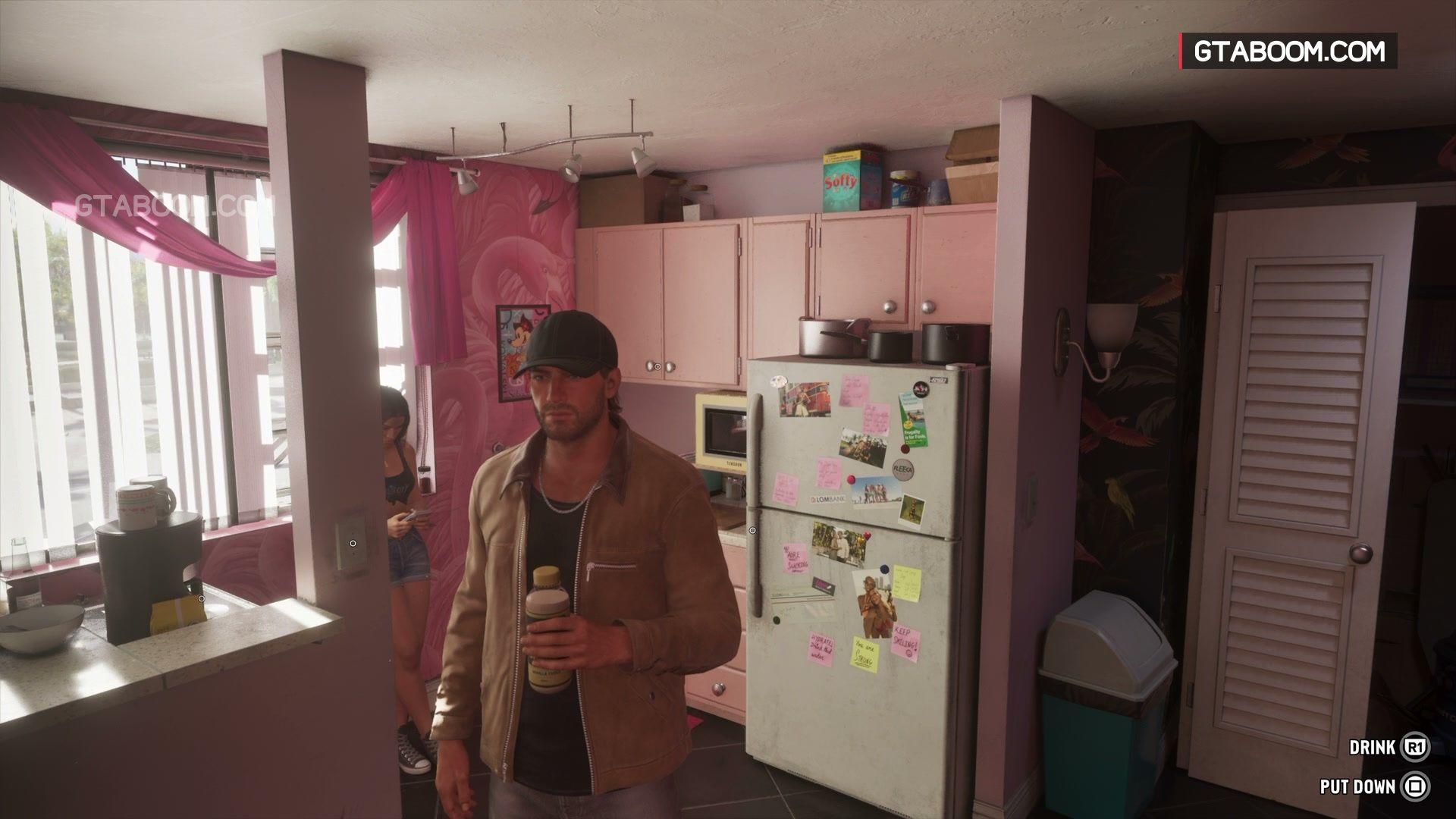
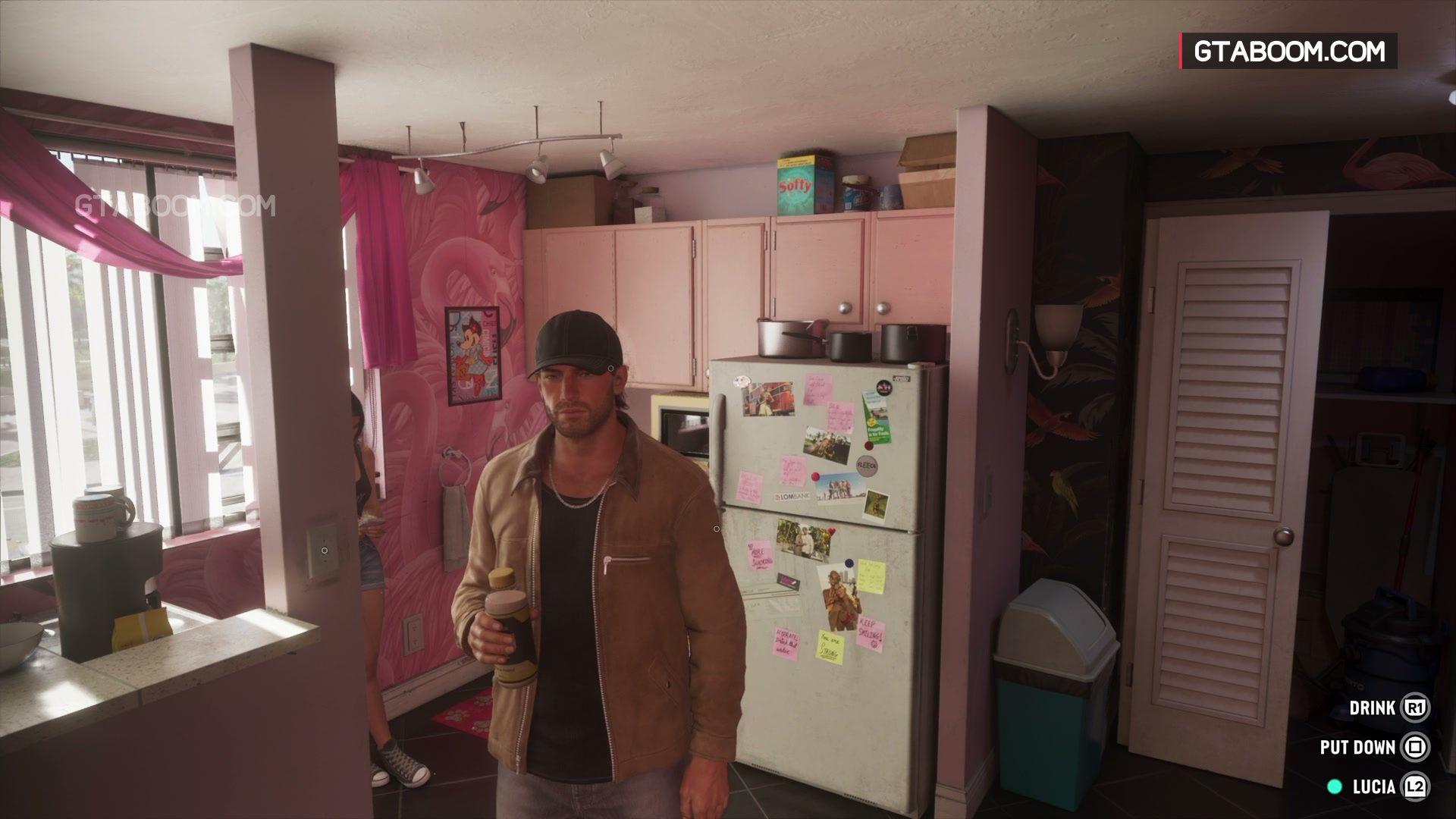
Swap your drink to your other hand
If you’re already holding a drink, leave your other hand empty and press left on the D-pad to swap hands. You don’t have to put the drink down and pick it up again.