Everything happening in Vice City · Sign up & join the community

Back
Official NewsNov 22, 2026 2 min read

How to Complete Dealer's Choice in GTA 6
By GTA6HAVEN · Source: GTA BOOM
SharePost on X
How to Complete Dealer's Choice in GTA 6

Dealer's Choice is how Jason pays back the favor Boobie Ike did for him at the start of Chapter 3. Tyrone gives you a choice between Cut and Pure product. Take Pure if you want the quieter exchange. If you take Cut and refuse the discount, be ready for a shootout and a police chase.

Meet Dre'Quan at the studio

Go back to the Jack of Hearts. Take the stairs and go through the door at the top to reach the recording booth. You can wait for Dre'Quan to finish and pick whichever hook you prefer, or hold L2 on PlayStation or LT on Xbox to focus on him and ask if he'll be long. That ends the session early.

Follow him up to Boobie, then take Dre'Quan's car to the pickup. Follow him to the second-floor apartment and speak to Tyrone. You can interrupt the conversation if you don't want to wait for it to finish.
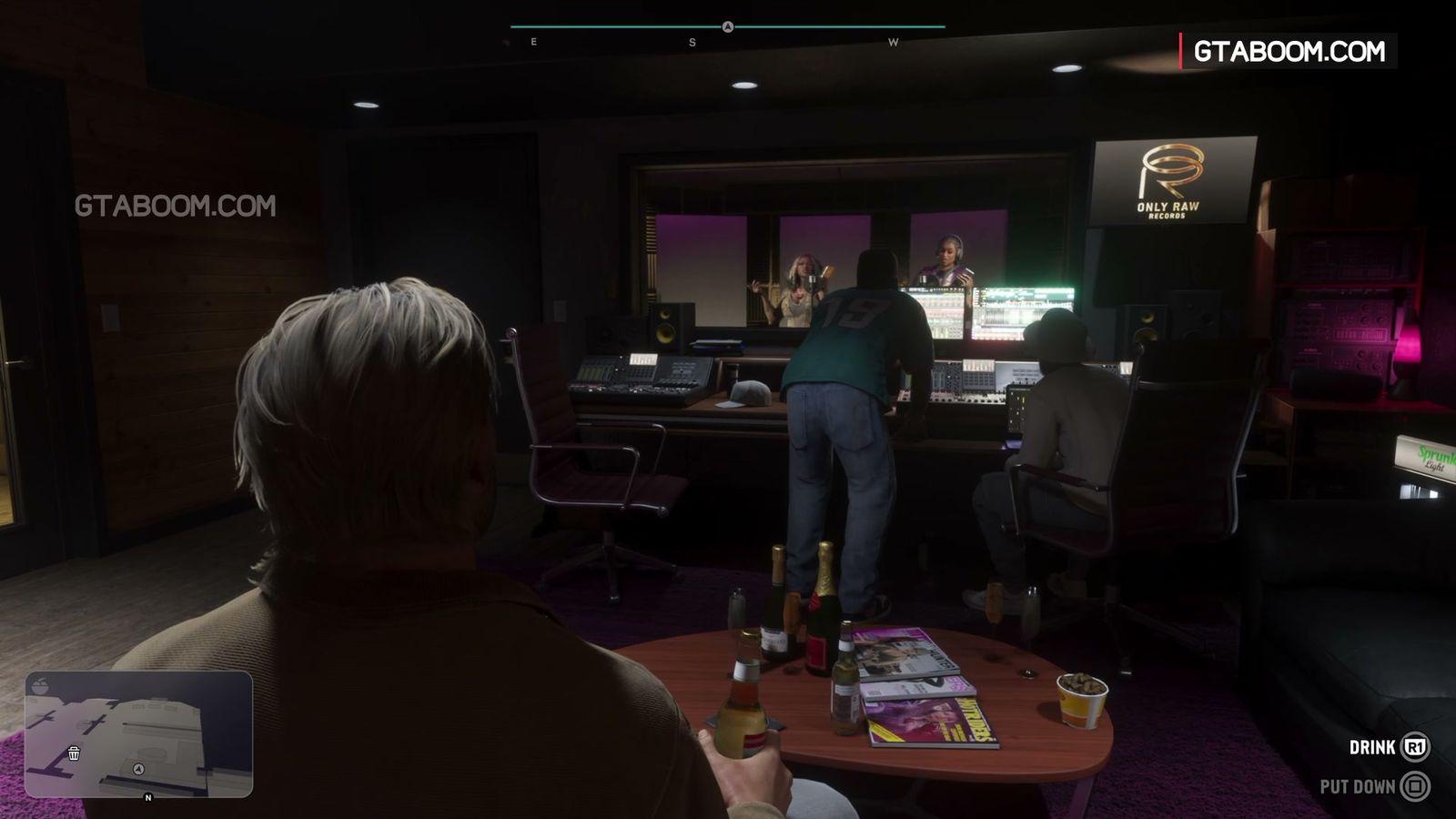
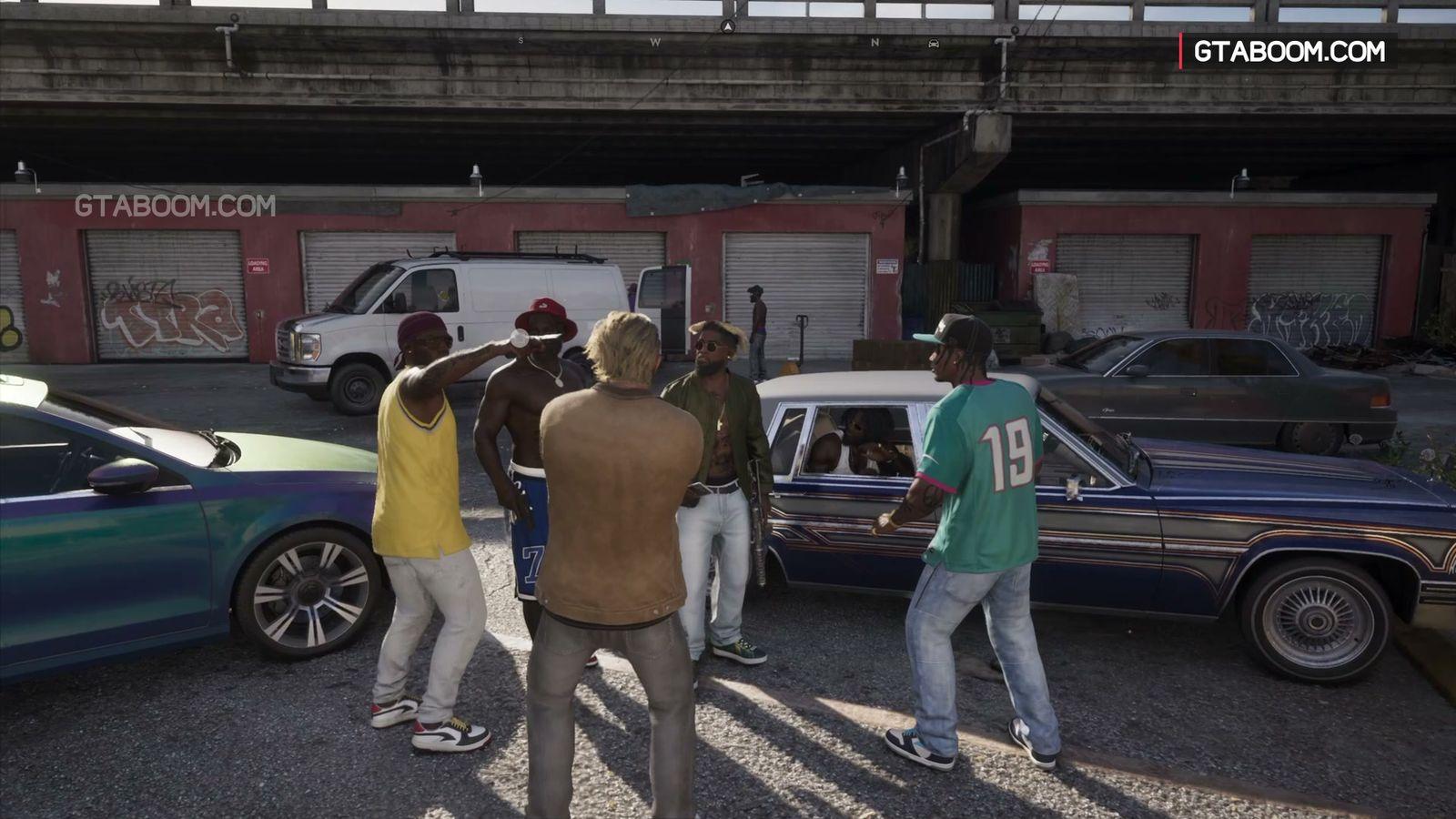
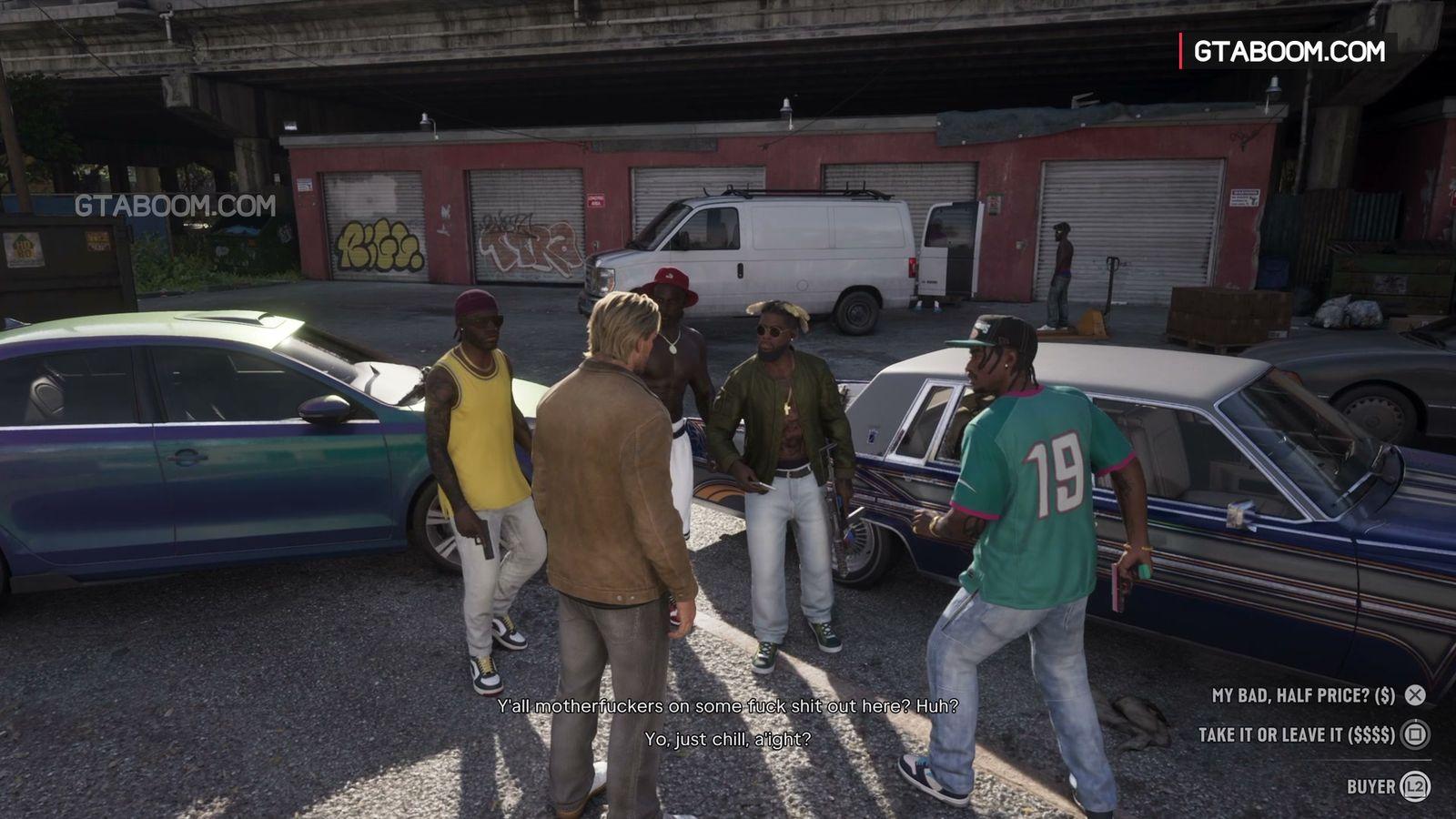
Zoom image: Find Dre'Quan in the recording booth upstairs in the Jack of Hearts. Find Dre'Quan in the recording booth upstairs in the Jack of Hearts. Choose Cut or Pure and finish the exchange On the way to the deal, Dre'Quan takes you through the park where you pass a football to the kids. From there, head to the cars near the Jack of Hearts and hand over the bag when prompted.

Pure: Let the buyer test it, then take the backpack. A peaceful exchange can earn the Professional bonus. On the way back, a man claiming the bag is his attacks regardless of what you say. Knock him down and get in the car.

Cut: The buyers notice. Choose My Bad, Half Price? to offer a discount; the buyers can hand back both the bag and the cash. Choose Take It or Leave It to hold out for the original price. That started a gunfight in our run. If you run into trouble, get back to the car and lose the cops before driving to Southside.

Drive Dre'Quan toward the shop in Southside. The final scene takes over on the way, with Cal trying the hard drive and suggesting one of Brian's contacts might be able to help. Cut and Pure change the encounter, not the GTA$1,500 mission payout.

Find the rest of the Chapter 3 walkthroughs.
Read the original source

Related stories

‘We built an entirely new system for this game to capture dialogue dynamic range and model how it propagates through space’ — GTA 6 dev explains the intricacies of Leonida’s sound design that creates a ‘sense of deep immersion’

‘We built an entirely new system for this game to capture dialogue dynamic range and model how it propagates through space’ — GTA 6 dev explains the intricacies of Leonida’s sound design that creates a ‘sense of deep immersion’

As part of a series of developer notes sent to TechRadar Gaming, where Rockstar also shared its process for designing GTA 6 's many non-player characters (NPCs) and discussed its ambitious mission design, Vice President of Audio Alastair MacGregor said the team focused much of its efforts on capturing realistic sound t

Nov 26, 2026 2 min
Official News
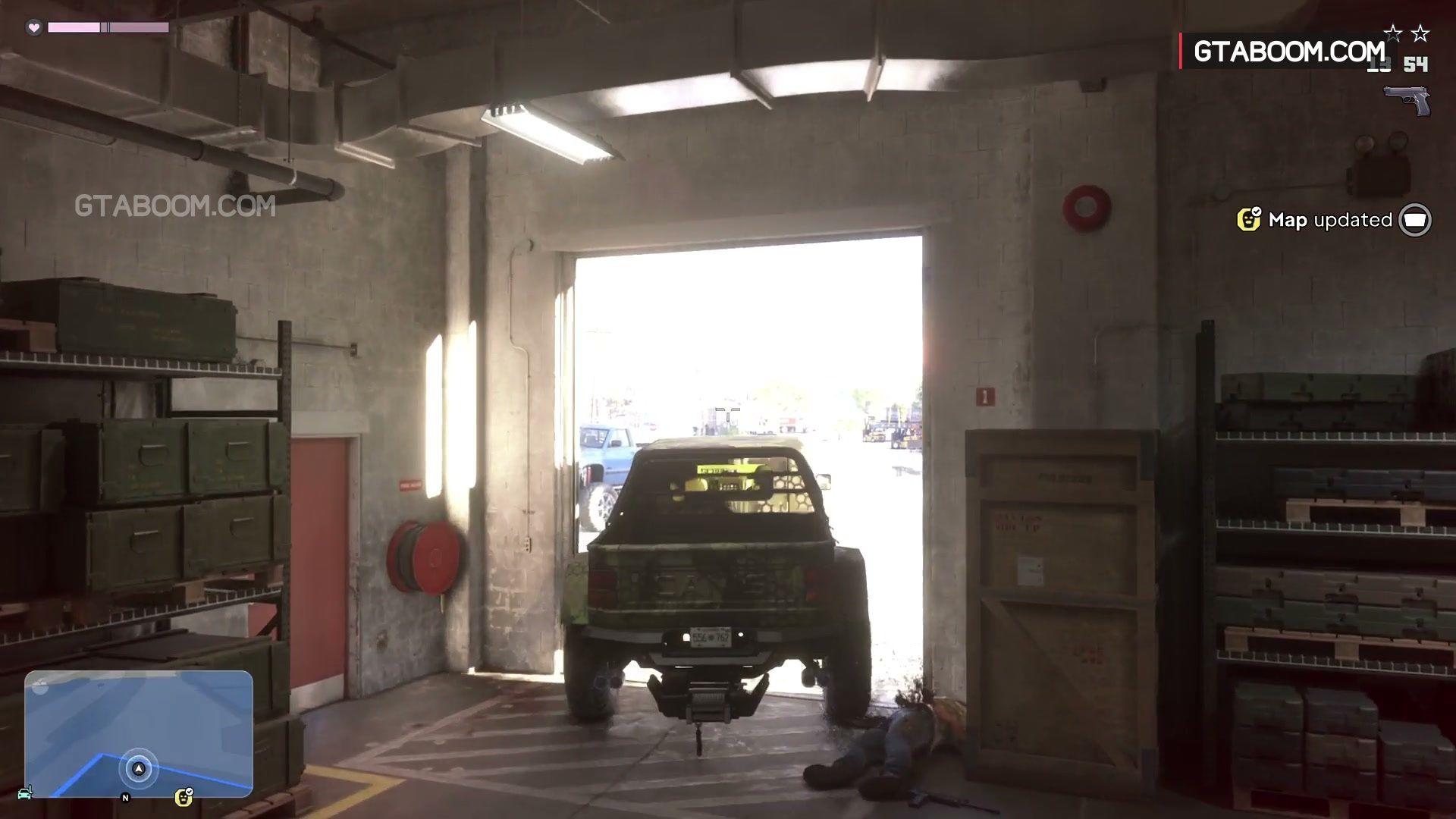
GTA 6 Leonida Carrier Warehouse: Safe Code, GRX-556 and Gunrunner Camacho

GTA 6 Leonida Carrier Warehouse: Safe Code, GRX-556 and Gunrunner Camacho

Leonida Carrier Warehouse has four key valuables: a luxury watch, safe cash, a scoped GRX-556 and a Gunrunner Camacho. The rear ladder gets you past the front gate and into the offices. Collect the three indoor valuables before opening the garage for the truck. Take the rear ladder past the front guards Follow the ra

Nov 25, 2026 2 min
Official News
This Website Lets You Play GTA 6 For Free, With One Big Catch

This Website Lets You Play GTA 6 For Free, With One Big Catch

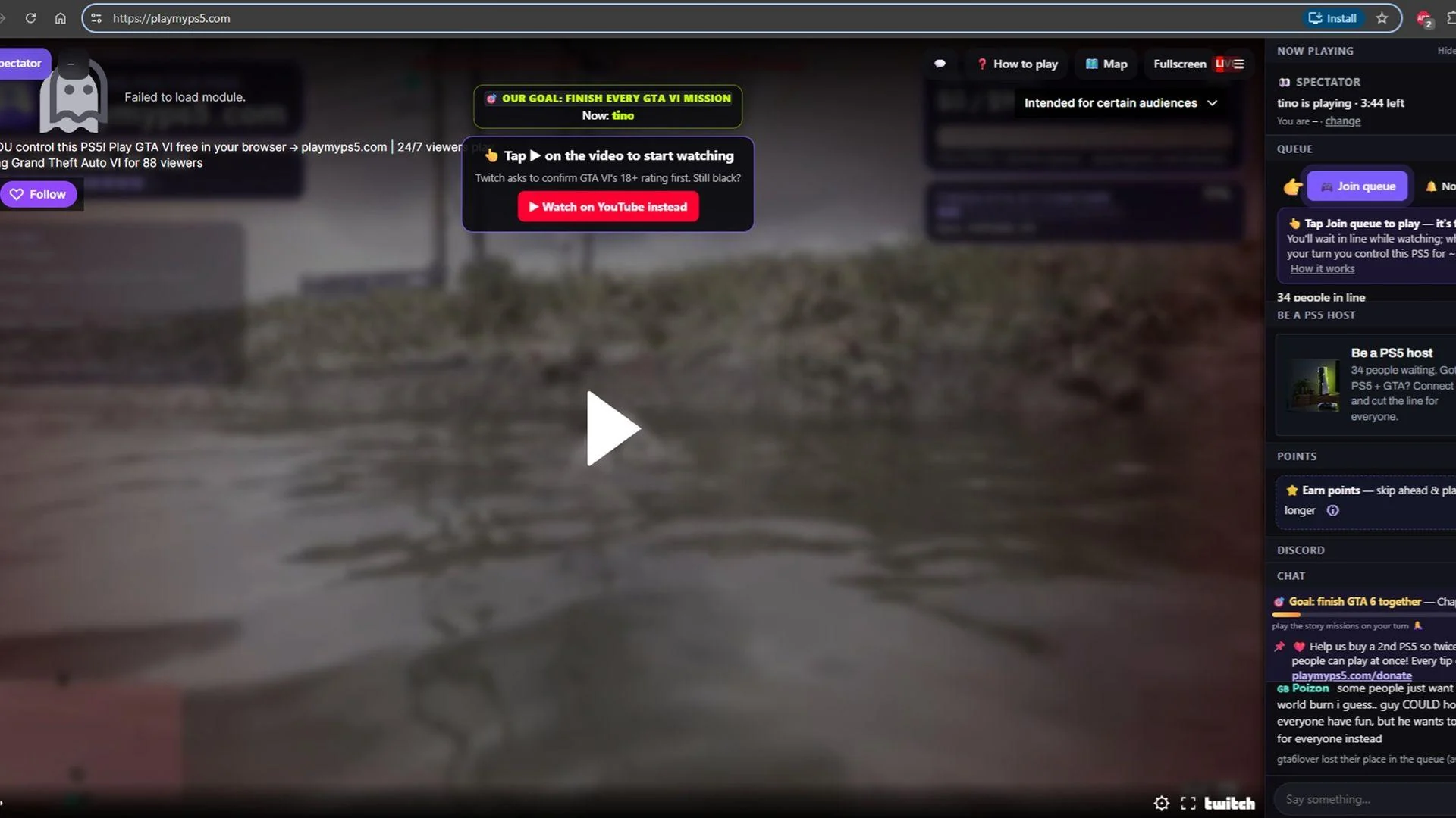
Grand Theft Auto VI is playable without buying a console or a copy, if you're willing to wait your turn. A website called PlayMyPS5 streams one real PS5 running GTA 6 to anyone and hands out the controller in a public queue. You take a free five-minute turn, everyone else watches live and chats, then the controller pas

Nov 25, 2026 2 min
Official News

    Cookies

    We use cookies to keep you signed in and, with your permission, to measure traffic and show ads.

    Change this any time with the “Cookie settings” link in the footer.