Where Do Photo Studio Pictures Get Saved in GTA 6?
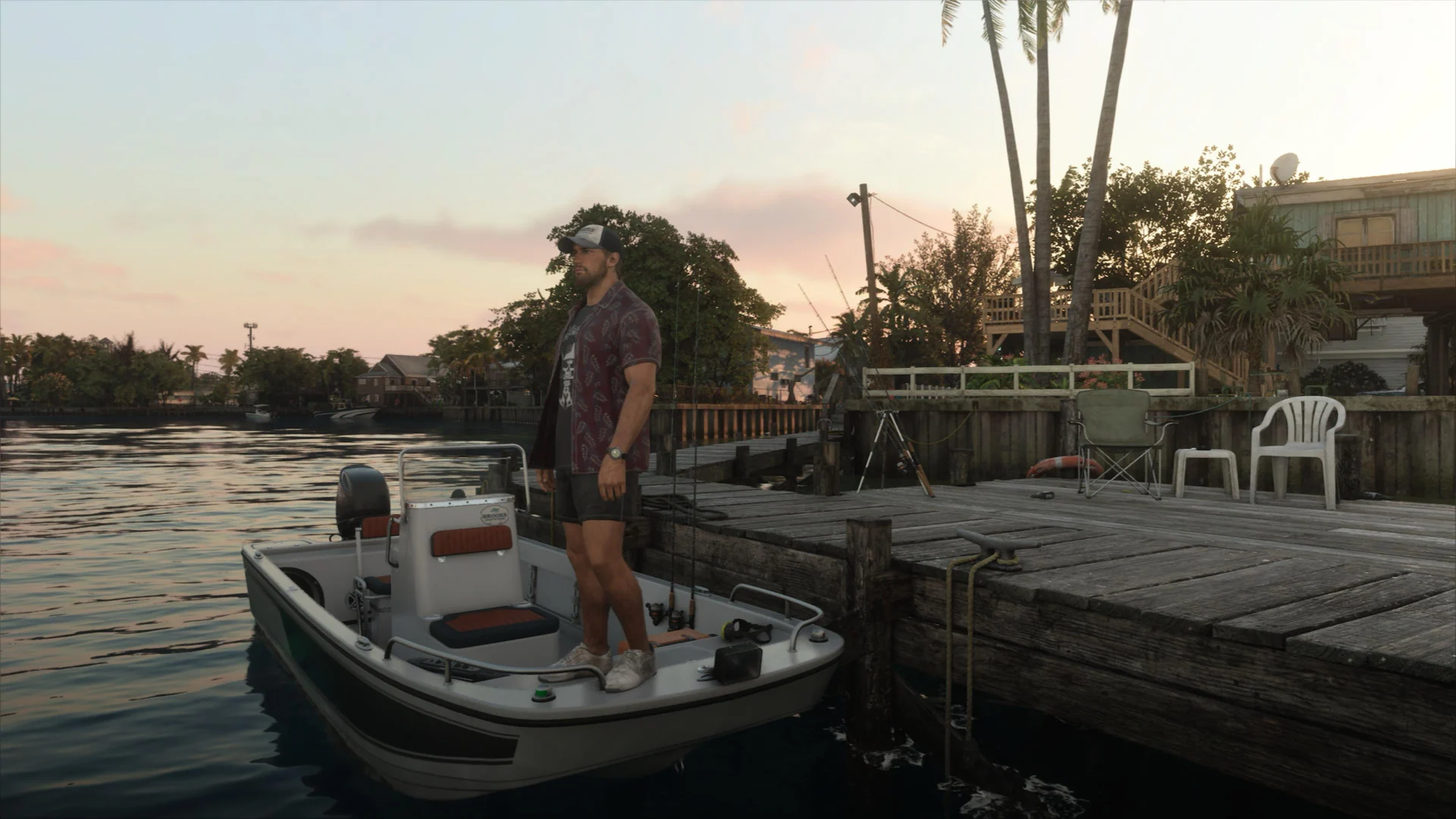
GTA 6 has a ton of things to do within the game itself to keep you occupied for many hundreds of hours. For the extra artsy out there, and like many other games, GTA 6 offers a photo mode.
Here, it’s actually called Photo Studio, though it’s about the same as any other video game photo mode you’ve ever used.
However, despite how familiar you already may be with in-game photo modes, you may still be confused about where your saved images are actually ending up. Here’s how to locate your Photo Studio saved images in GTA 6.
You can purchase Grand Theft Auto 6 here if you still need a copy yourself.
Using Photo Studio in GTA 6
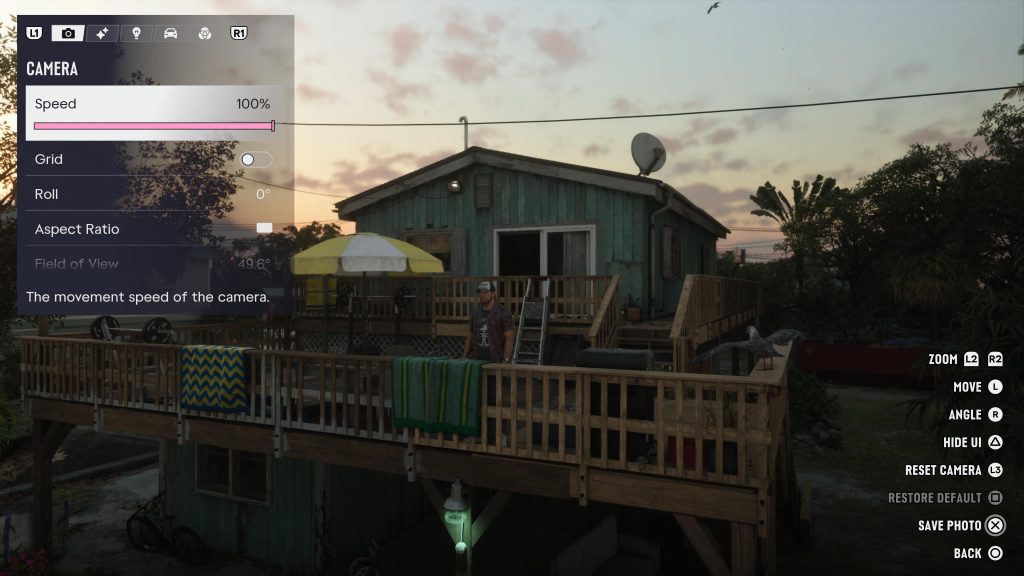
From the main pause menu in GTA 6, you can either toggle down to the Photo Studio prompt to open the game’s photo mode, or simply press Square on PS5/X on XBOX to access it.
From here, you can fully customize your own pictures, including using many different filters and settings to get everything looking exactly how you want it. You can then hold the confirm button on your controller to save the image.